



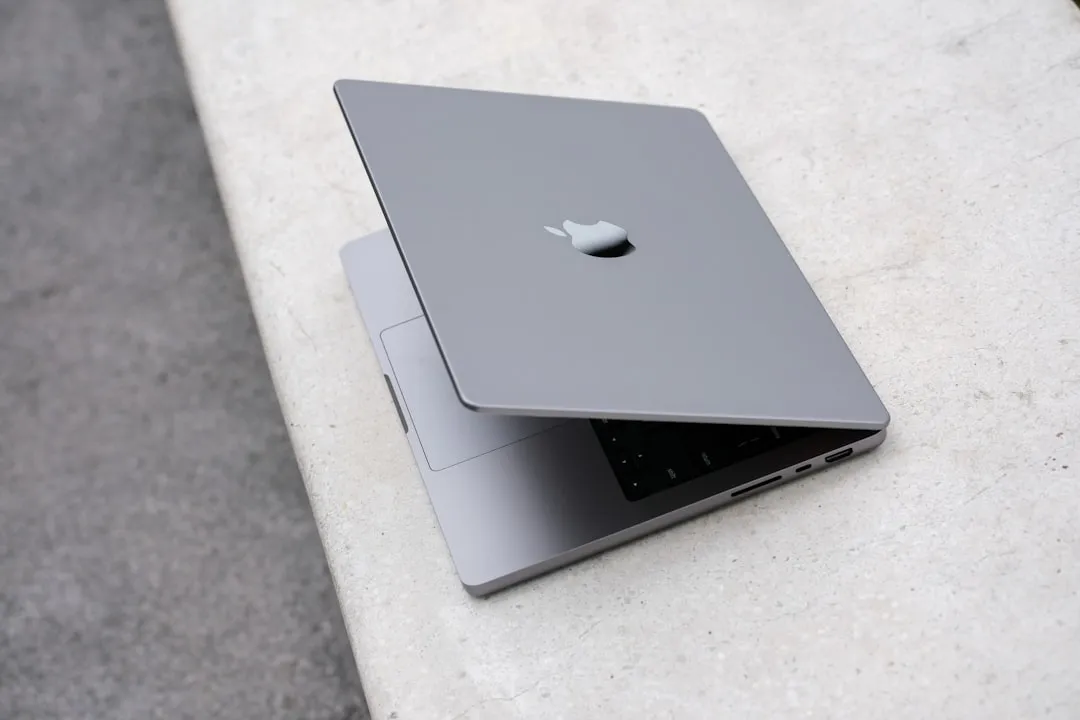
If you've been browsing Apple's support pages lately, you might have stumbled across something that made your heart skip a beat: certain regions show Apple Intelligence requiring an M2 Mac or later. Take a breath. Your trusty M1 MacBook is not being cut off. This looks like a documentation hiccup, not a platform shift, according to multiple Apple Support pages. Compatibility starts with M1, not M2, as confirmed by Apple's main support documentation. And that matters for your expectations around updates, longevity, and whether you need to budget for a new machine as Apple Intelligence features continue rolling out.
What's really required for Apple Intelligence on Mac
Here is the clean version. Apple Intelligence runs on Macs with M1 chips or newer, as stated in Apple's comprehensive support documentation. So yes, a 2020 MacBook Air with M1 gets the core experience. Newer chips like M3 or M4 can finish heavy tasks faster, but the feature set is the same.
You also need macOS Sequoia 15.1 or later, according to Apple's official specifications. Plan for roughly 7 GB of storage for the on-device models to download, as noted in Apple's technical requirements. Clear a little space first so you are not scrambling mid-setup.
All of this works because Apple built these features to use the Neural Engine that ships with every Apple Silicon chip. The M1 includes a 16-core Neural Engine capable of 11 trillion operations per second, plenty for on-device Apple Intelligence. Upgrades mostly buy you speed and efficiency, not access.
Why some Apple pages show M2 requirements
Some international support pages list M2 as the minimum, as seen across multiple international Apple Support sites. The primary US documentation points to M1, which makes this look like a localization slip, not a regional policy change.
Global documentation is a maze of languages, timelines, and handoffs. In the shuffle, a spec line can get copied from the wrong place or bumped a generation. From what I can tell, this is that kind of mix-up. Apple has had similar inconsistencies before and they usually get corrected once teams sync up.
Getting Apple Intelligence running on your M1 Mac
Setup is simple once you know you are eligible. Update to the latest software, then head to System Settings > Apple Intelligence & Siri to turn it on, as outlined in Apple's setup guide. You will walk through language and privacy prompts so you know what runs on device.
After activation, the models download in the background, according to Apple's installation process. Depending on your internet speed, it could be quick or it could take a while. Expect a staggered rollout on your machine, with basic tools appearing first and advanced ones following.
For a smooth ride, keep your Mac on Wi‑Fi and power during the download, as suggested in their optimization tips. Think of it like a big macOS update. No surprises, no interruptions, no drama.
What this means for your Mac upgrade plans
You do not need a new Mac to use Apple's AI features. M1 owners get the full suite, including Writing Tools, Clean Up in Photos, enhanced Siri, and creative toys like Genmoji and Image Playground, as confirmed by Apple's feature documentation. Newer chips shave time off heavy lifts, especially image or language tasks, but the capabilities line up.
That support gives M1 machines a longer runway. Features that once felt sci-fi, like tidying up photos or chatting contextually with Siri, now run locally on a chip from 2020. Chalk it up to smart silicon design.
And the M2 confusion might even create a buyer's market. If some folks assume M1 is out, deals on MacBooks, iMacs, and Mac minis could stick around while those machines keep pace with Apple Intelligence for years.
Bottom line: Your M1 Mac is still cutting-edge
Ignore the noisy pages. Apple Intelligence works on M1 and newer, full stop, as established by Apple's official compatibility guidelines. The features were built for the Neural Engine that shipped with M1, so your Mac can run serious on-device models with confidence.
It is also encouraging to see Apple keep first‑gen Apple Silicon in the tent. The company could have limited features to newer chips to juice hardware sales. Instead, it leaned on what M1 could already do, which says a lot about the original design and Apple's support horizon.
If it were my money, I would not rush to upgrade. The docs will get cleaned up, the features will keep arriving, and your M1 Mac has plenty of AI runway left. Solid hardware, broad software support, performance that holds up. That is the story.










Comments
Be the first, drop a comment!