




Apple's website blunder about M1 Mac compatibility with Apple Intelligence was not just a copy-paste slip. It hit a nerve many Mac owners have felt for months. That sinking moment when you realize your pricey hardware cannot use the shiny new features everyone is hyping? That was the vibe. The mistake exposed deeper communication and compatibility problems that were already irritating users.
What made it sting was timing and tone. Apple was already wading through lukewarm reactions to Apple Intelligence, with expectations for Apple Intelligence driving iPhone upgrades proving too optimistic. Right when people were trying to confirm whether their expensive M1 machines would run the features teased back in June, the website confused the issue. The reality turned out to be more complicated than the broad strokes of Apple's marketing.
The mess runs deeper than one bad web page. It spotlights the tangle of AI hardware requirements and the communication gaps that crop up when Apple has to make new features work across a sprawling lineup with different capabilities.
The M1 compatibility confusion that caught users off guard
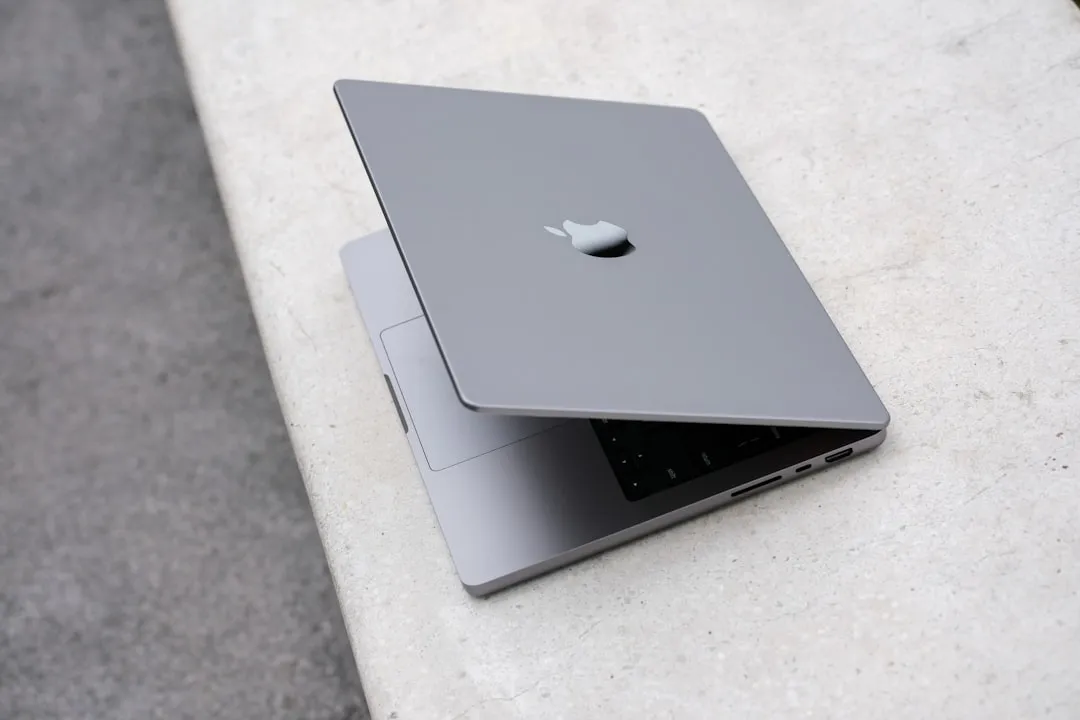
Here is where it gets messy. Not every M1 Mac is equal for Apple Intelligence, even if the branding suggests otherwise. The frustration comes from requirements that were not clearly explained. Users discovered, the hard way, that M1 Pro variants specifically do not support Apple Intelligence features. That shocked owners who bought premium machines.
Picture it. You buy a MacBook Pro with an M1 Pro, top-tier silicon at the time. Apple rolls out a big AI push. You assume you are covered. Then you try Writing Tools, Image Playground, or Genmoji, and clicking on the Apple Intelligence icon does nothing. No error, no prompt, just silence.
Yes, Apple Intelligence runs on iPads with M-series chips and Macs with M-series processors. Even so, some M1 configurations fall outside that umbrella. People who updated to macOS 15.1, expecting full support, hit new system errors that had not appeared before.
This is not only about raw power. Apple Intelligence seems to lean on specific configurations, memory setups, or neural processing capabilities that differ across M-series chips, even within the same generation. Those constraints shape the experience and drive the exact confusion the website mistake surfaced.
Why Apple Intelligence setup has been problematic
Even on supposedly compatible hardware, getting Apple Intelligence running tested patience. Setup issues stacked on top of compatibility confusion and turned the rollout into a chore. Some systems stayed stuck on a vague Preparing status for over a day after updating, sitting there for more than 24 hours despite restarts.
The inconsistency was maddening. Some M1 MacBook Pro units were up and running within minutes. Others stayed frozen in preparation limbo. Forum posts turned into help threads, with users swapping fixes like switching language to English UK or Singapore, then back to American English. If flipping a language toggle can kick things into gear, that smells like software configuration trouble, not a chipset gap.
In the worst cases, people wiped their Macs and reinstalled macOS just to activate Apple Intelligence. A nuclear option for what should be a simple toggle. Those loops, where devices kept prompting downloads that already showed as installed, point to deeper infrastructure problems beyond basic compatibility.
The features are heavy. Apple Intelligence needs about 5GB on macOS and 3GB on iPhone or iPad. Still, that does not excuse the rocky activation experience.
The broader Apple Intelligence reception challenges
All of this fed the lukewarm reception. If the setup is messy and your premium hardware cannot access what was advertised, enthusiasm fades fast. Analysts have said as much, noting that Apple Intelligence features introduced with iOS 18 are not pushing users to upgrade.
The timing did not help. Excitement peaked in June, then cooled before the October launch, and the appeal fell off during that gap. By the time people could try the tools, they were meeting friction instead of delight.
What landed was a grab bag of AI-powered utilities: Writing Tools for proofreading, Image Playground for generated art, Genmoji for custom emoji, and notification summaries. Handy, yes. Transformative, not quite, especially when the setup got in the way.
Apple seems to see the writing on the wall. Reports say the company acknowledges Apple Intelligence's underwhelming performance and has given suppliers conservative forecasts. Then key Siri features slid into the following year, which did not help sentiment and may weigh on iPhone 16 and iPhone 17 sales.
What this means for Apple's AI strategy moving forward
The website slip and the confusion around compatibility expose hard problems in Apple's AI rollout. The company is trying to balance advanced feature demands with expectations about how long devices should feel modern. Fragmented support and uneven messaging created the very confusion that the web page made obvious.
The rollout is staggered. Apple Intelligence is arriving in iOS 18.1, iPadOS 18.1, and macOS Sequoia 15.1, but what you get depends on your hardware. That split has caused more than technical hiccups; it has created a communications problem.
Then came infrastructure snags. Backend issues blocked access to core features even on supported devices, proof that checking the compatibility box does not guarantee a smooth ride.
If Apple wants broad trust here, it needs clearer, earlier messaging about limits. The website error got fixed quickly. The underlying confusion, who gets what on which device, has not gone away.
The path ahead for Apple Intelligence and M1 users
That mistaken website note about M1 Mac support spotlighted the gap between expectation and reality in Apple's AI push. Not a blip, a warning sign. It touched everything from hardware segmentation to day one setup.
Yes, Apple has made Apple Intelligence available on select devices with M-series chips. Yet the exclusion of some M1 variants left owners of pricey machines frustrated and unsure. Combine that with setup headaches and a muted market response, and Apple has real work to do to make AI feel like a reason to upgrade.
Bottom line for M1 Mac owners, especially those with M1 Pro models: not all Apple silicon is equal for AI. As Apple refines its approach, it needs to balance technical requirements with honest, plain-language guidance about capabilities. The website glitch was temporary. The communication and rollout challenges it exposed will shape how people see Apple Intelligence and how they judge their device purchases for a long while.







Comments
Be the first, drop a comment!