





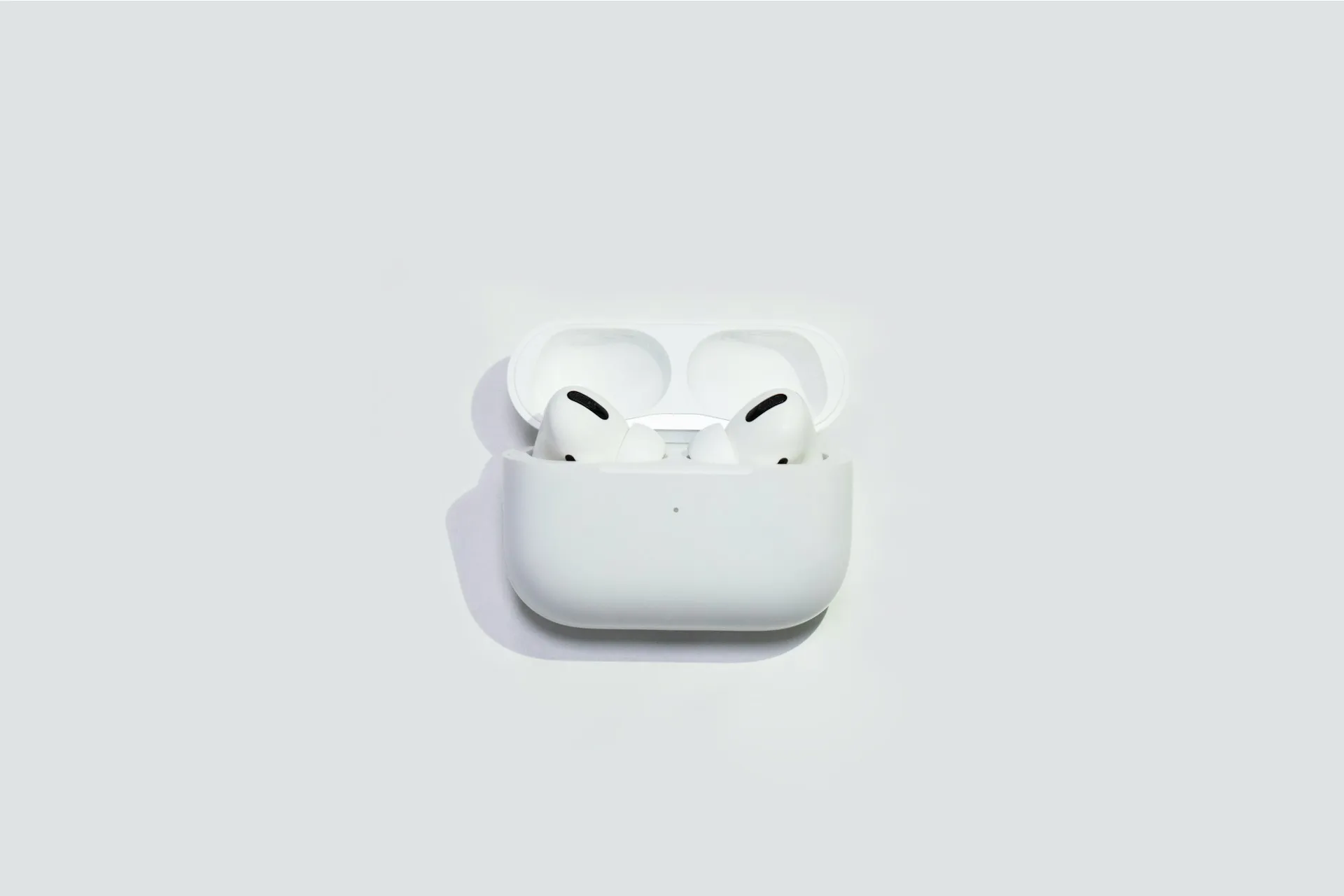
Strava updated its iPhone app today to enable AirPods Pro 3 support, reading heart rate data from the earbuds directly into recorded workouts. The update requires iOS 18 and AirPods Pro 3, works on iPhone with or without an Apple Watch, and is rolling out now.
AirPods Pro 3 are the first AirPods with built-in heart rate sensing. That was a hardware capability without much platform support until now. "When you wear AirPods Pro 3 during a workout, Strava can stream your heart rate live to Mobile Record straight from your ears," the company says. For iPhone users who train with AirPods Pro 3 but don't own a Watch, the sensor they've been carrying for months just became functional inside a platform they were already using.
Who benefits, and how much, depends on your setup
The clearest beneficiary is the iPhone user who works out with AirPods Pro 3 but skips the Apple Watch. Getting heart rate data inside Apple's ecosystem previously required a Watch. AirPods Pro 3 removes that barrier for the duration of a recorded workout, and Strava now converts that sensor into a logged metric.
Heart rate flows live to the recording screen and saves to the Health app when the session ends. The earbuds already go to the gym, the track, and the bike with many users. The relevant comparison for that user isn't AirPods Pro 3 versus Apple Watch. It's heart rate data versus none at all.
Apple Watch owners get something more incremental but genuine. Wearing both devices gives the system three heart rate streams: left AirPod, right AirPod, and wrist, and Apple's software continuously evaluates signal quality from each, selecting whichever source has been most accurate over the preceding five minutes, Wareable reported.
The system switches between ear and wrist mid-workout without any input from the user. That matters most during exercises like bench presses or kettlebell swings, where wrist flexion can challenge optical sensors on the Watch. "No extra setup, no extra gear, just press record," Strava says.
For athletes training by precise heart rate zones, the picture is less settled. Independent validation remains limited, though several reviewers have compared the readings against chest straps with promising early results. Whether the sensor holds up for structured interval work is a question the available reporting doesn't answer.
How Strava workout tracking with AirPods Pro 3 works
Strava first surfaced "Heart Rate via AirPods" as part of a broader product push that included muscle maps, new sport types, and expanded training tools in March. Today's rollout makes that capability available to iPhone users on iOS 18.
The mechanics are straightforward. With AirPods Pro 3 in-ear and connected to an iPhone, Strava reads heart rate in real time through Apple Health and displays it live on the recording screen. One hard limit: the reading only appears once an active recording is underway, not before you start, Strava's support documentation confirms. That's not a bug; it's how the feature is scoped.
Calorie estimates draw on more than heart rate alone. Apple says AirPods Pro 3 combine ear-based readings with motion sensor data, then calibrate against personal details stored in the Health app: height, weight, age, and biological sex. Stale Health profile data degrades those outputs quietly. To check or update: Health > Profile Picture > Health Details > Edit.
Sensor reliability also depends on fit. In-ear heart rate sensing requires stable contact between the earbud and ear canal; a loose, dirty, or shifting AirPod can produce noisy readings during high-intensity movement. Running the Ear Tip Fit Test (Settings > AirPods > Ear Tip Fit Test) before workouts is worth doing once and revisiting periodically.
What you need:
AirPods Pro 3, connected to an iPhone running iOS 18 or later
Strava iPhone app (free on the App Store)
At least one AirPod is worn and in-ear during active recording
Health app profile current with accurate personal details, for reliable calorie estimates
What AirPods Pro 3 don't do, and why that boundary matters
AirPods Pro 3 are a workout sensor, not a smartwatch. They won't close Activity rings, track standing behavior, or monitor movement across the full day. The feature is scoped entirely to active, recorded sessions. "Standalone" in Strava's framing means standalone relative to Apple Watch, not self-contained: iPhone remains required for recording, route tracking, and the live display.
Apple's own support materials frame the distinction plainly: AirPods Pro 3 serve as a heart rate source during workouts, while Apple Watch remains the broader fitness device. The earbuds are still primarily an audio device. What changes is that they now double as a workout sensor during recorded sessions, giving heart rate access to the slice of iPhone users who own AirPods Pro 3 but not a Watch.
The same Strava update added support for logging physical therapy exercises, letting users track PT session frequency and cumulative weekly time. "Keep the streak alive with your PT exercises, see how often you're doing your calf raises, and how much total time you spend doing Physical Therapy each week and month," Strava said. A modest addition, but consistent with the same direction: Strava expanding toward recovery and general training, not just endurance sports.
What changes for iPhone users going forward
For Watch-free users, the practical shift is simple: Strava now logs heart rate data from AirPods Pro 3 into recorded workouts and saves it to the Health app, using hardware many of those users already own. General fitness tracking now covers a metric it previously couldn't reach without an additional device.
For Watch owners, the combined sensor arbitration delivers more reliable data across more exercise types, particularly strength work, where wrist-based readings can drop off. Apple's support for this spans over 50 workout types through the Fitness app, and Strava draws from the same data stream. Neither scenario requires any configuration beyond confirming your Health profile is accurate and your AirPods fit correctly.
For precision training intervals, zone-specific sessions, and race preparation, hold judgment. The hardware works, but independent accuracy data against a chest strap doesn't yet exist. This is a capable tool for everyday fitness tracking, not a substitute for validated precision hardware. Strava and Apple making the feature easy to use doesn't settle what it hasn't yet been tested for.















Comments
Be the first, drop a comment!