



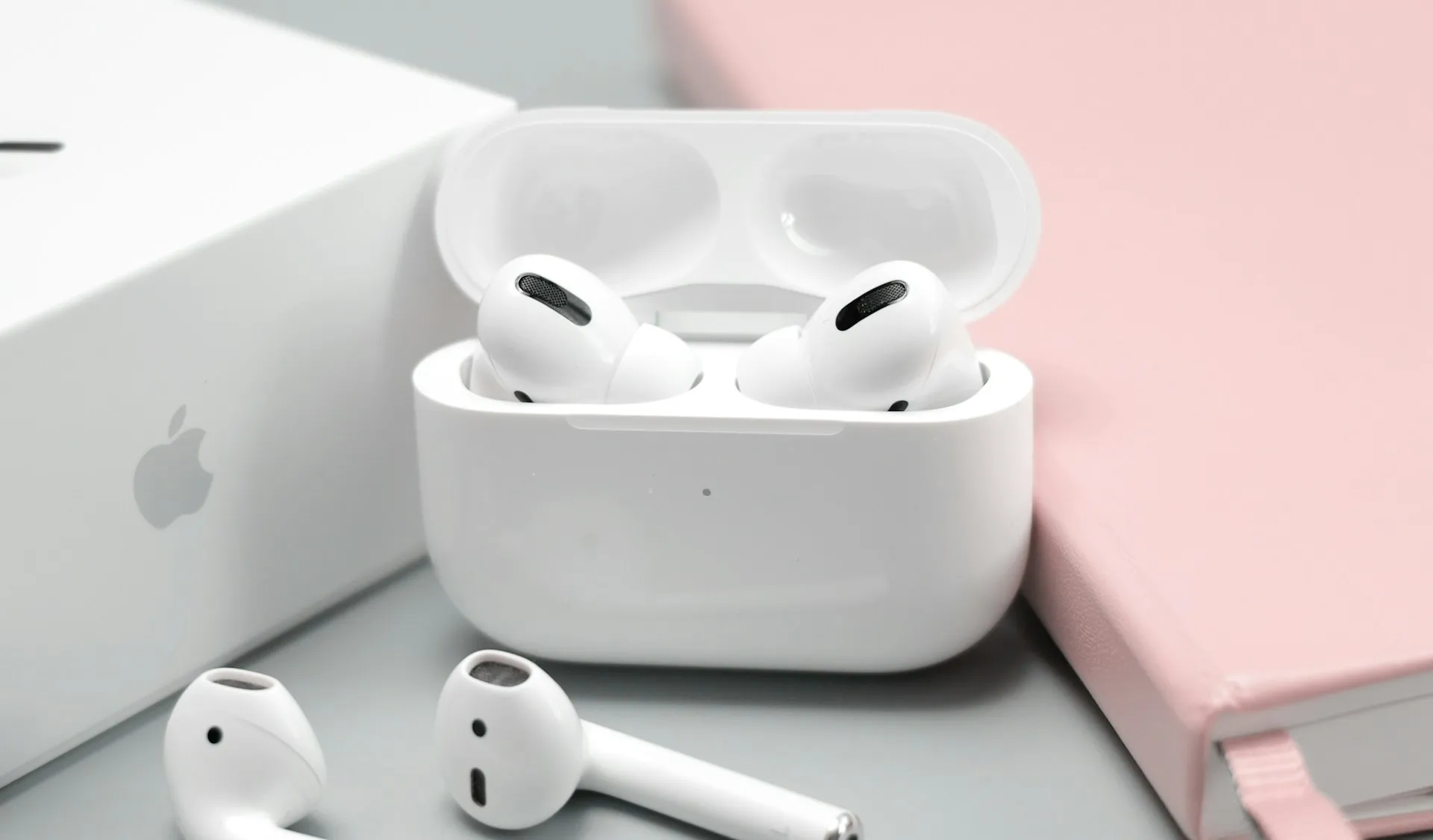
The next time you pop in your AirPods for a long listening session, there's a simple guideline audiologists want you to know: the 60/60 rule. It's not complicated—listen at no more than 60% volume for no more than 60 minutes at a time—but it's one of those recommendations that can make a real difference in protecting your hearing over the long haul. With in-ear headphones becoming our constant companions for work calls, music, podcasts, and everything in between, understanding how to use them safely is essential.
Apple's ecosystem has grown to include millions of AirPods users, and while these devices deliver impressive audio quality and seamless integration, they also sit closer to your eardrums than traditional headphones ever did. That proximity means sound pressure levels can climb quickly, and prolonged exposure at high volumes carries real risks.
The 60/60 rule offers a practical starting point, but there's more to the story—especially when you consider the hearing health features Apple has built into iOS, the science behind safe listening levels, and the potential consequences of ignoring these guidelines. This isn't about fear-mongering or suggesting you ditch your favorite earbuds. It is about understanding the facts, leveraging the tools already in your pocket, and making informed choices that let you enjoy your audio without compromising your hearing health down the road.
What the 60/60 rule actually means (and why it matters)
The 60/60 rule is straightforward: keep your volume at or below 60% of maximum, and limit continuous listening to 60-minute intervals before taking a break. Audiologists recommend this guideline because it balances enjoyment with protection, giving your ears time to recover from sound exposure. When you exceed these thresholds—cranking the volume higher or listening for hours on end—you increase the risk of noise-induced hearing loss (NIHL), a condition that's permanent and often preventable.
Understanding noise-induced hearing loss
NIHL develops when the delicate hair cells in your inner ear become damaged from excessive sound pressure. Unlike other cells in your body, these don't regenerate. Once they're gone, they're gone. In-ear headphones like AirPods deliver sound directly into the ear canal, which means even moderate volume levels can translate to higher decibel exposure than you might expect. The 60/60 rule helps keep you in a safer range, reducing cumulative exposure over time.
Here's what makes this particularly insidious: you might not notice any changes at first, but over years, that accumulated exposure adds up. At the cellular level, those hair cells begin to weaken and die off one by one, gradually reducing your ability to hear certain frequencies—often starting with higher pitches. By the time most people realize there's a problem, significant damage has already occurred.
The reality of tinnitus
Beyond hearing loss, there's also the risk of tinnitus—a persistent ringing or buzzing in the ears that can follow prolonged high-volume listening. Research shows that tinnitus affects approximately 15-20% of people, with severity varying widely. For some, it's mild and manageable. For others, it seriously impacts quality of life, making it hard to concentrate, sleep, or even enjoy quiet moments. Studies indicate that severe tinnitus sufferers often report significant disruptions to sleep quality and daily concentration, with many describing the condition as more distressing than the hearing loss itself.
Physical ear health considerations
Additionally, in-ear headphones can trap moisture and bacteria, potentially leading to ear infections if worn for extended periods without breaks. The 60/60 rule isn't just about volume; it's also about giving your ears a rest from the physical presence of earbuds. Your ear canals need air circulation, and keeping something wedged in there for hours on end creates a warm, moist environment where bacteria can thrive.
How Apple's built-in features support safer listening
Apple has integrated several hearing health tools into iOS that work hand-in-hand with the 60/60 rule, making it easier to monitor and manage your audio exposure. The Headphone Safety feature, introduced in iOS 14, tracks your listening levels over time and sends a notification if you've been exposed to loud audio for too long. It uses data from your AirPods, Beats, and other connected headphones to calculate your weekly audio exposure, giving you a clear picture of whether you're staying within safe limits.
You can also set a volume limit directly in the Settings app under Sounds & Haptics. This cap prevents your volume from exceeding a specific threshold, which is particularly useful if you tend to crank things up without realizing it. We've all been there—you're on a noisy subway, the volume creeps up, and before you know it, you're at 85% and wondering why your ears feel tired afterward. A hard limit takes that decision out of your hands, which can be surprisingly helpful.
For users with hearing sensitivities or those who want to fine-tune their audio experience, Headphone Accommodations offers customizable sound profiles that amplify soft sounds, adjust frequencies, and enhance clarity—allowing you to hear better without simply turning up the volume. This feature is genuinely impressive. Instead of just making everything louder, it reshapes the audio to emphasize the frequencies you might be struggling to hear, creating a more balanced listening experience that's easier on your ears.
These features work together as an integrated system. Headphone Accommodations helps you hear clearly at lower volumes, while the Health app tracks whether those volumes stay within safe ranges over time, creating a complete picture of your listening habits. The Health app provides a dedicated Hearing section where you can review your headphone audio levels over days, weeks, and months. It visualizes your exposure in decibels and flags periods where you've exceeded recommended limits.
This data-driven approach takes the guesswork out of safe listening, transforming abstract recommendations into concrete feedback you can act on immediately. You might be surprised to see patterns emerge—perhaps your Monday morning commutes consistently push you into the yellow zone, or weekend listening sessions accumulate more exposure than you realized.
Combined with the 60/60 rule, these features create a robust framework for protecting your hearing while still enjoying high-quality audio. The beauty of Apple's approach is that it's proactive rather than reactive. You're not waiting for symptoms to appear—you're getting real-time feedback and gentle nudges to adjust your habits before any harm is done.
Pro tip: Set your volume limit before your commute or workout, not during. You'll make better decisions about safe levels in a quiet environment than when you're competing with subway noise or treadmill sounds.
Measuring safe listening levels and understanding decibel exposure
Understanding decibels is key to grasping why the 60/60 rule matters. Sound is measured in decibels (dB), and the scale is logarithmic—meaning a small numerical increase represents a significant jump in actual sound intensity. Normal conversation sits around 60 dB, while a rock concert can hit 110 dB or higher. Prolonged exposure to sounds above 85 dB can cause hearing damage, and the risk increases as volume and duration climb.
At 60% volume on most devices, including iPhones paired with AirPods, you're typically in the range of 75–80 dB—just below the threshold where damage becomes a concern with extended exposure. Push that to 80% or higher, and you can easily cross into the 85+ dB zone, where even short listening sessions carry risk. The 60/60 rule is designed to keep you comfortably below that danger zone, while still delivering a satisfying audio experience.
Now, here's where the logarithmic nature of the decibel scale becomes critical. An increase from 80 dB to 90 dB isn't just a little louder—it is ten times more sound energy reaching your inner ear. That's why small volume adjustments can have outsized effects on your hearing health. Moving from 60% to 80% volume might seem like a minor tweak, but from your inner ear's perspective, it's a dramatic jump in exposure that significantly shortens your safe listening time.
Apple's Headphone Safety feature uses established safety guidelines, which recommend no more than 80 dB for 40 hours per week or 75 dB for 127 hours per week. If you're consistently listening at higher volumes, your safe exposure time drops dramatically—sometimes to just minutes per day. Let's break it down with specific numbers: at 85 dB, you've got about 8 hours of safe exposure per week. At 100 dB, that drops to just 15 minutes per week. The relationship between volume and safe exposure time isn't linear—it's exponential, which means the margin for error gets smaller fast.
Checking your audio levels in the Health app and adjusting your habits accordingly can help you stay within safe limits without sacrificing your listening enjoyment. It's not about never enjoying loud music or immersive audio experiences. It's about being intentional and informed, so you can make choices that work for both your immediate enjoyment and your long-term hearing health.
Comparing AirPods with other earbuds and best practices across brands
While the 60/60 rule applies universally, not all earbuds offer the same level of hearing protection features. AirPods benefit from tight integration with iOS, giving users access to real-time monitoring, volume limits, and personalized audio adjustments. Other brands, like Sony, Bose, and Samsung, have introduced similar features in their companion apps, but the experience and depth of data tracking can vary.
For example, Sony's Headphones Connect app includes an adaptive sound control feature that adjusts volume based on your environment, potentially reducing the temptation to crank things up in noisy settings. It's a clever approach—instead of forcing you to manually adjust volume when you move from a quiet office to a busy street, the earbuds do it for you, helping maintain more consistent exposure levels throughout the day.
Samsung's Galaxy Buds offer hearing health reminders, though the tracking isn't as comprehensive as Apple's Health app integration. You'll get occasional nudges if you've been listening too loud for too long, but you won't find the same detailed historical data or weekly exposure calculations. Still, for Android users, it's better than nothing and shows that awareness of hearing health is becoming more mainstream across the industry.
Bose focuses on noise cancellation to help users maintain lower volumes, which indirectly supports safer listening habits. When you can effectively block out external noise, you don't need to compete with it by turning up your volume. This is actually one of the best arguments for investing in quality noise-canceling earbuds—not just for audio quality, but for hearing protection. You can enjoy your music at 50% volume in a noisy environment and hear it just as clearly as you would at 80% without noise cancellation.
Implementing the 60/60 rule across different ecosystems requires some adaptation. If you're switching between devices or brands, make it a habit to check volume levels manually and set limits where possible. Different devices can have wildly different volume scales, so what counts as 60% on your iPhone might not be the same as 60% on your laptop or tablet. Android users might consider third-party apps that track listening exposure if their earbuds don't offer native monitoring. iOS users should take advantage of the Health app's cross-device tracking to get a complete picture of their audio exposure, whether they're listening through AirPods, Beats, or other compatible headphones.
The goal is to create a sustainable listening routine that prioritizes your long-term hearing health without compromising the audio quality you love. And honestly, once you get used to listening at lower volumes with good noise isolation, you might find you actually prefer it. There's something satisfying about hearing all the subtle details in your music without feeling like you're assaulting your eardrums.
Where do we go from here?
The 60/60 rule is a simple, evidence-based guideline that can help protect your hearing in a world where in-ear headphones are everywhere. By keeping your volume at or below 60%, limiting continuous listening to 60-minute intervals, and leveraging Apple's built-in hearing health features, you're taking proactive steps to prevent noise-induced hearing loss, tinnitus, and other audio-related issues. Understanding decibel exposure and comparing the tools available across different earbud brands empowers you to make informed choices, no matter which device you're using.
Looking ahead, we're likely to see even more sophisticated hearing protection features as awareness grows and technology evolves. Some manufacturers are already exploring real-time ear canal monitoring and AI-driven volume optimization that adapts not just to your environment, but to your individual hearing profile. The conversation around hearing health is shifting from reactive treatment to proactive prevention, and the tools in your pocket today represent just the beginning of that transformation.
If you're concerned about existing hearing damage or want to establish a baseline for your hearing health, consider scheduling a hearing test with a certified audiologist. Early detection makes a significant difference in managing hearing loss and preventing further damage.
Bottom line: your ears are irreplaceable, and the habits you form today will shape your hearing health for decades to come. Take advantage of the technology at your fingertips, set those volume limits, and give your ears the breaks they need. Whether you're deep into a podcast, powering through a workout playlist, or on back-to-back calls, a little mindfulness goes a long way. Your future self will thank you.















Comments
Be the first, drop a comment!