





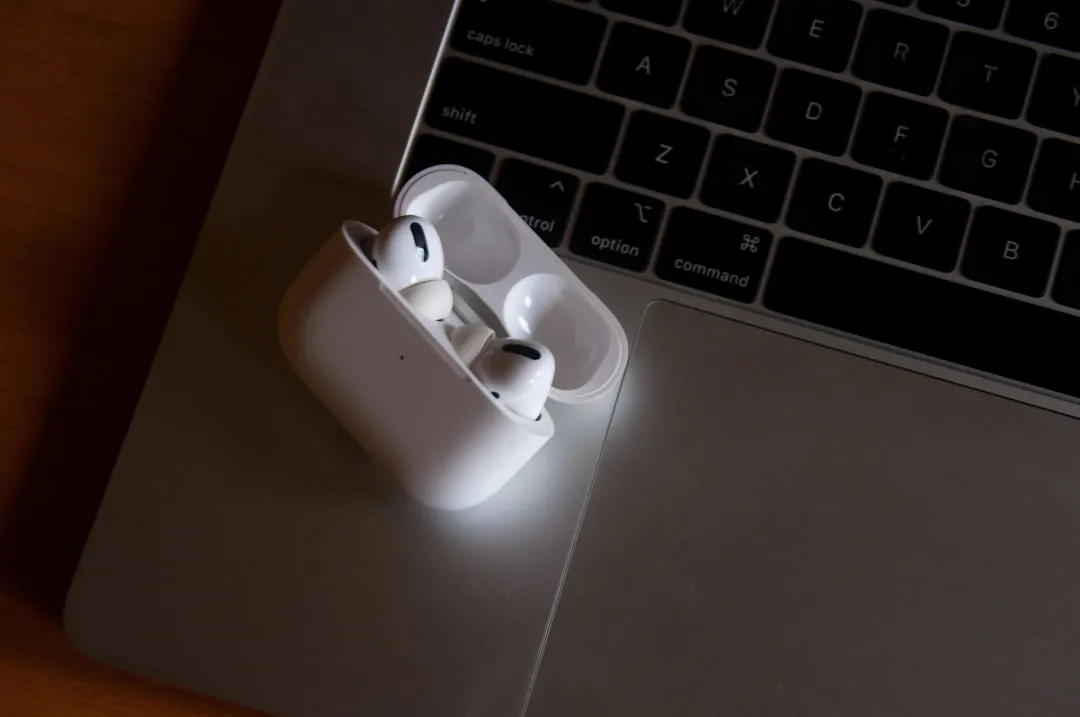
Apple has released AirPods Pro 3 firmware update 8B40, and the official changelog covers it in five words: "bug fixes and other improvements." The new build replaces 8B39, which arrived in late March 2026 for AirPods Pro 3, AirPods Pro 2, and AirPods 4.
The latest AirPods Pro 3 update landed on April 30, 2026 as reported by MacRumors, with build 8B40 replacing 8B39. That matters because 8B39 is still relevant to AirPods Pro 2 and AirPods 4, but it is no longer the current AirPods Pro 3 firmware according to Apple's support page lists.
How to update AirPods Pro 3 to firmware 8B40
Unlike iOS, the process runs in the background once the right conditions are met. Apple says AirPods firmware updates are delivered automatically while your AirPods are charging and in Bluetooth range of a Wi-Fi-connected iPhone, iPad, or Mac.
Apple's documented requirements, via MacRumors:
Your iPhone, iPad, or Mac must be running the latest version of iOS, iPadOS, or macOS, with Bluetooth enabled
Your AirPods must be paired and within Bluetooth range of that device
Your device must be connected to Wi-Fi
Your AirPods must be seated in the charging case with the lid closed
The charging case must be connected to power
Leave everything in this state for at least 30 minutes
The host device OS requirement is worth paying attention to. Apple's documented conditions specify the latest version of iOS, iPadOS, or macOS, so if your iPhone is running an older build, it's worth updating that first before assuming the firmware delivery is stuck.
After 30 minutes, open the case lid to reconnect your AirPods, then check the firmware version. Go to Settings → General → About → AirPods on your iPhone, per Macworld. If it reads 8B40, you're current. If it still shows 8B39, run through the checklist again from the top, and confirm the OS version on your host device first.
One thing worth understanding about this process: there's no progress indicator, no notification, no confirmation prompt. The firmware installs silently while your AirPods sit in the case. Opening the lid afterward is the only way to trigger the version check. It's a system that works well once you know what it expects, but it's easy to miss a step and spend 30 minutes waiting for nothing.
AirPods Pro 3 firmware version 8B40: what's confirmed
Apple's full official changelog for 8B40 is: "Bug fixes and other improvements." That is all Apple has confirmed. The company lists the same generic note for 8B39, which is now the prior AirPods Pro 3 build. Apple has not identified a specific user-facing fix for 8B40, and early coverage did not list one.
This isn't specific to 8B40. Recent AirPods Pro 3 maintenance builds, including 8B39, 8B34, 8B30, and 8B25, used the same generic language. Macworld noted in January 2026 that Apple supplied no specific release notes for 8B34 either. The pattern is consistent going back further than that. Apple treats AirPods firmware the way most companies treat driver updates: push them silently, say as little as possible, and let users notice the changes themselves.
That approach frustrates people, and reasonably so. Firmware updates can affect day-to-day AirPods behavior in ways that matter, including Bluetooth connectivity stability, call quality, and how aggressively noise cancellation performs. None of that shows up in a changelog. Users tracking forum threads often know something changed before Apple's support page reflects anything.
The late March 8B39 release hit three products simultaneously: AirPods Pro 3, AirPods Pro 2, and AirPods 4. Whether the underlying changes are the same across all three, or whether the shared version number just reflects a coordinated release, Apple has not said. The new 8B40 release is narrower: MacRumors and 9to5Mac reported it as an AirPods Pro 3 update, and Apple's release-note list now includes 8B40 above 8B39.
The version history: 8B40 follows a rapid run of Pro 3 builds
AirPods Pro 3 has received a run of documented firmware builds since late 2025. Recent public reports tracked 8B25 in November 2025, 8B30 in December, 8B34 in January 2026, 8B39 in late March, and now 8B40 on April 30, 2026. The important update for readers is that 8B39 is no longer the current AirPods Pro 3 target; 8B40 is.
That cadence suggests Apple has continued refining the Pro 3 experience since launch, though the details remain mostly invisible when Apple uses generic release notes. The exception is when firmware enables named features or platform-linked capabilities, as Apple did with 8A356.
Apple's generic release notes do not necessarily mean users will notice nothing after an update. The January 8B34 release makes that point clearly. Users who had complained about active noise cancellation allowing ambient noise to bleed through during playback began reporting, after installing 8B34, that the problem had cleared up.
One forum post cited by Macworld in January put it directly: "Months after buying two sets of AirPods Pro 3, the ANC is finally working consistently. Yay!" Apple never acknowledged that fix. User reports surfaced it. That reported ANC improvement is tied to 8B34, not 8B39 or 8B40. The distinction matters because it illustrates how these AirPods firmware stories should be handled: report what Apple confirms, then clearly label user-reported patterns as unconfirmed until stronger evidence emerges.
The January, March, and April releases each had different scopes. The January 8B34 release was reported as Pro 3-only, per MacRumors. The March 8B39 release covered AirPods Pro 3, AirPods Pro 2, and AirPods 4. The April 8B40 release has been reported as an AirPods Pro 3 update. Apple has not explained why the rollout scope differed across those builds.
Why any of this is worth tracking
Most firmware updates come and go without anyone noticing. AirPods Pro 3 is a different case, partly because it's a newer product still being actively refined, and partly because ANC performance is the kind of thing users feel immediately and complain loudly about when it's off.
The 8B34 ANC story is a useful template. No official confirmation, no changelog entry, just a cluster of forum reports that converged on the same experience: something that wasn't working well before the update was working after it. Named outlets followed when the pattern became clear. That's how these stories surface.
With 8B40, nothing analogous has emerged yet. Apple has not identified a specific user-facing fix, and early coverage from MacRumors and 9to5Mac does not list a confirmed feature change. For now, the safest read is that 8B40 is a maintenance update unless Apple updates its support page or a clear user-report pattern emerges.
What to do now
Check Settings → Bluetooth → Info button next to your AirPods → About to confirm your AirPods Pro 3 firmware reads 8B40. If it still reads 8B39, work through the install conditions above, starting with your host device OS version.
Apple has not published detailed notes on 8B40, and Apple Support gives no indication that will change. The support page is still worth revisiting occasionally. Apple has updated it with additional detail after past releases, sometimes days later. If the build contains anything noticeable, forum reports will be the leading signal. Outlets tend to follow once a pattern consolidates. Check back in a few days if you want a fuller picture.












Comments
Be the first, drop a comment!