



Reviewed by: Y. Garcia
Apple's wireless networking game has stepped up significantly this year. The company's in-house N1 networking chip delivers substantial improvements over previous Broadcom solutions in the latest iPhone 17 family, but here's what caught my attention: while everyone's talking about the flashy new hardware, Apple has quietly been doubling the 5GHz Wi-Fi bandwidth for Wi-Fi 6E devices through recent iPadOS and macOS updates.
This reveals Apple's comprehensive connectivity strategy—hardware innovations work in tandem with software refinements to maximize performance across their entire ecosystem. The N1 chip demonstrates clear performance advantages across all regions, positioning the iPhone 17 family to compete head-to-head with Android flagships. Meanwhile, Wi-Fi 6E technology continues expanding its reach, offering faster speeds, lower latency, and reduced interference for compatible Apple devices. It's a one-two punch that benefits both new device buyers and existing users.
Why Wi-Fi 6E bandwidth doubling matters for your workflow
Let's break down why this bandwidth enhancement transforms daily computing rather than just improving benchmark numbers. Wi-Fi 6E operates in the less congested 6GHz frequency band, essentially giving you a brand new highway for your wireless traffic. Think of it this way: if traditional 2.4GHz and 5GHz bands are like busy city streets during rush hour, 6GHz is like having access to a freshly paved expressway with minimal traffic.
The practical benefits compound when you consider that Wi-Fi 6E can handle more simultaneous connections without performance degradation. For professionals juggling multiple devices—MacBook, iPad, iPhone, and Apple TV all connected simultaneously—this translates to consistently reliable performance across your entire setup.
The real-world impact hits you in ways you might not immediately connect to Wi-Fi performance. Video calls become clearer and more stable, especially during peak usage hours when neighbors are also working from home. File transfers to cloud storage happen noticeably faster. Those frustrating moments when your iPad seems sluggish during presentations, while multiple devices compete for bandwidth? Those become far less frequent.
Apple's implementation strategy also simplifies network management. Apple recommends using a single network name across all bands for optimal performance, eliminating the confusion of multiple SSIDs. Your devices automatically select the best frequency for each task, seamlessly switching between bands as conditions change.
The timing here highlights Apple's philosophy of extracting maximum value from existing technology before jumping to newer standards. While competitors rush toward full Wi-Fi 7 capabilities with 320 MHz channels, Apple focuses on optimizing Wi-Fi 6E performance through software enhancements that benefit users immediately.
What devices benefit from these improvements?
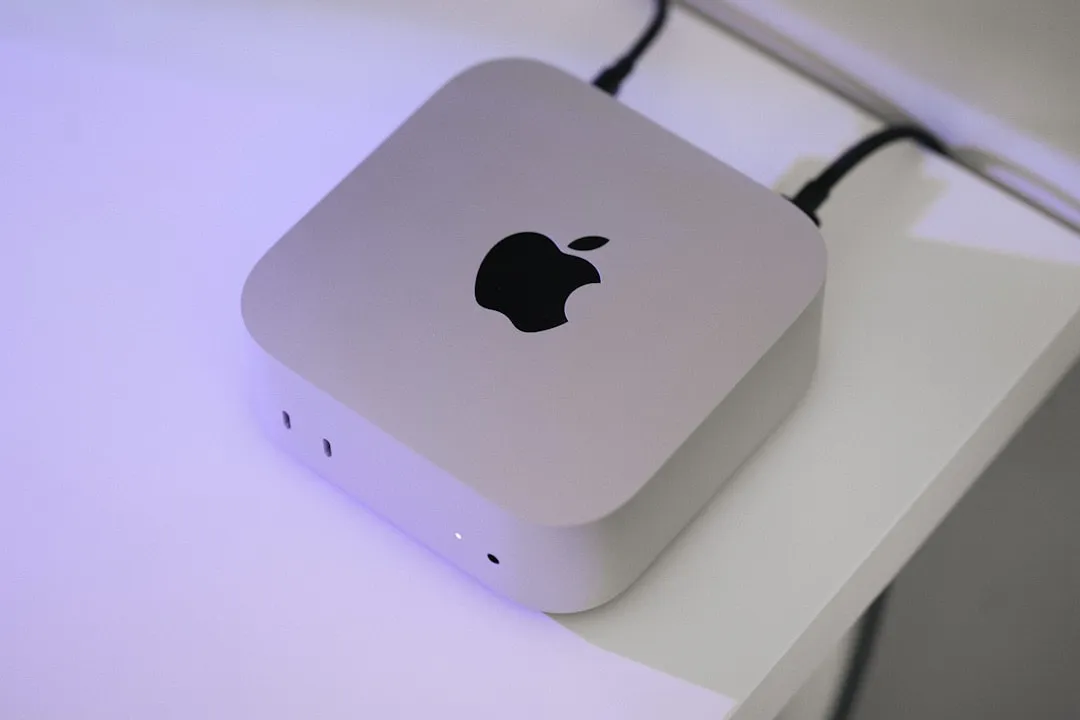
Apple's Wi-Fi 6E rollout targets their professional and creative user base through strategic device selection. You'll find compatibility across recent iMacs, MacBook Pros, Mac mini, Mac Studio, Mac Pro, iPhone 15 Pro models, and fourth-generation iPad Pro devices. If you've invested in Apple's pro-level ecosystem over the past couple of years, you're already positioned to benefit from these bandwidth improvements.
Apple's technical approach reveals interesting priorities compared to the competition. While other manufacturers race toward Wi-Fi 7 implementation, Apple's N1 chip remains capped at 160 MHz channels rather than supporting 320 MHz operation. This apparent limitation actually reflects practical engineering: this specification difference doesn't materially affect performance in real-world use for most people, while allowing Apple to focus on optimizing hardware-software integration for tangible user benefits.
The device compatibility pattern also reveals Apple's product strategy. Notice how Wi-Fi 6E support appears primarily in their professional and creative-focused devices? These users benefit most from enhanced bandwidth and lower latency, whether they're editing 4K video, participating in high-stakes video conferences, or running bandwidth-intensive creative applications.
Geographic considerations add complexity to the rollout. Wi-Fi 6E isn't available in mainland China, and Japan requires iOS 16.2 or later for full functionality. These regional differences highlight the complex regulatory landscape surrounding 6GHz spectrum allocation—something most users never consider but significantly impacts feature availability.
Network setup considerations for maximum performance
Getting the most from these bandwidth improvements requires proper network configuration, though Apple has streamlined the process significantly. The essential requirement is ensuring your Wi-Fi 6E router has its 2.4GHz or 5GHz bands enabled alongside the 6GHz band. This isn't just a technical checkbox—it's fundamental to how Apple devices discover and connect to 6GHz networks.
Apple's current guidance diverges from traditional networking approaches in an important way. Instead of creating separate network names for different frequency bands, Apple recommends using a single SSID across all frequency bands. This unified approach leverages device intelligence to automatically select optimal frequencies based on current conditions—signal strength, interference levels, and bandwidth requirements.
The technical foundation involves Reduced Neighbour Reports (RNR), which enable proper 6GHz discovery. Research demonstrates that standalone 6GHz networks simply aren't recognized by Apple devices. Your iPad or MacBook needs to see beacon information from lower frequency bands to properly scan 6GHz channels. This discovery mechanism ensures reliable connectivity while accessing the performance benefits of less congested 6GHz spectrum.
For troubleshooting connectivity issues, both Mac and iOS devices offer the option to manually disable Wi-Fi 6E mode through system settings. This sacrifices performance benefits but can resolve compatibility problems with certain router configurations. Most users find the unified network approach works seamlessly once properly configured, but the flexibility exists when needed.
Understanding the physical limitations helps set realistic expectations. The 6GHz band can have a shorter range and less ability to penetrate walls compared to lower frequency bands. This reflects physics rather than technological limitations—higher frequencies carry more data but don't travel as far through obstacles. Your device automatically falls back to 5GHz or 2.4GHz as needed, maintaining connectivity while optimizing performance based on your location relative to the router.
Looking ahead: Apple's wireless connectivity strategy
Apple's wireless networking philosophy emphasizes optimization over specification chasing, and this bandwidth enhancement perfectly embodies that approach. Rather than rushing to implement full Wi-Fi 7 capabilities with 320 MHz channels, Apple demonstrates that real-world performance improvements can come from better hardware-software integration and thoughtful software refinements.
This strategy makes practical sense when considering the broader networking landscape. 320 MHz channel usage remains quite rare, and many countries have limited 6GHz adoption for Wi-Fi applications. By maximizing Wi-Fi 6E performance through software optimization, Apple delivers immediate benefits to users rather than waiting for infrastructure and regulatory alignment for newer standards.
The competitive implications extend beyond raw performance metrics. The N1's performance not only surpasses its Broadcom-based predecessor but also places the iPhone 17 family in a strong competitive position across all Wi-Fi metrics in every region. This positions Apple's ecosystem competitively while maintaining the seamless integration users expect.
Future developments could include an N2 chip that implements more of the Wi-Fi 7 specification, but current evidence suggests Apple will continue optimizing existing technology rather than specification chasing. This ensures broad compatibility while delivering meaningful improvements to daily computing experiences.
The latest M4 Macs exemplify this philosophy—Apple continues to support Wi-Fi 6E while enhancing its implementation through updates like this bandwidth improvement. It's a reminder that Apple often prioritizes refinement over bleeding-edge specifications, focusing on user experience rather than feature lists.
Bottom line: Incremental improvements with real impact
The iPadOS and macOS Wi-Fi 6E bandwidth improvements showcase Apple's technology advancement philosophy—meaningful user experience enhancements over specification achievements. While the N1 chip captures attention with its significant performance gains over Broadcom solutions, these software optimizations demonstrate Apple's commitment to enhancing existing devices alongside new hardware releases.
For current Apple device owners, this update represents the best kind of improvement: enhanced performance without hardware upgrades. Users with compatible devices gain faster wireless speeds and reduced latency simply by maintaining current software and ensuring proper router configuration with unified network naming.
The broader implications position Apple's ecosystem competitively while preserving the seamless integration that defines their platform. As wireless connectivity becomes increasingly critical for professional workflows, creative applications, and everyday computing tasks, these enhancements ensure Apple devices remain capable tools for demanding users.
PRO TIP: Ensure your Wi-Fi 6E router uses a single network name across all frequency bands, keep your software updated to the latest versions, and enjoy the improved performance that comes from Apple's continued wireless networking refinement. The most meaningful improvements often happen quietly in the background, making everything work just a little bit better.















Comments
Be the first, drop a comment!