



Apple just made a significant change that affects millions of iPhone users: the company has ceased digitally signing iOS 26.1, effectively locking users into their current iOS version. While this might sound like technical jargon, it has real-world implications for anyone considering an iOS update. Research from Six Colors shows Apple is now pushing users toward iOS 26 to address critical security vulnerabilities. The move represents a fundamental shift in how Apple manages its update ecosystem, particularly when it comes to addressing over 20 security vulnerabilities, including two actively exploited WebKit bugs. Understanding what this means for your iPhone and your options going forward is crucial for making informed decisions about your device's security and functionality.
What does "signing" actually mean for your iPhone?
Here's the thing—when Apple talks about "signing" software, they're not talking about someone scribbling their name on a piece of paper. Apple's signing process functions as a digital authentication system that validates every iOS installation. Think of it like a bouncer at an exclusive club checking IDs—except this bouncer works 24/7 and never takes breaks. When Apple digitally authorizes a software version, it performs server-side verification each time someone attempts to download that iOS version.
Now here's where it gets interesting (and potentially frustrating): once Apple stops this authorization process for a particular version, devices cannot install it regardless of whether the update file exists. It's like having the installation file sitting right there on your computer, but Apple's servers basically saying "nope, we're not letting you use that anymore." This server-side control means Apple can instantly cut off access to any iOS version across their entire global infrastructure.
The signing system serves multiple purposes beyond simple version control. It prevents users from installing outdated, less secure versions that might contain known vulnerabilities. But it also reflects Apple's broader philosophy about user control versus ecosystem security. Unlike Android's more open approach, Apple's walled garden extends to which software versions you can run, ensuring their security updates reach users quickly but removing the traditional computing concept of user choice in software versions.
What's particularly noteworthy about Apple's approach is the timing strategy. The company typically blocks downgrades one or two weeks after releasing a new iOS version, creating a brief "testing window" before commitment becomes mandatory. This timing reflects Apple's understanding of user psychology—long enough for early adopters to validate the update, but short enough to prevent a fragmented ecosystem where too many users remain on older versions.
The security implications driving Apple's decision
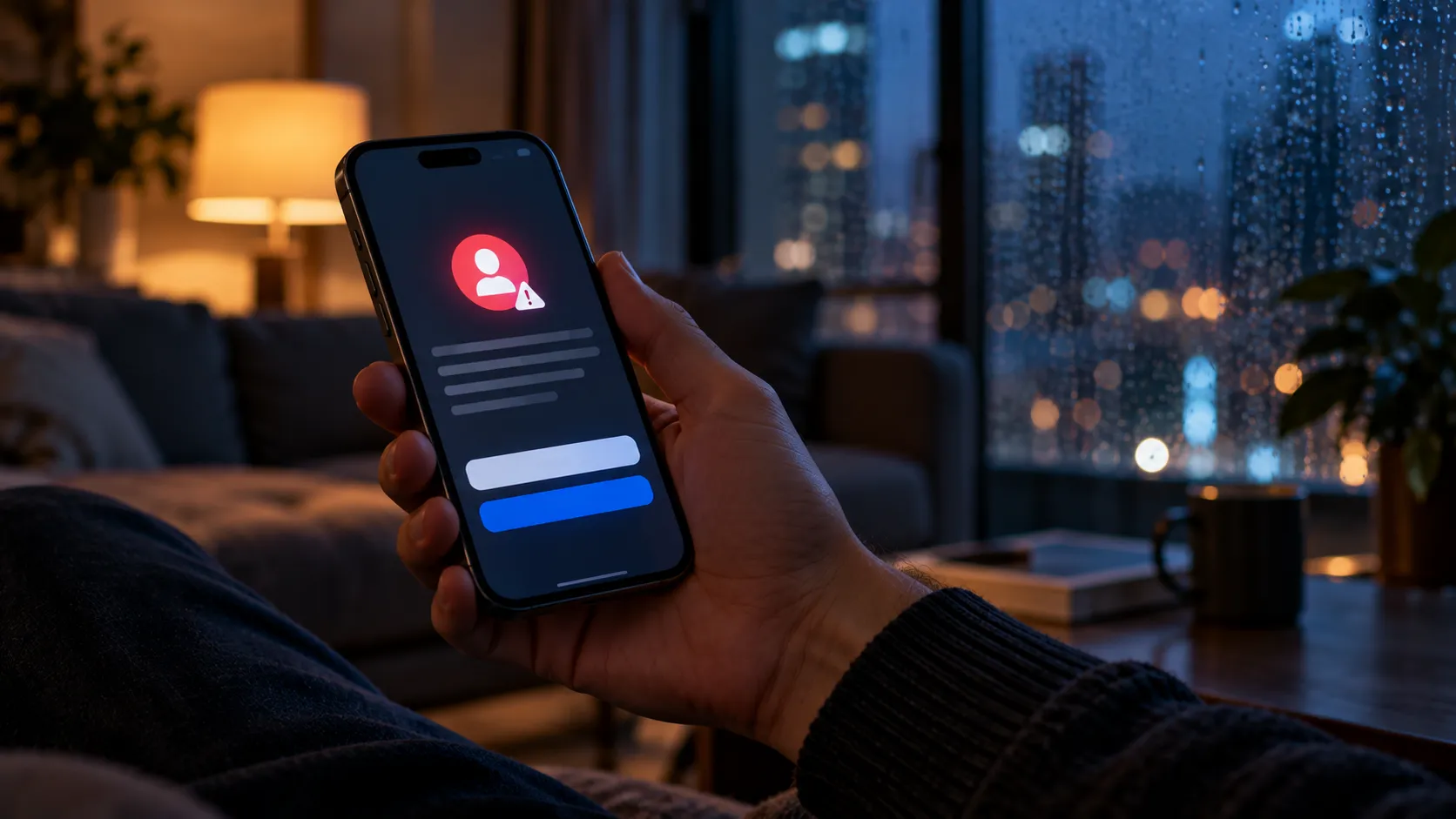
Critical security vulnerabilities are at the heart of Apple's recent signing changes, and we're not talking about minor bugs here. Two zero-day bugs affecting WebKit, the browser engine powering Safari, have prompted urgent action from the company. These aren't theoretical threats sitting in some researcher's lab—the vulnerabilities may have been exploited in sophisticated attacks against specific individuals running older iOS versions.
What makes these WebKit vulnerabilities particularly concerning is their scope. Since WebKit powers not just Safari but also in-app browsers throughout iOS, these security holes affect virtually every app that displays web content. When sophisticated attackers target browser engines, they're essentially targeting the gateway through which most users access online services, making these among the most valuable exploits in the cybersecurity underground.
Apple's response reveals just how serious these security holes really are. The company is effectively forcing users to upgrade to iOS 26 to receive security patches, breaking from its previous policy of providing parallel security updates for older major versions. While Apple did release iOS 18.7.3 to address the same issues, here's the catch: Apple has made iOS 18.7.3 available for devices that cannot run iOS 26; many iPhones capable of iOS 26 have only shown iOS 26.2 in Settings (reports from multiple outlets). Instead, iOS 26.2 becomes the only available update path.
This represents a notable escalation in Apple's security strategy. By preventing downgrades to previous builds, Apple reduces exposure to vulnerabilities hackers might target in outdated iOS versions. When zero-day exploits are actively being used against real users—not just discovered in labs—Apple's "upgrade or stay vulnerable" approach becomes a calculated risk management decision rather than just corporate policy.
How this affects your upgrade choices
The practical impact varies significantly depending on your device's capabilities and current iOS version, creating what's essentially a two-tier security system. iPhones not capable of running iOS 26 are offered the iOS 18.7.3 update, ensuring older devices still receive critical security patches. However, users with newer devices face a binary choice: accept iOS 26 or forgo the security updates entirely.
Apple's approach represents a notable departure from its customer-friendly policies of recent years. The option to remain on a prior-generation iOS version while receiving security updates has been available since iOS 15, giving users flexibility to avoid major interface changes while staying secure. This parallel support system allowed cautious users to maintain familiar workflows while still receiving critical security protection—a compromise that satisfied both security experts and interface traditionalists.
But that flexibility window is rapidly closing. Apple has not published an official end-of-life date for iOS 18; Apple continued to ship iOS 18.7.3 on 2025-12-12, with dedicated security updates for iOS 18 likely being retired between January and March. This timeline creates increasing pressure for security-conscious users who've been holding out against the iOS 26 interface changes.
The decision framework becomes particularly complex for users who rely on specific workflows or accessibility features. Apple provides no official, supported method for downgrading to prior iOS versions once newer software is installed, making this a one-way commitment. For users with specialized needs or strong interface preferences, the choice between familiar functionality and ongoing security protection represents a genuine dilemma with no perfect solution.
What's driving user hesitation about iOS 26
User resistance to iOS 26 centers largely on its substantial design overhaul, and honestly, the hesitation is understandable. The primary reason for slow initial uptake is the Liquid Glass effect, which introduces translucent, layered, and dynamically responsive elements throughout the interface. This isn't just a cosmetic change—the Liquid Glass effect affects every part of the user experience, from the lock screen clock and notifications to the Control Centre buttons and app icons.
What makes the Liquid Glass interface particularly challenging for some users is its departure from iOS's traditionally crisp, defined boundaries. The translucent elements can reduce contrast and make interface elements harder to distinguish, particularly affecting users with visual impairments or those who simply prefer higher contrast interfaces. The dynamic responsiveness, while visually impressive, can also feel unpredictable to users accustomed to consistent interface behavior.
Apple has responded to user feedback with refinements in iOS 26.1, showing they're listening to concerns. The update adds toggles for 'Clear' and 'Tinted' Liquid Glass modes, giving users more control over transparency and contrast levels. Additional improvements include a new option to disable Lock Screen swipe-to-open camera functionality, addressing practical complaints about accidental camera launches and battery drain.
But for many users, these refinements come too late in their decision-making process. The permanent nature of iOS upgrades means users must evaluate iOS 26 based on their comfort with the unknown, since they can't test it with the safety net of potential rollback. This creates anxiety that goes beyond simple interface preferences—it's about losing control over their daily digital environment with no recourse if the changes prove disruptive to their workflows or accessibility needs.
The bigger picture: Apple's ecosystem strategy
Apple's signing policy changes reflect broader strategic objectives beyond immediate security concerns, revealing how the company views user agency within its ecosystem. The move effectively forces users to take the iOS 26 upgrade if they want security updates, accelerating adoption of the company's latest software platform. This approach ensures faster deployment of new features and capabilities across the user base, but it also fundamentally changes the relationship between Apple and its users from one of choice to one of guided inevitability.
From Apple's perspective, this policy simplifies their support and development burden significantly. Engineers don't have to consider users operating old software when developing new features or addressing compatibility issues. By consolidating users on current software versions, Apple can focus resources on forward development rather than maintaining multiple parallel update tracks. This efficiency gain comes at the cost of user flexibility, representing Apple's calculated bet that most users prioritize security and new features over version choice.
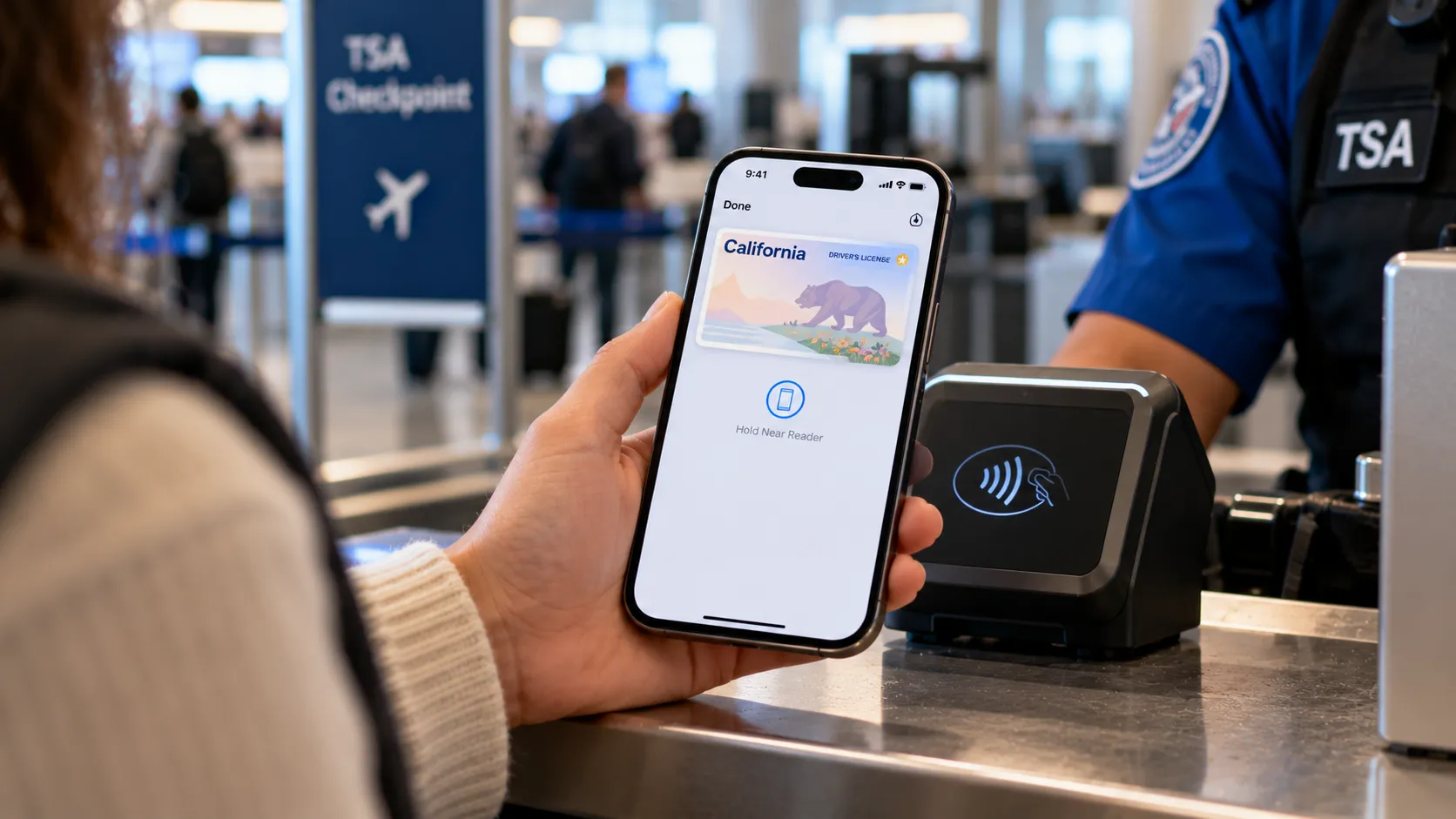
The strategy becomes particularly significant when considering Apple's digital identity ambitions. Apple's scale could speed up digital ID adoption, with iOS 26 introducing comprehensive digital identity features through Apple Wallet. The forced migration ensures these new capabilities reach critical mass more quickly, potentially influencing how governments, businesses, and other organizations approach digital identity solutions.
This network effect strategy extends beyond just feature adoption—it positions Apple as a platform that can guarantee rapid deployment of new standards and capabilities. With over 1.5 billion active devices, the company can deploy secure, standards-based identity features far faster than smaller providers. The forced iOS 26 adoption creates a larger, more unified user base for these advanced features, making Apple's platform more attractive to organizations looking to implement digital identity solutions while simultaneously reducing the bargaining power of users who might prefer to opt out of such comprehensive digital integration.









Comments
Be the first, drop a comment!