



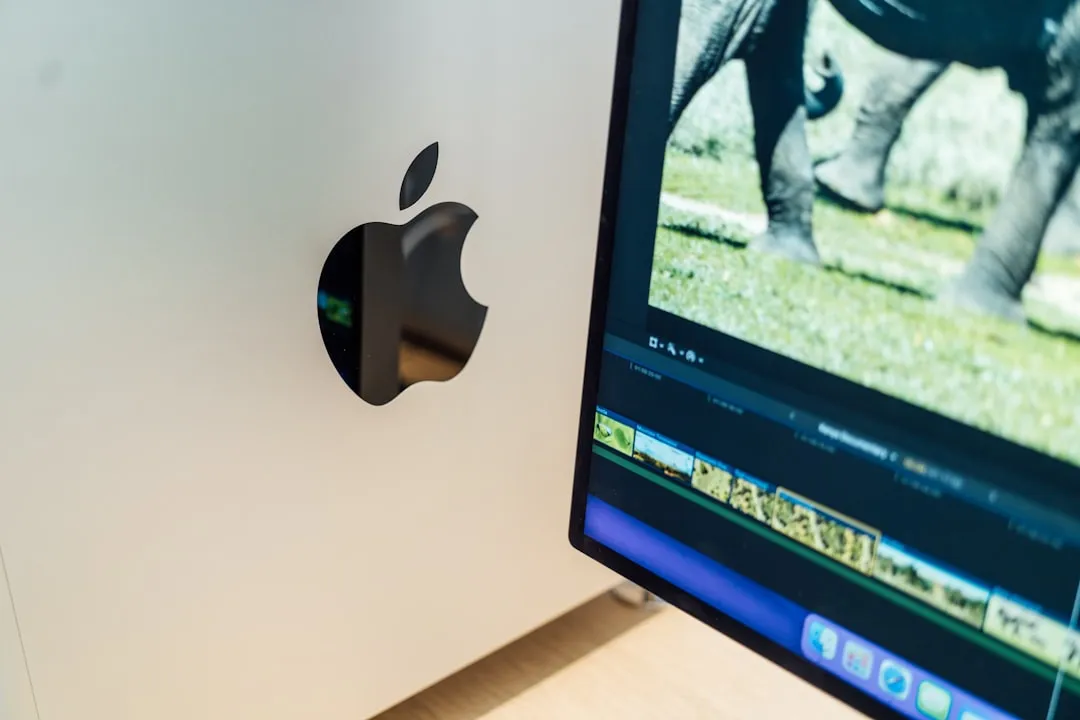
Apple's latest Studio Display models pack impressive upgrades, but there's a significant catch that might surprise Intel Mac users. While Apple's official compatibility list completely excludes Intel Macs, early reports from iDropNews suggest these displays might actually function as basic monitors with older hardware—though with major limitations that could make this an expensive compromise.
According to reports, the new 2026 Studio Display and Studio Display XDR officially require Apple silicon chips and macOS Tahoe 26.3.1 or later, marking a dramatic shift from the 2022 model that supported Intel Macs going back to 2016. But here's what Intel Mac owners need to know about what might actually work—and what definitely won't.
What Apple's official specs tell us (and what they don't)
Apple's compatibility requirements paint a clear picture: these displays are designed exclusively for the Apple silicon era. Both the Studio Display and Studio Display XDR work only with Macs powered by M-series chips from 2020 onward. The supported lineup includes everything from the 24-inch iMac (2021 and later) to the Mac Pro (2023 and later), plus all MacBook Air and MacBook Pro models with Apple silicon.
This is one of Apple's most aggressive compatibility restrictions yet and signals the company's strategic pivot toward complete ecosystem integration. Unlike typical display compatibility issues that stem from port limitations or resolution constraints, this exclusion appears to be intentionally engineered into the display's firmware and driver architecture.
The contrast with Apple's previous approach is stark. The 2022 Studio Display required only macOS Monterey 12.3, allowing compatibility with hardware spanning nearly a decade—everything from the 2016 MacBook Pro to the 2017 iMac. Apple hasn't sold an Intel Mac since the 2020 transition, and this hardware restriction serves as the company's clearest signal yet that the Intel era is definitively over.
The timing isn't coincidental either. Apple discontinued Intel chip support as part of their broader transition that began in 2020 with the first Apple silicon devices. macOS Tahoe will be the final major update for Intel-based Macs, with no macOS 27 support planned. This display compatibility restriction essentially forces users to choose: upgrade your Mac or find alternative displays.
The reality: basic functionality might work after all
Here's where the situation gets more nuanced than Apple's official messaging suggests. Despite the company's firm stance against Intel Mac compatibility, technical evidence points to possible workarounds—though with significant caveats that undermine the displays' value proposition.
A Reddit user shared confirmation from Apple Support that the Studio Display XDR will work "as a basic monitor over Thunderbolt" with Windows laptops. This revelation is crucial because it demonstrates that the hardware itself isn't inherently incompatible with non-Apple silicon devices. If Windows machines can achieve basic functionality, Intel Macs with Thunderbolt ports should theoretically work similarly.
The technical foundation supports this possibility. Since Thunderbolt remains an open standard, both the Studio Display and Studio Display XDR should function as basic displays with any compatible Thunderbolt Mac or PC. The restriction appears to be software-based rather than a fundamental hardware limitation, which explains why basic display output might work even without official support.
However, the limitations are severe and build upon each other to create a compromised experience. Older Intel Macs with USB-C and Thunderbolt ports will likely struggle to drive these displays at their full 5K resolution. Many older Intel models were capped at 4K output with any display, creating a fundamental mismatch with what these premium displays are designed to deliver.
This creates a cascade of compromises: reduced resolution leads to less screen real estate, which diminishes productivity benefits, which undermines the professional workflows these displays are designed to enhance.
What you'll lose (and why it matters)
Operating these displays with Intel Macs means sacrificing virtually every feature that justifies their premium pricing. Without official support, you'll lose advanced brightness controls, Center Stage camera functionality, and seamless audio integration—essentially turning a sophisticated display ecosystem into an expensive basic monitor.
The feature losses compound across different professional workflows. Video editors lose the precise color calibration and HDR preview capabilities. Photographers forfeit the accurate color reproduction that makes these displays valuable for print preparation. Even general users miss out on the seamless integration with macOS features like AirPlay and Continuity Camera that enhance daily productivity.
You'll also still need access to a compatible Apple silicon Mac to handle firmware updates, creating an awkward dependency that defeats the purpose of using these displays with Intel hardware. This requirement essentially means you need two Macs to properly maintain one display—a logistical nightmare for most users.
The Studio Display XDR's premium features become particularly problematic when you consider the refresh rate ecosystem. While the display supports up to 120Hz refresh rates, only the latest Apple silicon chips can take advantage of this capability. Even Macs with M1, M1 Pro, M1 Max, M1 Ultra, M2, or M3 chips are limited to 60Hz, so Intel Mac users would face the most severe restrictions of all.
Consider the math: the Studio Display starts at $1,599, while the Studio Display XDR begins at $3,299. For that XDR price, you could purchase a high-quality third-party 5K display and a new M4 Mac mini, giving you both full compatibility and future-proofing for hundreds less than the cost of a single compromised display setup.
Bottom line: proceed with extreme caution
While these Studio Displays might technically connect to Intel Macs as basic monitors, the value proposition collapses under scrutiny. You're essentially paying luxury prices for economy functionality, missing the advanced features that justify the cost, and dealing with resolution restrictions that further limit the experience.
The decision framework is straightforward: if you're committed to keeping your Intel Mac, invest in a third-party display that offers full feature support for your hardware. Options like the LG UltraFine 5K or Dell UltraSharp monitors provide excellent color accuracy and resolution at significantly lower prices, with guaranteed compatibility and ongoing support.
For users considering the Apple ecosystem route, this compatibility restriction might be the catalyst needed to upgrade to Apple Silicon hardware. The performance benefits of newer Macs, combined with seamless display integration, create a compelling case for a complete system refresh rather than piecemeal display upgrades.
The new Studio Display and Studio Display XDR are available for pre-order starting March 4 at 9:15 a.m. Eastern Time, but Intel Mac owners should view this launch as a clear signal: Apple's future is silicon-only, and clinging to Intel hardware means accepting increasing incompatibility with the company's latest innovations.















Comments
Be the first, drop a comment!