





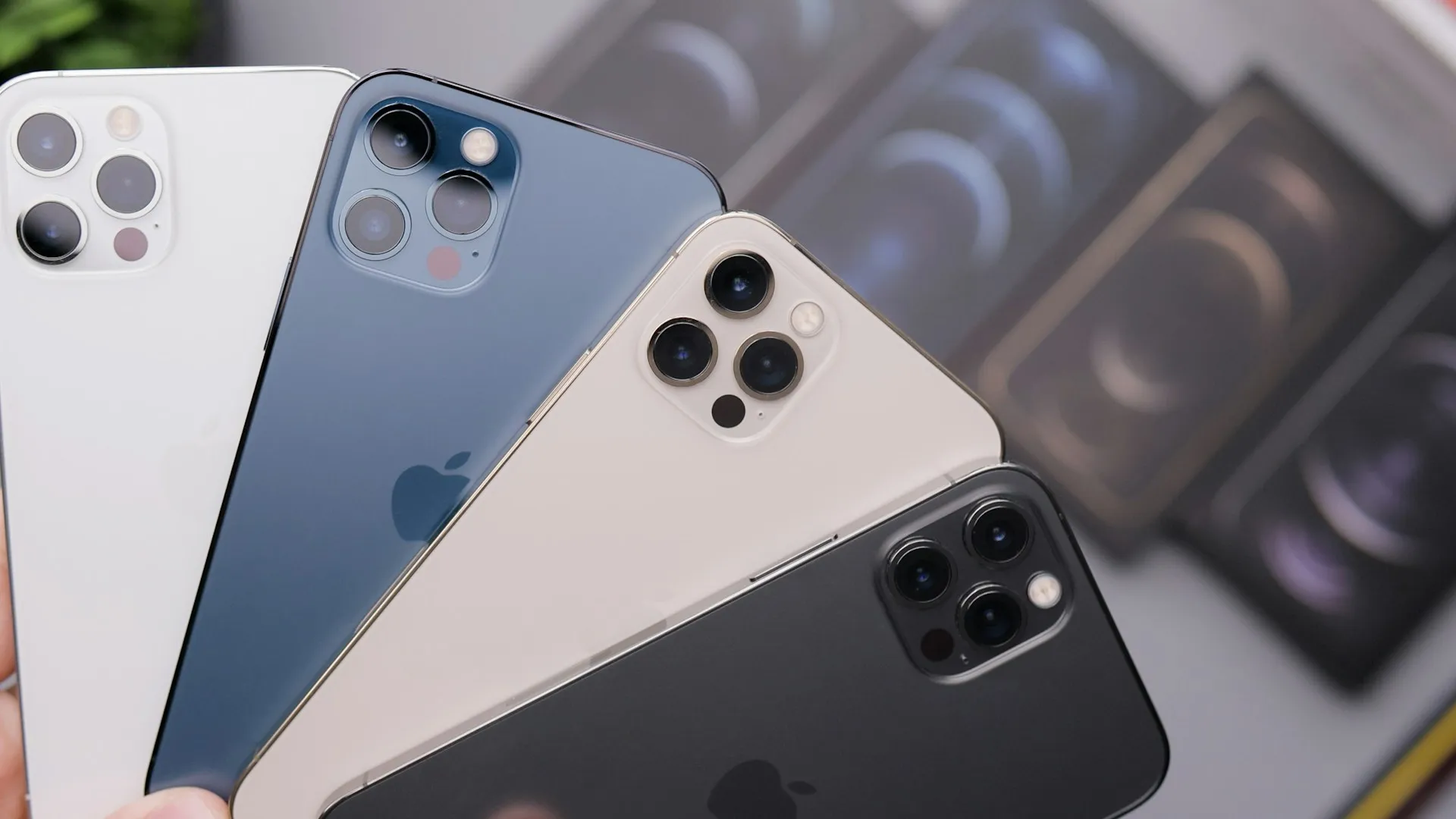
Apple is testing a new iOS 27 feature called iPhone Handoff that would let one phone number switch between two iPhones through a "companion eSIM" setup, rather than forcing users to manually transfer an eSIM every time they change devices. Apple briefly previewed the capability at WWDC 2026 with the description "Switch between two iPhone devices with the same phone number," but didn't explain how it would work.
More detail has since emerged from testing in Xcode 27's Device Hub. The feature uses a main iPhone and a companion iPhone, with only one acting as the active cellular device for the shared number at a time. iOS 27 is still in beta, and carrier support is required before the feature can work on a real line.
A MacRumors forum member demonstrated the setup using simulated iPhones, with the findings subsequently covered by MacRumors, PCMag, and Thurrott. Apple has also published developer documentation for an iPhone quick switch system that defines active and passive devices for a specific phone number.
How iOS 27 iPhone Handoff uses the same number on two iPhones
The system centers on designating a main iPhone and a companion iPhone. The main device keeps the primary eSIM, while the companion receives a companion eSIM that allows cellular service for the same phone number to switch between the two devices.
Based on the Xcode demonstration, the number becomes active on whichever participating iPhone is unlocked. Unlock the companion iPhone and cellular service shifts to it; unlock the main iPhone and the service shifts back. A Dynamic Island notification appears when the transfer occurs.
This isn't the same as two iPhones simultaneously carrying an active cellular connection for the same number. Apple's developer documentation defines the active quick-switch state as one where cellular service is available on that device and the passive state as one where cellular service is held by another device.
That resolves part of the uncertainty around the inactive phone: it doesn't retain the shared number's active cellular service while the other iPhone is active. What remains unclear is how services such as iMessage, Wi-Fi Calling, Continuity, or other internet-based communications behave on the passive phone while its cellular service is held by the other device.
All cellular settings are managed from the main iPhone. The companion doesn't get equivalent control over the cellular plan, reinforcing the main-and-companion structure rather than treating both phones as interchangeable primary devices.
Setting up a companion eSIM for iPhone Handoff
Setup begins in Settings > Cellular when adding an eSIM. The Xcode demonstration shows iPhone Handoff appearing as an available eSIM option, followed by a prompt to choose the main and companion devices.
The two iPhones need to be near each other during setup. Once the pairing is complete, the main phone keeps its primary eSIM while a companion eSIM is provisioned for the second device.
A separate iPhone Handoff entry also appears under the active carrier line in Settings > Cellular > SIMs in the demonstrated interface.
The initial setup is manual, but switching afterward is automatic. Unlocking one of the paired phones changes which device holds the active cellular service rather than requiring another manual eSIM transfer.
Location sharing follows the active-device state too. Apple says location sharing is based on whichever iPhone is actively using the phone number, so switching the cellular service also changes which participating iPhone supplies that location.
iPhone quick switch and Apple's older Handoff concept
Apple's new developer-facing iPhone quick switch APIs provide a clearer technical picture of what happens when the active device changes.
The Core Telephony documentation lets apps determine whether an iPhone is active, passive, or not enrolled in quick switching for a particular phone number. Apple tells developers to respond to those state changes by moving active services such as login credentials and persistent app state from the formerly active iPhone to the newly active one.
That doesn't mean iOS automatically copies every app login or session between the two phones. Developers and their supporting services have to adopt the quick-switch APIs and handle the transition themselves.
The system shares the basic continuity idea behind Apple's older Handoff feature, but the two shouldn't be treated as the same technology. Traditional Handoff transfers an activity, such as an open webpage or document, between Apple devices. iPhone quick switch is a Core Telephony feature specifically designed around changing which iPhone is active for a phone number.
The consumer-facing iPhone Handoff feature appears closely connected to that active/passive model, although Apple hasn't yet published its consumer support documentation explaining the complete relationship.
Carrier support is the real limiting factor
iOS 27 alone isn't enough to make iPhone Handoff work. A carrier has to support provisioning the companion eSIM and the switching system.
T-Mobile in the US and Deutsche Telekom in Germany are the first carriers tied to the feature through carrier-bundle findings, but neither should be treated as a confirmed live launch partner yet.
The developer who demonstrated iPhone Handoff reported that the relevant T-Mobile US and Telekom.de carrier bundles contain support for the feature. The same testing found that T-Mobile's enrollment server was returning a "feature disabled" response, meaning enrollment wasn't available at the time of testing.
So far, there is no official carrier rollout list from Apple, T-Mobile, Deutsche Telekom, AT&T, Verizon, or other operators.
Apple has scheduled its next special event for September 9, but it hasn't announced the stable iOS 27 release date. Current reports expect iOS 27 later in September following the event, rather than establishing a specific day.
Carrier availability could arrive later than the operating-system update itself. Even after installing iOS 27, the Handoff option may not appear unless the carrier and cellular plan support it.
What's confirmed and what's still unknown
The current picture is:
Confirmed in Apple's iOS 27 feature preview: Switching between two iPhones using the same phone number is an iOS 27 capability.
Demonstrated in Xcode 27: The feature is called iPhone Handoff and uses main and companion eSIM roles.
Demonstrated in Xcode 27: Unlocking a paired iPhone can switch the active cellular service to that device.
Confirmed by Apple's developer documentation: Only the active quick-switch device has cellular service for the line; the other device is considered passive.
Confirmed in the demonstrated setup: Cellular settings remain controlled by the main iPhone, and location sharing follows the active device.
Not confirmed: The exact iPhone models eligible for iPhone Handoff beyond needing compatible iOS 27 hardware and carrier support.
Not confirmed: A live carrier rollout or complete carrier compatibility list.
Not confirmed: How every non-cellular service behaves on the passive phone while the shared line is active elsewhere.
Not confirmed: The stable iOS 27 release date.
Anyone considering a two-iPhone setup specifically for iPhone Handoff should wait for both Apple's consumer support documentation and carrier confirmation.
After iOS 27 arrives, check Settings > Cellular > Add eSIM for iPhone Handoff, but don't assume the option will appear simply because both devices run the right software. Carrier support is part of the setup, and the current testing shows that even carriers with traces of support can still have enrollment disabled.
The important distinction is simple: iPhone Handoff is designed to make one cellular identity easier to move between two iPhones. It isn't a system that keeps the same cellular line fully active on both phones at the same time.

















Comments
Be the first, drop a comment!