



iOS 27.3 StandBy Mode Update Brings Duo Clock Faces
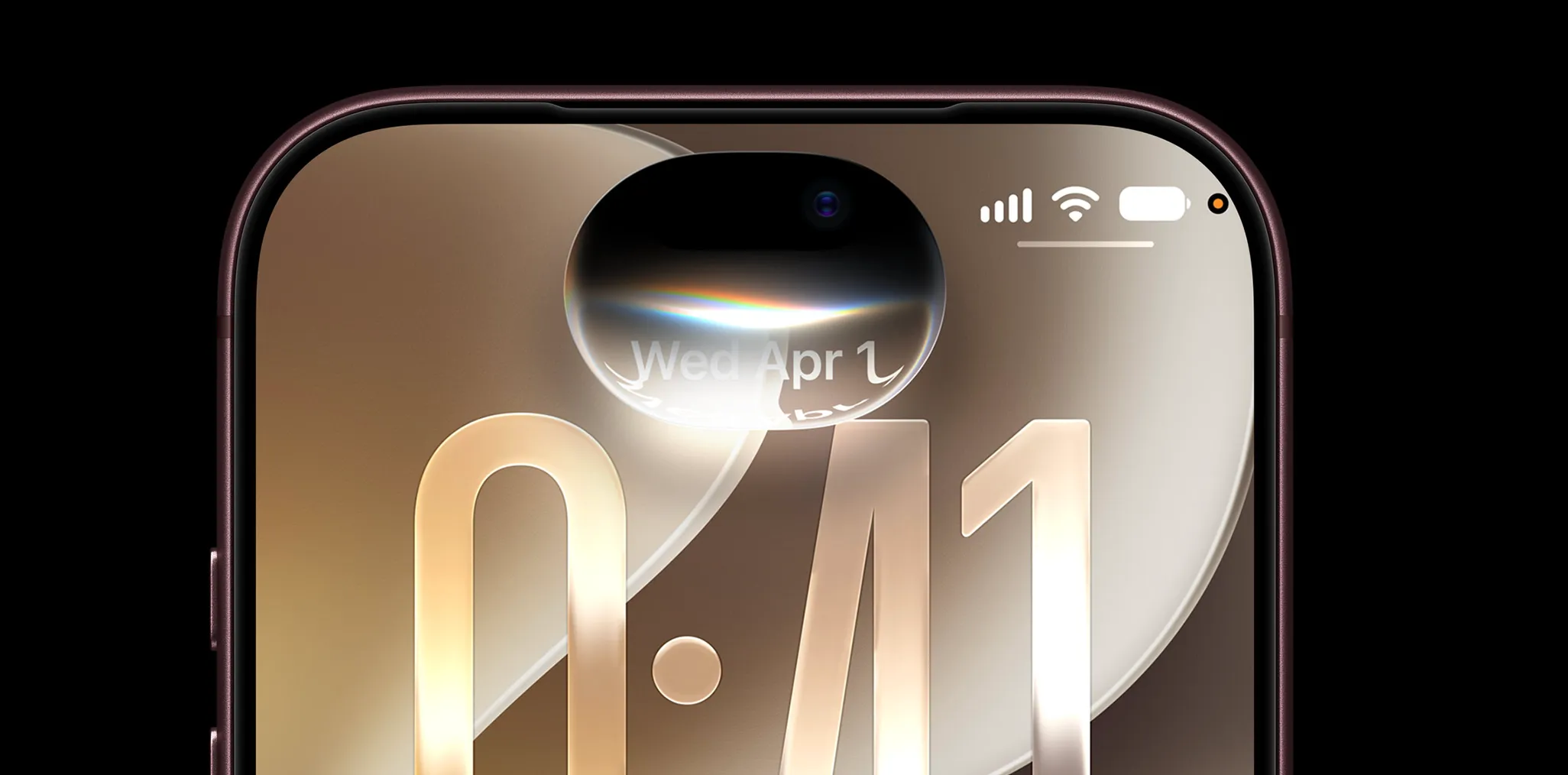
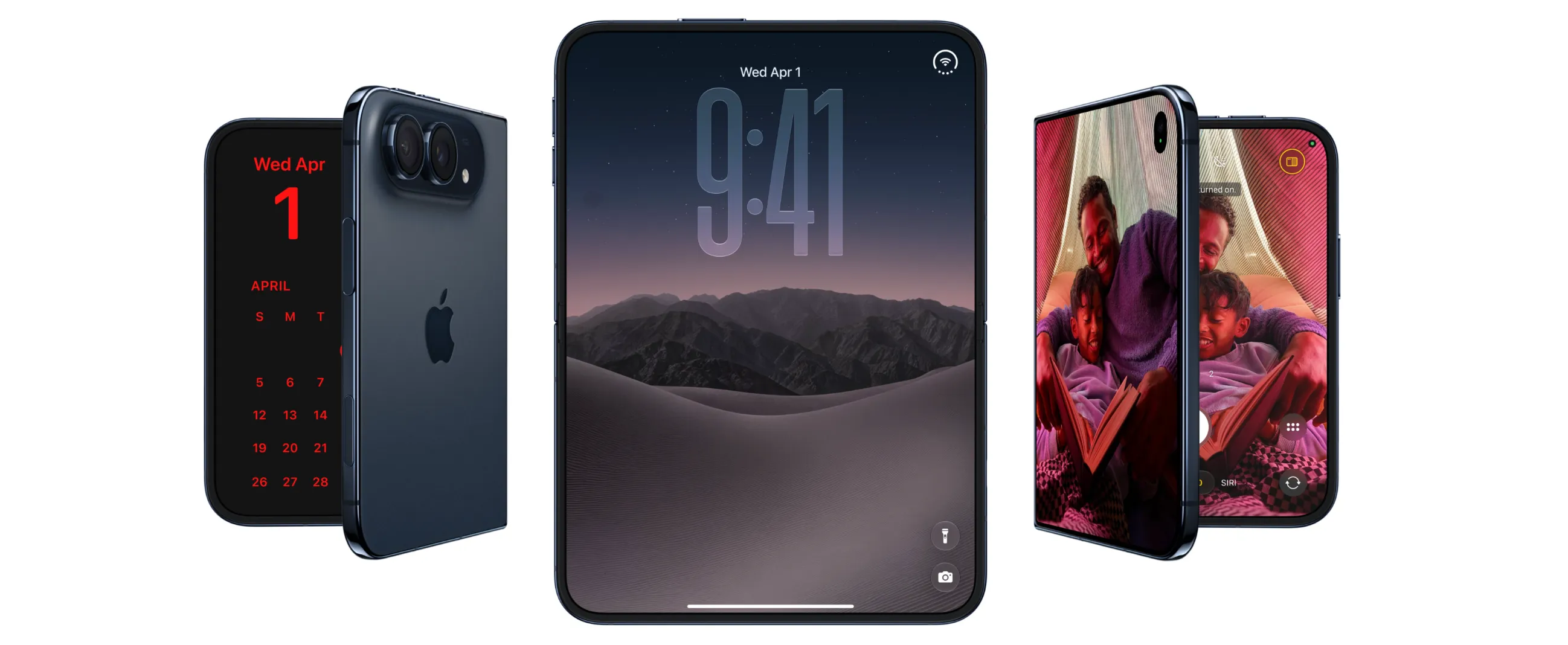
Apple released iOS 27.3 beta 1 today, and the iOS 27.3 StandBy mode update is the standout change, pulling the iPhone Duo's redesigned clock faces, colors, and complications onto other iPhone models for the first time, according to 9to5Mac. The feature set, including multiple saved face configurations, new Calendar and Weather faces, and Shared Album support in Photos, had previously been positioned as a hardware differentiator exclusive to the Duo.
This is beta 1, not a public release, and the reporting on which iPhones qualify for which piece of the update hasn't fully settled. iPhone 11 and later owners get the clearest documented upgrade, the ability to save multiple versions of a clock face and swipe between them, per 9to5Mac. A broader company claim, relayed by MacRumors, says the redesign reaches every iPhone compatible with iOS 27.3, a statement that doesn't necessarily line up with the iPhone 11 cutoff documented elsewhere.
What's new in iPhone StandBy customization in iOS 27.3
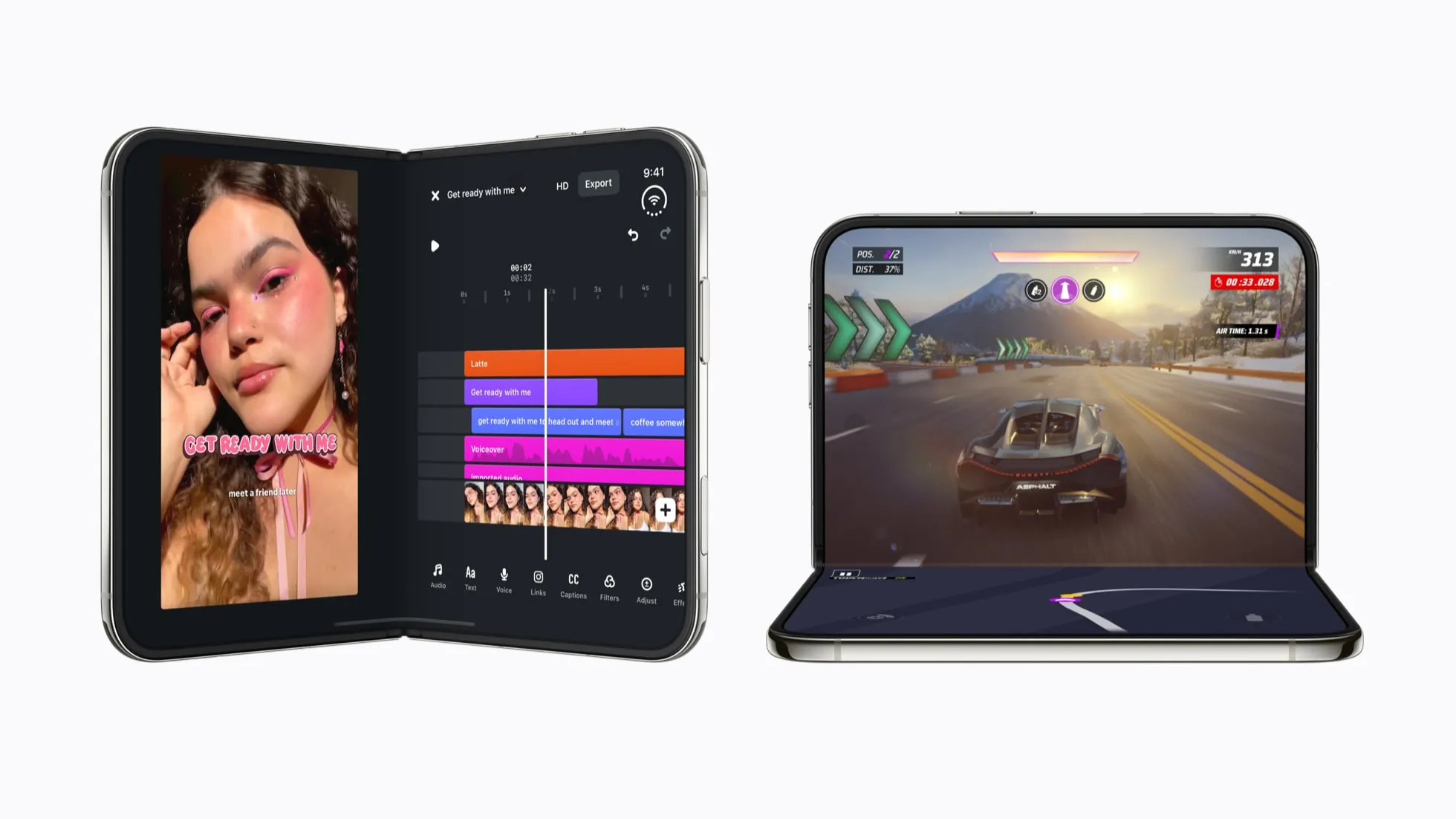
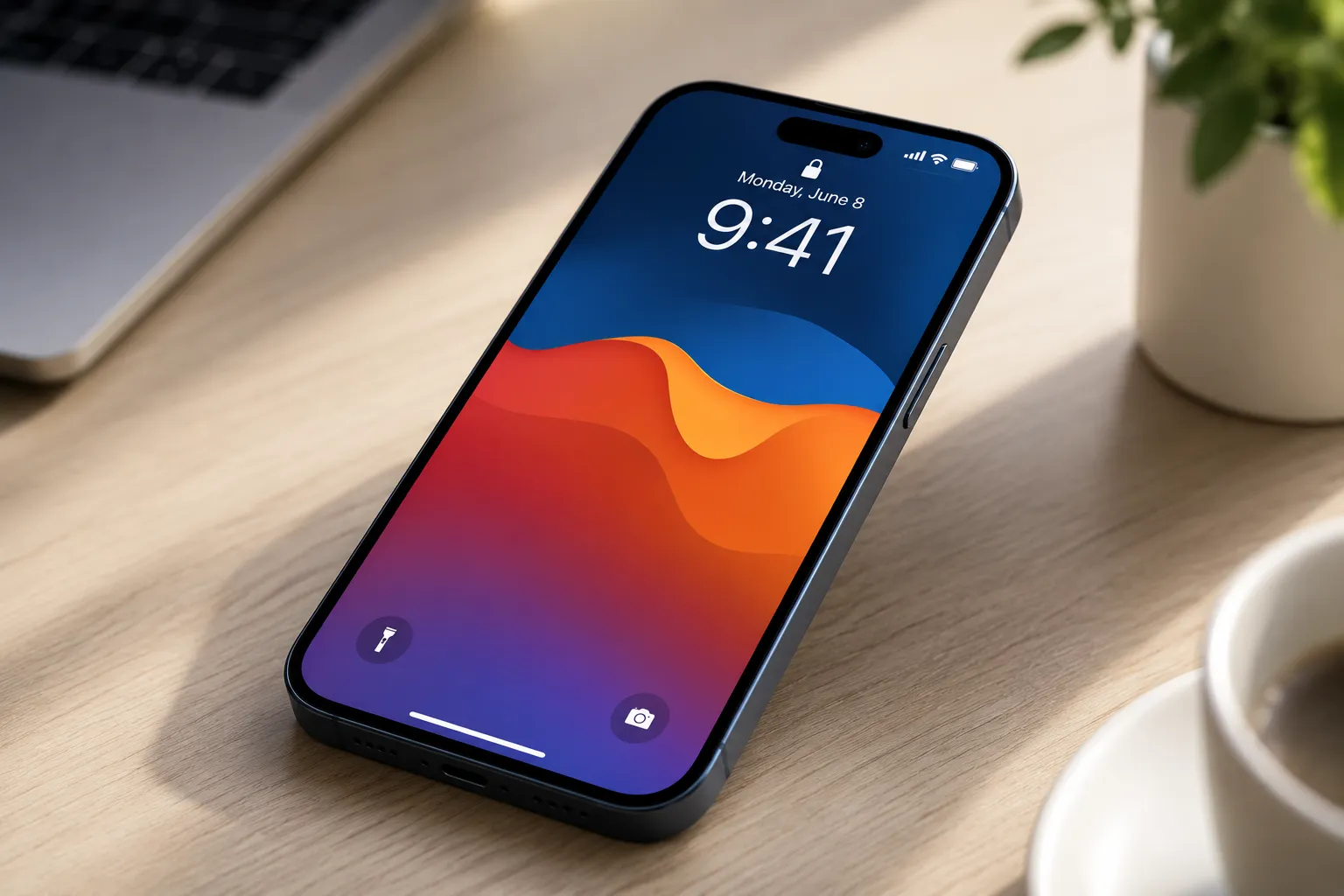
StandBy has worked the same basic way since it launched in iOS 17: lay the iPhone on its side while it's charging, and the screen turns into a smart display showing a clock, widgets, or photos, per 9to5Mac. When Apple introduced the iPhone Duo, it rebuilt that experience with new clock faces and deeper customization, and kept those additions exclusive to the Duo, according to the same report. Everyone else was stuck with the original clock, widget, and photo views.
iOS 27.3 changes that. The update brings redesigned Analog and Digital Clock faces to other iPhones, with adjustable colors and complications that work similarly to building a face on Apple Watch, according to 9to5Mac and iThinkDiff. Instead of one static look, users can now tweak colors and add complications the way they would on a smartwatch face.
The update also lets users save multiple versions of the same face, each with its own color scheme and complications, then swipe between those saved versions, per the same two outlets. That's distinct from switching between face types like Analog and Digital; current reporting documents swiping between saved configurations of one face, not broader face-switching gestures.
Beyond the clock faces, iOS 27.3 adds Calendar and Weather options to StandBy, pushing the feature past timekeeping and photo display, according to 9to5Mac. The Photos face picks up Shared Albums support too, so users can choose which shared photos show up while the phone sits docked, rather than pulling from the full camera roll.
Taken together, this is the headline change in today's beta: a feature set Apple used to help justify the Duo's design is now reaching the rest of the iPhone lineup through software alone, at least in testing.
Which iPhones support iOS 27.3 StandBy clock faces?
Two outlets have weighed in on eligibility, and they don't fully agree on where the line sits.
MacRumors reports that Apple says the new StandBy features are coming to "all iPhone models compatible with" iOS 27.3. That's a company claim relayed through a single outlet rather than a release note reviewed directly, and it doesn't specify which clock faces, Calendar and Weather included, fall under that umbrella.
9to5Mac's reporting is narrower on one specific piece of the update: it names iPhone 11 and later as the cutoff for creating and swiping between multiple saved face configurations. That's a more specific claim than MacRumors' broader statement, and the two reports don't explicitly reconcile.
Here's how the reporting breaks down feature by feature:
- New Analog and Digital faces with adjustable colors and complications: claimed for every iOS 27.3-compatible iPhone by Apple via MacRumors, with no device floor confirmed independently.
- Multiple saved face configurations: specifically tied to iPhone 11 and later by 9to5Mac, not addressed by MacRumors' broader statement.
- Calendar and Weather faces, plus Shared Albums in Photos: reported by 9to5Mac without a stated device cutoff.
None of this necessarily contradicts the rest. Apple's "all compatible iPhones" claim and 9to5Mac's "iPhone 11 and later" detail could both hold up if the saved-configuration tool simply needs more processing power than the base clock faces. But nothing in current reporting confirms that, and readers shouldn't assume those two phrases describe identical eligibility. An older supported iPhone might show the new clock faces in the beta without picking up the ability to save multiple versions of one.
How to trigger and test the new StandBy faces
iOS 27.3 beta 1 is available now to anyone enrolled in Apple's beta program, but Apple hasn't pushed it to the public yet. A stable release is expected sometime in December, according to 9to5Mac, though that timeline isn't locked in.
As a general precaution, back up the iPhone before installing any beta and avoid putting it on a phone used daily. Beta builds can carry bugs, and features that work today can change or disappear before the software ships publicly.
To check for the new StandBy options, place the iPhone horizontally while it's charging, the same gesture that's triggered StandBy since iOS 17, per 9to5Mac. From there, look for the new Analog, Digital, Calendar, and Weather face options, and if the phone is an iPhone 11 or later, try saving a second version of a face with different colors or complications to see if the swipe gesture works.
Seeing a feature show up on a beta device confirms it's active on that phone right now. It doesn't confirm Apple's final supported-device list, which can still shift before the public release in December.
Some Duo interface behavior remains distinct even after this expansion. Reachability on the Duo shifts content sideways instead of pulling it down, according to iThinkDiff. That doesn't mean the same gesture is technically impossible on other iPhones, just that current reporting ties it specifically to the Duo's larger display rather than describing it as part of this software-only StandBy expansion.
What to do with iOS 27.3's StandBy update right now
The confirmed part of this story is straightforward: iOS 27.3 beta 1 adds new StandBy clock faces, color and complication customization, Calendar and Weather faces, and Shared Album support to iPhones beyond the Duo. 9to5Mac is the primary source for that full feature list, including the iPhone 11 cutoff for saved configurations, while MacRumors confirms Apple's broader claim that the rollout extends to every compatible iPhone, without specifying one universal device cutoff for every piece.
iPhone 11 and later owners have the clearest reporting on multiple saved face configurations, so that group has the most reliable expectation going into the beta. Owners of other supported models should install the beta and test directly rather than assume parity with what's documented for iPhone 11, since nothing in current reporting guarantees every StandBy feature shares one hardware floor.
If installing a beta isn't worth the risk, treat today's reports as a preview rather than Apple's final word. Check Apple's release notes when iOS 27.3 ships publicly in December to confirm exactly which StandBy features your iPhone supports before expecting Duo-level customization on an older phone.





Comments
Be the first, drop a comment!