



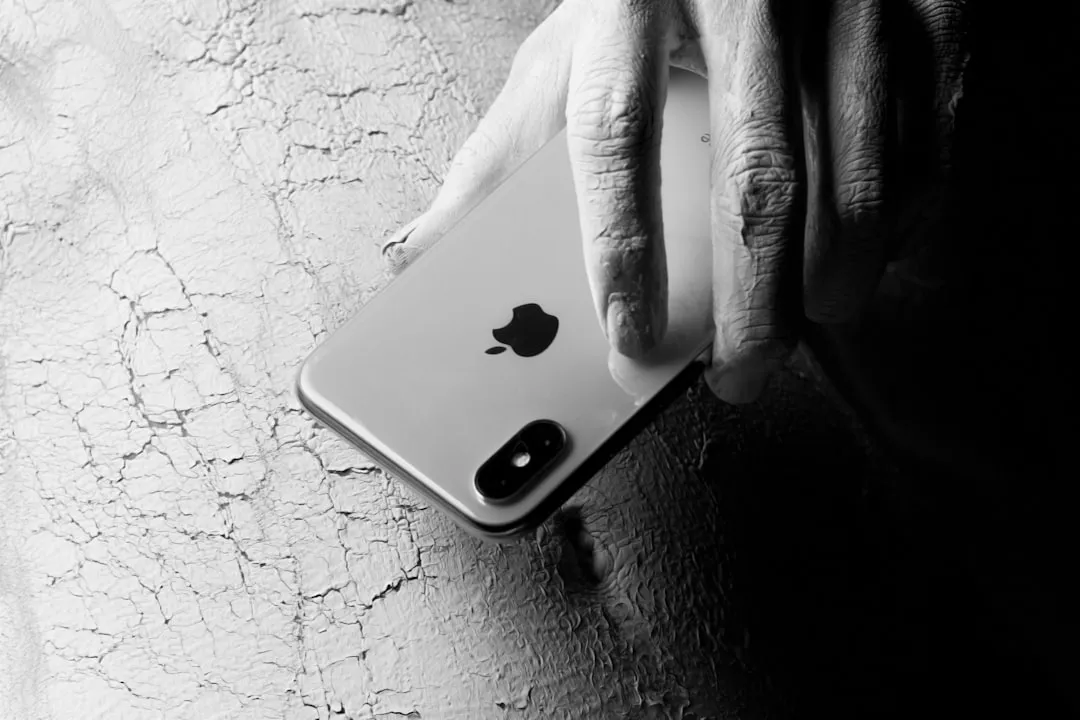
The buzz around iPhone Mirroring has been growing ever since Apple introduced the feature, promising seamless integration between your iPhone and Mac. The idea is simple: see and control your iPhone's screen directly from your Mac, making it easier to respond to messages, check apps, or handle notifications without picking up your phone (9to5Mac). It launched as part of macOS Sequoia and iOS 18, giving users a new way to bridge their devices within Apple's ecosystem (Apple Newsroom). But while the convenience is undeniable, the current implementation leaves privacy-conscious users wanting more granular control over what gets shared and when (The Verge).
Having tested iPhone Mirroring extensively across different environments—from coffee shops to shared office spaces—I've found that the privacy limitations move from theoretical concern to practical problem faster than you might expect. The feature works beautifully when you're alone at your Mac, but the moment you're in any semi-public setting, you start second-guessing whether to enable it at all.
The current state: convenience over control
Right now, iPhone Mirroring defaults to broad visibility, but Apple provides notification controls and the ability to revoke access per Mac. Once you enable the feature, your Mac can display your iPhone's full interface, including home screens, apps, and notifications (CNET). Apple requires both devices to be signed into the same Apple ID, nearby via Bluetooth, and on the same Wi-Fi network for the connection to work (Apple Support). The setup also demands that your iPhone remain locked during mirroring sessions, which adds a layer of physical security but doesn't address deeper privacy concerns (MacRumors).
This physical security measure prevents unauthorized iPhone use, but it does nothing to restrict what your Mac can see once the connection is established—a crucial distinction that affects how you can safely use the feature. You can limit notifications per app (Settings → Notifications → Show on Mac) and revoke a Mac's mirroring access; see Apple's iPhone Mirroring and notification settings for details.
In my testing, I found myself hesitant to use mirroring during video calls because a notification from my banking app or a personal text could pop up at any moment, visible to anyone in the frame. You might want to quickly respond to a work email from your Mac while keeping your personal messages or banking apps off-screen, but the current system doesn't allow for that kind of selectivity.
Why finer-grained permissions matter
Privacy isn't just about keeping strangers out—it's also about managing access in shared or semi-public environments. Imagine working on a shared Mac in an office, at a library, or even at home where family members might use the same computer (Forbes). With the current system, enabling iPhone Mirroring means granting full visibility into your iPhone—and unlike sharing your screen in a video call, there's no way to preview what others might see before they see it. This includes sensitive apps like banking, health tracking, or private messaging (Wired).
Here's the thing: Apple's ecosystem already offers selective permissions in other areas. AirDrop lets you control who can send you files, and Continuity features like Handoff can be toggled per app (Apple Support). The absence of similar controls for iPhone Mirroring feels like a missed opportunity, especially when the stakes involve personal data exposure (Ars Technica). Think about it: you wouldn't give someone unrestricted access to your entire photo library just because you wanted to show them one picture. So why should mirroring your iPhone to a Mac require exposing everything at once?
Consider the metadata implications: even if someone doesn't actively snoop, your app organization, notification frequency, and usage patterns reveal intimate details about your daily life and priorities. The apps on your home screen, the badges showing unread counts, the timing of when notifications arrive—all of this paints a picture that many users would prefer to keep private in shared computing environments.
What better controls could look like
A more privacy-forward approach would let users choose which apps are visible during mirroring sessions, similar to how Screen Time restrictions work (Apple Support). You could whitelist productivity apps like Mail or Calendar while blocking access to Photos, Messages, or health-related tools (MacWorld). Screen Time already maintains per-app usage databases and restriction frameworks; extending this to mirroring would primarily require a new UI layer and inter-device policy sync via iCloud Keychain. This would give you the flexibility to use iPhone Mirroring in contexts where you might not want everything on display, without having to disable the feature entirely.
Beyond choosing which apps appear, notification filtering would add a second layer of granularity—particularly valuable for users who want to use mirroring for specific tasks without broadcasting their entire digital life. You should be able to decide whether alerts from specific apps appear on the mirrored display or stay private on the iPhone itself (The Verge). You might be fine with seeing work-related notifications pop up on your Mac, but prefer to keep personal texts or dating app alerts completely separate. The technology to do this already exists within iOS; it's just a matter of extending those controls to the mirroring feature.
Apple could also introduce time-based or location-based permissions, automatically disabling mirroring when you're away from trusted networks or after a set period of inactivity (CNET). Imagine setting up a rule where mirroring only works when you're connected to your home Wi-Fi, or where it automatically turns off after 15 minutes of inactivity. These controls would make iPhone Mirroring viable for scenarios currently off-limits: presenting in meetings, working in coworking spaces, or troubleshooting a family member's Mac without exposing your personal information (TechCrunch).
PRO TIP: While waiting for Apple to add granular controls, you can create a dedicated Focus mode on your iPhone that silences notifications from sensitive apps. Enable this Focus before starting a mirroring session in shared spaces—it's not perfect, but it reduces the risk of unexpected alerts appearing on your Mac screen.
The enterprise and shared-device challenge
For business users and organizations, the privacy challenge takes on a different character: it's not just about personal comfort but about legal liability, compliance requirements, and corporate data governance policies that treat personal and business data as fundamentally different categories. Many enterprises provision Macs for shared use or allow employees to use company devices for both work and personal tasks (Forbes).
Picture this scenario: an employee working on a shared Mac in a conference room wants to quickly check a work document on their iPhone. They enable mirroring, but now anyone walking by can potentially see personal notifications, banking apps, or private messages pop up on the screen. More critically for IT departments, a single screenshot of a mirrored iPhone could capture regulated data without triggering any of the monitoring tools enterprises rely on for data loss prevention (DLP). In regulated industries like healthcare, finance, or legal services, this creates serious compliance risks (Wired).
A hospital employee, for instance, might use their personal iPhone for both work and personal tasks, but mirroring patient information to a shared Mac could potentially violate HIPAA requirements. Financial services firms face similar concerns with SEC and FINRA regulations around data handling. The current all-or-nothing approach makes it nearly impossible to use iPhone Mirroring safely in these regulated environments.
IT administrators currently have limited tools to enforce policies around which apps or data can be mirrored, making it harder to balance productivity with compliance requirements (Ars Technica). Apple's existing Mobile Device Management (MDM) framework could theoretically support such controls, but as of now, iPhone Mirroring doesn't integrate deeply enough with enterprise-grade privacy settings (MacRumors). Apple's MDM framework already allows administrators to restrict app installation, enforce passcode policies, and control feature access—but iPhone Mirroring currently operates outside these policy boundaries, creating a gap in enterprise security posture. Organizations need the ability to set policies that restrict mirroring to approved apps, enforce automatic timeouts, or even disable the feature entirely on company-managed devices.
Where do we go from here?
Apple has built a reputation on privacy-first design, and iPhone Mirroring has the potential to be another standout feature if it evolves to match that ethos (Apple Newsroom). The current implementation delivers on convenience, and given Apple's track record of iterating on Continuity features—remember when AirDrop launched with limited controls before gaining granular permissions—there's reason to expect iPhone Mirroring will mature similarly.
Adding app-level permissions, notification filtering, and enterprise-friendly controls would bring iPhone Mirroring in line with the granular options already present in other parts of the Apple ecosystem (Apple Support). It's not about making the feature more complicated; it's about giving users the choice to use it in ways that fit their individual privacy needs. The beauty of Apple's ecosystem has always been its flexibility—the ability to customize and control how your devices work together. iPhone Mirroring should be no different.
In the meantime, users can make their preferences known through Apple's Feedback Assistant (available in macOS under the Help menu), where feature requests are tracked by product teams. The more specific feedback Apple receives about real-world use cases where granular controls would matter, the more likely we are to see them prioritized in future updates.
For now, the feature works well for users who trust their Mac environment completely, but for everyone else, it's worth pushing for more control—because privacy shouldn't be an all-or-nothing proposition (The Verge). Whether you're a casual user who occasionally works in shared spaces or an enterprise admin managing a fleet of devices, you deserve the ability to use iPhone Mirroring without compromising your privacy boundaries. Ultimately, iPhone Mirroring represents Apple's vision of seamless cross-device computing, but seamless shouldn't mean indiscriminate. The most powerful integrations are those that respect boundaries while removing friction—and that's the balance Apple still needs to strike here.















Comments
Be the first, drop a comment!