



macOS Golden Gate touch features: external displays, Sidecar
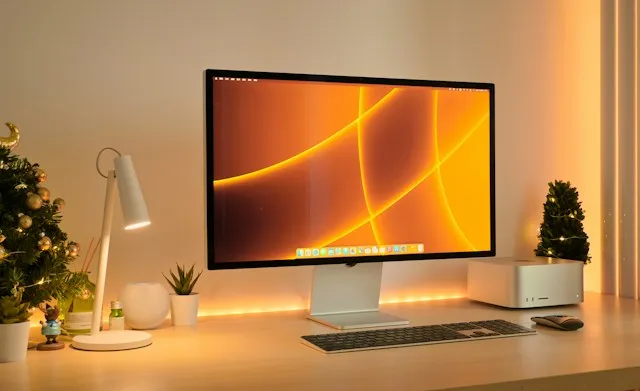
macOS Golden Gate's touch-oriented interface isn't limited to the new PROLED MacBook Pro. Testing in the macOS 27.3 and iPadOS 27.3 developer betas shows the same macOS Golden Gate touch features also work through Sidecar with an iPad, and on one of two third-party touchscreen monitors tested, AppleInsider reports.
That's a real expansion of macOS 27 touch support for external displays, since the new interface isn't locked to a single built-in panel. But the two paths aren't equally proven. AppleInsider's test produced a split result this week: one external monitor worked immediately, the other didn't, which argues against any assumption that touch support behaves the same on every screen.
What's confirmed, what's unverified, and what's still unknown
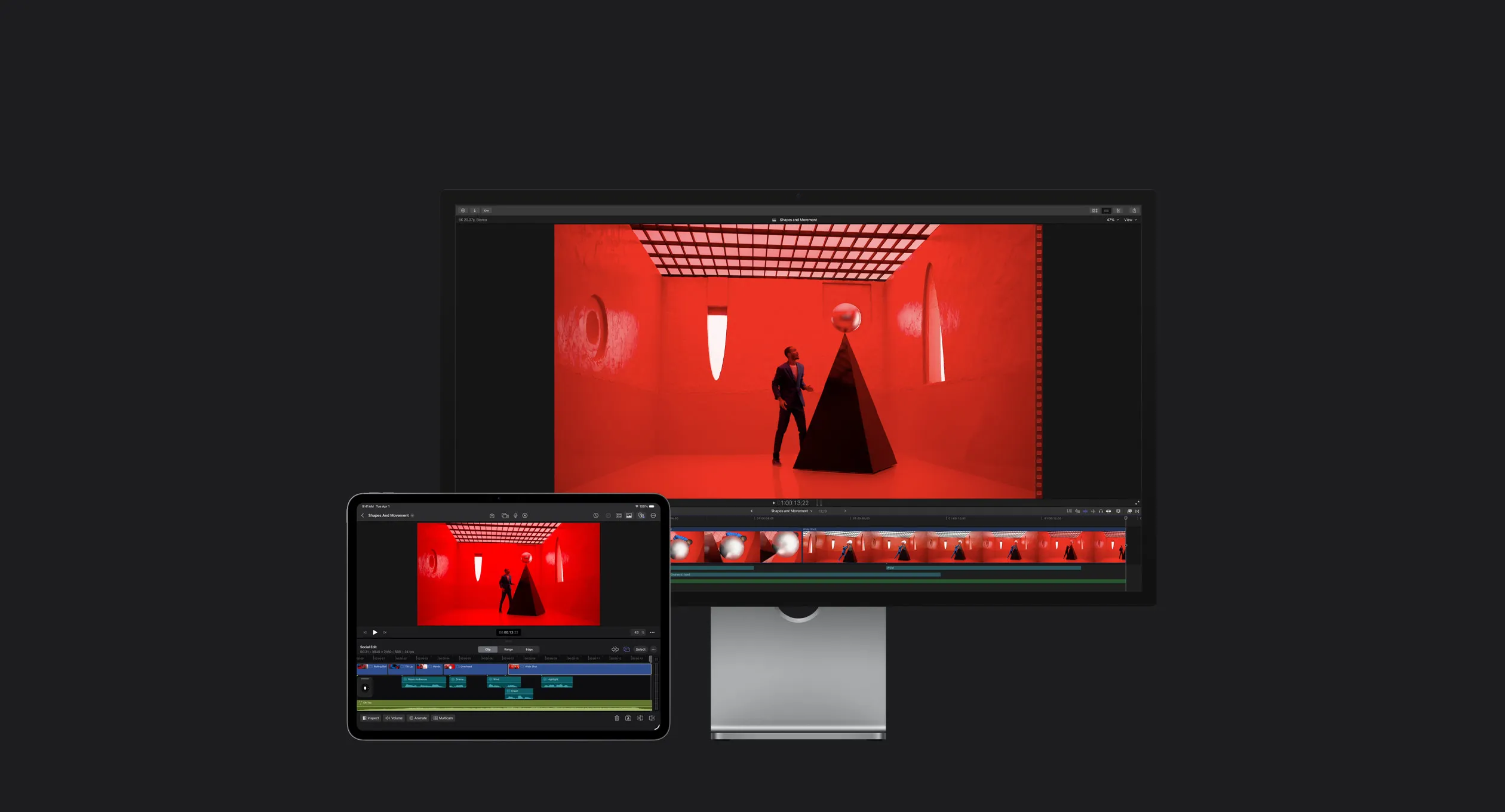
In the current developer betas, touching an iPad screen connected over Sidecar registers as a mouse click at that exact location, and dragging works the same way, based on hands-on testing. That's the clearest working example so far of using an iPad touchscreen with Sidecar on a Mac under macOS 27.
The external-monitor result is confirmed, but narrowly. One of two displays tested worked out of the box; the other didn't, and AppleInsider traced the gap to drivers rather than the hardware itself.
Everything past that point is unverified for most readers' actual setups. The cited reports don't provide a tested-monitor list, driver names, or a confirmed minimum iPad or iPadOS version. Developer Blake Crosley, who has documented touch-on-Mac behavior extensively, notes he hadn't personally tested the newest configuration cited in this round of reporting, macOS 27.2 paired with the Xcode 27.2 release candidate (Blake Crosley, last week).
Whether any of this carries over unchanged to the public macOS 27 release is unknown. Both AppleInsider's hands-on testing and Crosley's developer notes draw from pre-release beta software, not shipping code (Blake Crosley, last week).
Sidecar is the better-documented touch path
Of the two methods, Sidecar has the stronger paper trail. Apple's own developer guidance describes Sidecar touch input running through gesture recognizers rather than the standard NSResponder event stream that normally handles mouse, keyboard, and trackpad input, a deliberate architecture choice rather than an accidental side effect, per AppleInsider. Apple introduced direct finger control for Sidecar earlier in the macOS 27 cycle, letting people control Mac apps on an iPad screen without reaching for an Apple Pencil, AppleInsider found during testing last week.
Crosley calls Sidecar "the fastest way to get started with touch on Mac," largely because it runs on hardware many Mac and iPad owners already own (Blake Crosley, last week). He also notes that with current beta tools, all the touch features built for the Mac with a built-in touch display are available through an iPad connected over Sidecar, effectively making macOS Golden Gate Sidecar touch support a stand-in for the hardware most people don't own (Blake Crosley, last week).
This isn't a new discovery. Apple reportedly began experimenting with better Sidecar touch support back in the first macOS 27 developer betas in June, according to AppleInsider. That gives Sidecar a much longer testing window than the external-monitor behavior, which rests on this week's two-monitor check and nothing older. This remains developer-beta software, with gaps even experienced developers haven't fully mapped, and no documented list of supported Mac or iPad models has surfaced in reporting so far.
macOS 27 touch support for external displays is still unproven
The external-monitor side of this story rests on a much smaller sample. AppleInsider tested two third-party touchscreen monitors in the current developer betas: one worked immediately with no configuration, the other didn't work at the time of testing.
The outlet says it confirmed the discrepancy came down to drivers rather than a hardware limitation in the non-working display. If that holds, a driver update could in theory resolve it, though nothing in the reporting confirms a fix is planned or even possible for the specific unit tested. No manufacturer name, model number, or driver version is attached to either result.
Because only two unnamed displays were tested, the result does not establish which touchscreen monitors on the market will work with macOS touch features on third-party displays once macOS 27 ships. Checking with a monitor's manufacturer for confirmed macOS 27 support is a more reliable approach than assuming plug-and-play behavior based on this test alone.
Why your apps might not respond to touch the same way
Even where the operating system handles touch input correctly, individual apps don't automatically inherit that support. Blender's developers added dedicated Sidecar touch support in a pull request because, per Apple's TN3212 guidance, touch events don't arrive through the same input stream used for mouse and trackpad interaction (Blender PR #165222, three weeks ago).
To make that work, Blender built its own gesture handling: one-finger taps, holds, and drags for mouse-style clicks, plus two-finger panning, zooming, and rotation for viewport navigation (Blender PR #165222, three weeks ago). It also set a flag called NSIsTouchNative to disable macOS's automatic touch-to-mouse emulation once its custom gestures were in place, telling the system Blender would handle touch input itself (Blender PR #165222, three weeks ago).
That's one developer's implementation choice, and it implies rather than proves that apps without similar work may lack the same gesture depth. AppleInsider's Sidecar testing showed basic tap-as-click and drag registering correctly without any app-side changes. What that testing doesn't establish is whether richer, multi-finger gestures behave consistently across different apps; Blender's PR suggests that kind of polish depends on whether a given app's developers build explicitly for Apple's gesture-recognizer model.
What to check before you try this
Testing any of this comes down to three separate questions, and they don't all resolve together. Does macOS register touch input at all on a given display? That's the OS-level behavior confirmed for Sidecar and for one of two monitors tested. Does the specific display's driver support that input? That's the piece that failed on one tested monitor, with no public fix timeline. Does the app being used handle touch gestures natively? Blender's Sidecar work shows that's a per-app decision, not something macOS 27 grants automatically.
Sidecar is the path with the stronger track record: documented by Apple, tested since the earliest macOS 27 betas, and confirmed working for basic touch and drag input this week. If a secondary Mac and iPad are already running the macOS 27.3 and iPadOS 27.3 betas, that combination is worth testing now.
Third-party touch monitors remain the bigger unknown. One worked without setup, one didn't, and the only confirmed cause is drivers, with no names or models attached. Watch Apple's public release notes for confirmation once macOS 27 ships, and treat app-level touch quality as a separate question from whether macOS recognizes the touch in the first place.


Comments
Be the first, drop a comment!