




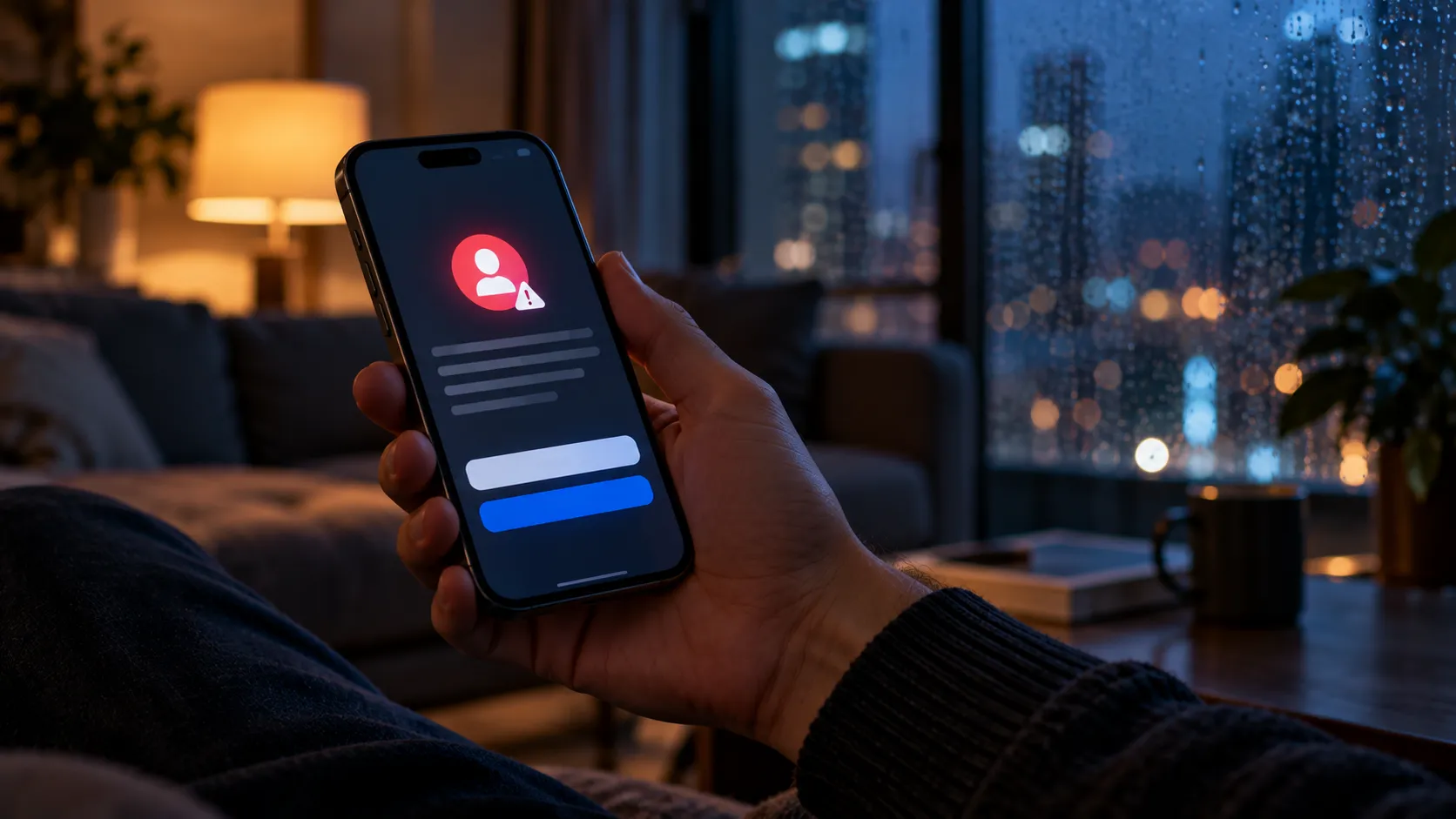
iOS 27 began rolling out on September 14, and it arrived with a screen most people may be tempted to tap through without reading: a prompt titled "Improve Siri & Apple Intelligence" offering two choices, "Share Audio and Text" or "Not Now."
That screen is the main control for how to stop Apple using Siri data to train AI. It decides whether Apple can collect and use your Siri, Dictation, and Translate interactions to help train its Foundation Models, as 9to5Mac reported.
This guide covers that toggle specifically: how to decline it during setup, how to find and change it later, and what Apple says happens to your data if you leave it on. If your goal is to opt out of Siri AI training data collection, tapping "Not Now" on that screen declines the program, and the rest of this guide walks through confirming the setting afterward.
None of this stops Siri from processing your requests in order to actually answer you, since that runs through a separate system that keeps working regardless of whether you participate in Improve Siri & Apple Intelligence. That distinction gets its own section below.
The prompt appears when you set up or start using Siri AI. Apple is also asking people who previously participated in the older Improve Siri & Dictation program whether they want to opt in to the expanded setting, because the purpose has changed: eligible data can now be used to train Apple's Foundation Models, not just improve Siri and related language-processing features.
That reevaluation is worth taking seriously. Whatever you chose under the older setting, treat Improve Siri & Apple Intelligence as a fresh decision rather than assuming your previous preference answers the broader model-training question.
How to Turn Off Improve Siri and Apple Intelligence
If you're using Siri AI, Apple now documents the setting directly in its Improve Siri & Apple Intelligence support guide.
During Siri AI setup, watch for the screen titled "Improve Siri & Apple Intelligence" and tap "Not Now" instead of "Share Audio and Text." This declines Apple's request to collect eligible Siri, Dictation, and Translate interactions for product improvement and Foundation Model training.
If you already opted in, or just want to confirm your choice, go to Settings > Privacy & Security > Analytics & Improvements > Improve Siri & Apple Intelligence and turn the switch off.
Check the switch directly rather than relying on your old Improve Siri & Dictation choice. The newer setting has a broader purpose because Foundation Model training is now included.
If you don't remember what you selected during setup, use the Settings path above to verify the current state rather than guessing.
Apple says Improve Siri & Apple Intelligence is available to Siri AI users. Devices using the previous version of Siri instead continue to show Improve Siri & Dictation.
Siri AI itself is rolling out in beta across iPhone, iPad, Mac, Apple Watch, and Apple Vision Pro as part of Apple's 2027 software releases. On iPhone, Apple says Siri AI requires an Apple Intelligence-capable device, including iPhone 15 Pro, iPhone 15 Pro Max, or iPhone 16 models and later, with supported language settings.
Siri AI launched in beta in English and isn't initially available on iPhone in the EU. Exact availability therefore depends on device, language, and region.
What This Setting Does and Doesn't Control
Turning Improve Siri & Apple Intelligence off addresses one specific thing: whether Apple can collect eligible Siri, Dictation, and Translate interactions under this optional improvement program and use that data to help develop Siri and train its Foundation Models.
It doesn't disable Siri or stop the processing required to answer a request.
Apple's Improve Siri & Apple Intelligence privacy notice says the opt-in program can include audio, transcripts, Siri responses, and related request data. Apple may use that information to improve Siri, Dictation, Search, Translate, speech recognition, and its Foundation Models.
That's separate from the infrastructure Siri AI uses when a request itself needs cloud processing.
For requests too complex to handle entirely on-device, Apple uses Private Cloud Compute. Apple says personal data sent through Private Cloud Compute isn't stored or made accessible to Apple or anyone else after the system processes the request.
Private Cloud Compute now extends beyond Apple's own data centers. In 2026, Apple detailed an expansion of Private Cloud Compute onto Google Cloud infrastructure using technologies developed with Google and NVIDIA while preserving Apple's PCC security model.
That's part of Siri's inference system, not the Improve Siri & Apple Intelligence training-data toggle. Turning the improvement setting off doesn't stop Siri from using Private Cloud Compute when a request requires it.
What You're Sharing If You Leave the Setting On
Apple's current privacy documentation is now more specific than the older Improve Siri & Dictation material.
If you enable Improve Siri & Apple Intelligence, Apple says it may store Siri and Dictation interactions including audio, transcripts of what you say or type, Siri's responses, and related request data.
The related data can include the type of request, device specifications, performance statistics, and the device's approximate location at the time of the request.
Apple says it takes steps to remove or avoid collecting personal details such as phone numbers, email addresses, attachments, notification contents, and information pulled from messages or emails as part of Siri's responses.
The data isn't tied to your Apple Account or email address. Instead, Apple associates it with a random, device-generated identifier that rotates multiple times per hour.
Apple may also link multiple rotating identifiers when you return to the same Siri conversation so the interaction can remain coherent over time.
A subset of the data can be reviewed by people. Apple says only Apple employees can review Siri, Dictation, or Translate audio, while some non-audio samples may be reviewed by other graders.
Apple says your request history isn't used to build a marketing profile and isn't sold.
The company also now gives a retention period. Data collected through Improve Siri & Apple Intelligence may be retained and used for up to two years. A small subset of interactions that has been reviewed may be kept beyond two years for continued improvement of Siri, related language-processing features, and Foundation Models.
Does Turning It Off Delete Data Apple Already Collected?
Not necessarily.
Apple's current privacy notice says information collected while you participate in Improve Siri & Apple Intelligence may be retained for up to two years, with some reviewed interactions kept longer.
That means turning the setting off should be understood primarily as stopping future participation in the optional improvement program, not as a guarantee that everything previously collected is immediately erased.
Apple separately lets users remove Siri and Dictation transcripts stored on the device by turning Siri off. That's a different action from disabling Improve Siri & Apple Intelligence and shouldn't be confused with deleting every sample Apple may already hold under the improvement program.
If avoiding future Foundation Model training is the goal, the key action remains turning off Improve Siri & Apple Intelligence.
Does the Setting Apply to Every Apple Device?
Apple's documentation now gives more detail here too.
On iPhone and iPad, the setting lives under Privacy & Security > Analytics & Improvements. Mac and Apple Vision Pro have their own equivalent setting.
Apple Watch generally inherits the Improve Siri & Apple Intelligence or Improve Siri & Dictation preference from the iPhone or iPad used to set it up.
Apple also says the preference selected when setting up an iPhone or iPad can carry over to new connected Apple devices or supported HomeKit accessories configured using that device.
Even so, Apple allows the setting to be changed on individual supported devices afterward. If you use Siri across several existing devices, checking Analytics & Improvements on each one remains the safest way to confirm the preference you actually want.
What to Do Now
Open Settings > Privacy & Security > Analytics & Improvements > Improve Siri & Apple Intelligence and confirm the switch is off if you don't want eligible Siri, Dictation, and Translate interactions collected under Apple's optional improvement program or used to train its Foundation Models.
If your device still shows Improve Siri & Dictation instead, you're using the older version of the program rather than the Siri AI-specific setting.
Leaving Improve Siri & Apple Intelligence off does not disable Siri, Apple Intelligence, or Private Cloud Compute. Siri can still process requests normally.
Turn the setting on only if you're comfortable with Apple storing eligible audio, transcripts, responses, and related request data under the privacy and retention terms it publishes. Leave it off if you don't want that material used for Siri improvement or Foundation Model training.









Comments
Be the first, drop a comment!