



tvOS 27.2 features for Apple TV 4K: what works now
tvOS 27.2 landed on October 26, 2026, as a free update for Apple TV 4K (2nd generation, 2021) and later, and most of what's inside it works the moment you install it. The tvOS 27.2 features for Apple TV 4K include Find My support for the Siri Remote, a new screensaver Shuffle mode with private photo controls, FaceTime Links, and sign-language support, according to Apple's release notes as reported by MacRumors.
Apple has also announced Siri AI for these same boxes, but its release notes are explicit that the feature isn't turned on yet (MacRumors). That's the real split in this update, not old hardware versus new hardware, but features working today versus features Apple has only promised. One thing to know before you tap update: once tvOS 27.2 is installed, there's no rolling back to the previous version (Apple Support).
tvOS 27.2 features for Apple TV 4K: compatibility at a glance
Your box and remote determine which of these features actually apply to you. Here's how it breaks down:
| Hardware | Software it runs | Find My remote tracking | Precision Finding | Siri AI | Four-HomePod surround |
|---|---|---|---|---|---|
| Apple TV 4K (2nd and 3rd generation) | tvOS 27.2 | Yes, with Siri Remote (2nd generation or later) | Only with a separately purchased Siri Remote (4th generation) | Announced, not enabled in tvOS 27.2; regional limits expected | Not supported |
| Apple TV 4K (4th generation), ships November 13 | tvOS 27.2 | Yes | Yes, built in | Planned at launch, excluding Europe initially | Yes, with HomePod (2nd generation) or HomePod mini (2nd generation) |
| Apple TV HD / Apple TV 4K (1st generation) | tvOS 26.6.1 | Not part of this update | Available after installing tvOS 26.6.1 and pairing the new remote | No | No |
The fourth-generation row describes what Apple has announced, not what's shipping today. Apple unveiled the new box last month alongside a second-generation HomePod mini, and it doesn't actually launch until Friday, November 13 (MacRumors; 9to5Mac).
Apple TV HD and the first-generation Apple TV 4K don't get tvOS 27.2 at all. They instead receive tvOS 26.6.1, a smaller, separate update that adds compatibility with the new Siri Remote but doesn't deliver the rest of the tvOS 27.2 feature set (FlatpanelsHD).
Here's the short version: update your 2021-or-later Apple TV 4K now for the features below. Buy the newest Siri Remote only if its chime or Precision Finding solves an actual problem. Don't buy a new box for Siri AI or four-speaker surround sound until Apple actually flips those on.
Free features already working on your Apple TV 4K
Everything below applies to Apple TV 4K (2nd generation, 2021) and later. No purchase required beyond the update itself.
Personalization. Screensaver Shuffle cycles automatically through Aerials, Memories & Slideshows, Portraits, and Snoopy categories instead of locking you into whichever one you picked once and forgot about (9to5Mac; MacRumors). A new privacy control lets you choose specific iPhone photos for the screensaver instead of handing your entire Photos library to the Apple TV, useful if you've avoided the photo screensaver because your living room TV isn't the place for every picture on your phone (MacRumors; Engadget). Apple TV app profiles now sync from iPhone and iPad running iOS 27.2, with new animated profile characters pulled from Snoopy, Stillwater, and Frog and Toad, a small but genuinely useful change if you regularly hand the remote to a kid (Engadget; 9to5Mac). The Apple Music app also picked up a new icon as part of the service's broader rebrand; that's a cosmetic change, not a functional one (Engadget; FlatpanelsHD).
Communication and accessibility. FaceTime gains Links for joining calls directly from the TV, along with support for adding third-party sign-language interpreters and live captioning to calls (MacRumors; Engadget). Separately, select titles in the Apple TV app now support ASL and BSL, toggled from Settings > TV > Sign Language or directly in the player controls. That's a different feature from the FaceTime interpreter support: it covers streaming titles rather than video calls, and for now it's limited to the Apple TV app rather than every streaming app on the box (9to5Mac; FlatpanelsHD).
HomePod changes. Owners of older HomePods can manually enable Sound Glow, the ambient light-and-sound feature, after updating. It's not reserved for new hardware, but it doesn't turn on by itself: you flip it on in settings, and it's limited to music rather than movies (FlatpanelsHD).
Apple TV Siri Remote Find My support: what's confirmed and what isn't
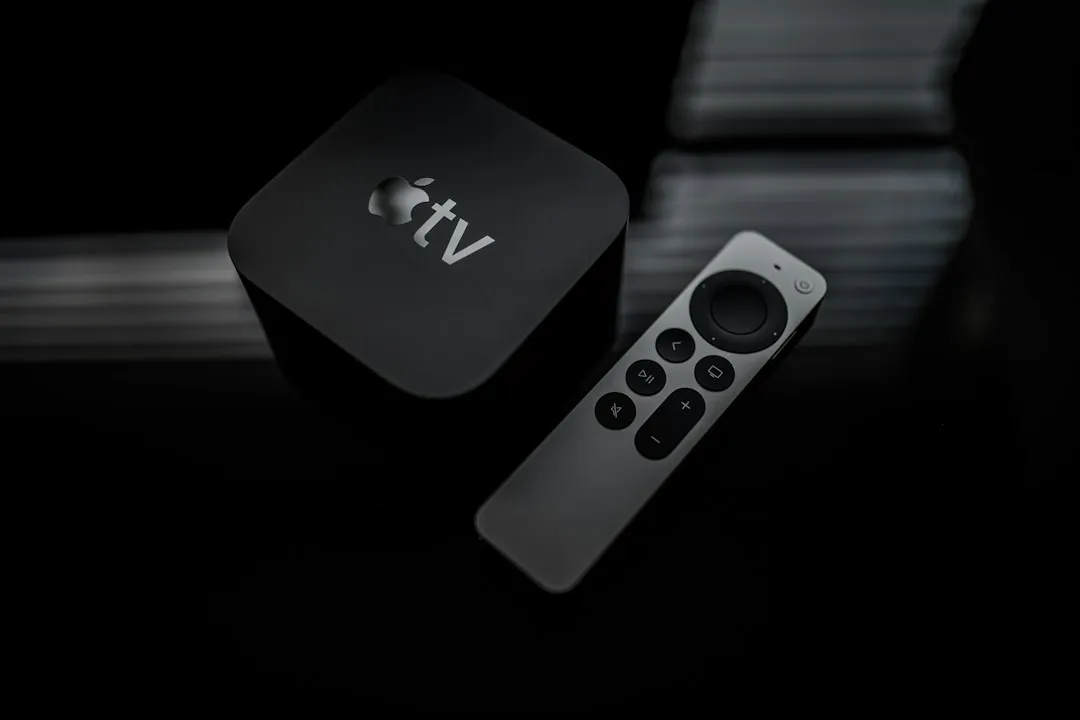
The Siri Remote (2nd generation) and later now shows up inside the Find My app alongside AirTags and other trackable items. That's new, but it's additive rather than a replacement. Find My adds another way to locate the remote, and the existing Remote control in iPhone's Control Center remains available too, according to the cited reporting (FlatpanelsHD; Engadget).
Apple says you can locate the remote through Find My on an iPhone, the same basic workflow as any other Find My item (MacRumors). What it doesn't get you is Precision Finding, the inches-accurate, directional-arrow guidance familiar to AirTag owners. Apple's release notes limit that feature to the Siri Remote (4th generation), regardless of how new your Apple TV box is (MacRumors).
Find My location tracking is a software change available to existing remote owners today. Precision Finding and the locator chime are tied to the remote's hardware, not the Apple TV box's, but that only holds true once your box is already on tvOS 27.2. Owners of Apple TV HD or the original Apple TV 4K still need to install tvOS 26.6.1 before Precision Finding works with a new remote on their setup (FlatpanelsHD).
Is the $59 Siri Remote worth buying?
The Siri Remote (4th generation) costs $59 and is sold separately from any Apple TV box, a far cheaper way to add tracking features than replacing the whole streaming device (AppleInsider). It has a built-in speaker that plays a locator chime on command, and it reportedly works all the way back to the original Apple TV HD (AppleInsider).
If you lose remotes in couch cushions on a regular basis, the chime plus Precision Finding's directional guidance within inches is a real upgrade over basic Find My location (AppleInsider). If you just want to confirm the remote is somewhere in the house, your current Siri Remote (2nd generation or later) already covers that once you've updated.
Legacy-box owners should note that tvOS 27.2 Siri Remote compatibility for Apple TV HD and the first-generation Apple TV 4K runs through the separate tvOS 26.6.1 update, not tvOS 27.2 itself (FlatpanelsHD).
Features Apple has announced but hasn't turned on yet
Siri AI, which Apple describes as a profoundly more capable and conversational assistant with personal context understanding, broad world knowledge, and the ability to take more systemwide app actions, is on Apple's roadmap for Apple TV 4K (2nd generation) and later (9to5Mac). Apple says it will come to those models, but it hasn't given a complete rollout date, and its own release notes confirm the feature isn't enabled in tvOS 27.2 on existing boxes (MacRumors).
The unreleased Apple TV 4K (4th generation) is a different case. tvOS 27.2 is the software that enables Siri AI on that box specifically when it launches November 13, though the same regional limits apply there too (FlatpanelsHD).
When Siri AI does reach older models, Apple says it will support English across eight countries at first: the United States, Australia, Canada, India, New Zealand, Singapore, South Africa, and the United Kingdom (AppleInsider). Europe is notably absent from that list. FlatpanelsHD reports that Apple ties the exclusion to the fact that Siri AI depends on an iPhone connection, and the outlet separately points to the EU's Digital Markets Act as the likely underlying reason, though that explanation comes from FlatpanelsHD's own reporting rather than a direct Apple statement (FlatpanelsHD).
Four-HomePod surround sound is the other headline feature locked to new hardware. It requires the Apple TV 4K (4th generation) paired with HomePod (2nd generation) or HomePod mini (2nd generation). FlatpanelsHD reports that, according to Apple, the feature doesn't work with older Apple TV boxes, and tvOS 27.2 does not add it to them (FlatpanelsHD; 9to5Mac).
Two similarly named features are worth telling apart. The surround system handles Dolby Atmos for movies and shows. A separate feature called Whole Room Audio virtualizes stereo sound across the same four speakers for music and sports. They're not interchangeable, and both need the same four-speaker, new-box setup to work at all (FlatpanelsHD).
What to do now
Update to tvOS 27.2 now if you own an Apple TV 4K (2nd generation, 2021) or later; the free features covered above are already live, and Apple's own notes include bug fixes and security patches it doesn't name individually, so check Apple's security release page directly if you want specifics before deciding how urgently to install it (Apple Support).
Keep your current Siri Remote if basic Find My location covers your needs. Spend $59 on the Siri Remote (4th generation) only if the locator chime or Precision Finding solves a problem you actually have; that remote works even on an Apple TV HD once you've installed tvOS 26.6.1. Hold off on buying a new Apple TV 4K box for Siri AI or four-speaker surround sound until Apple enables Siri AI on existing models in your region and publishes clearer timing.









Comments
Be the first, drop a comment!