



iOS 27.3 public beta: what to test and what to skip
Apple released the first public betas of iOS 27.3, iPadOS 27.3, macOS Golden Gate 27.3, tvOS 27.3, and watchOS 27.3 today, two days after seeding the matching developer betas, according to MacRumors. Signing up through Apple's public beta program for iOS 27.3, officially the Beta Software Program, is free, and each device picks up the iOS 27.3 public beta, or its iPadOS, macOS, tvOS, and watchOS counterparts, through Settings > General > Software Update once enrolled, per MacRumors.
The beta restores the redesigned Health app and adds new Siri actions, Safari tools, and Apple Watch features. Most of that is real, but each headline feature is gated by Apple Intelligence eligibility, a specific chip or Watch model, a region restriction, or a paid subscription. Below is what's actually testable on a given device today, and what's locked behind hardware or dependencies most people don't have yet.
Who gets what: compatibility and region requirements
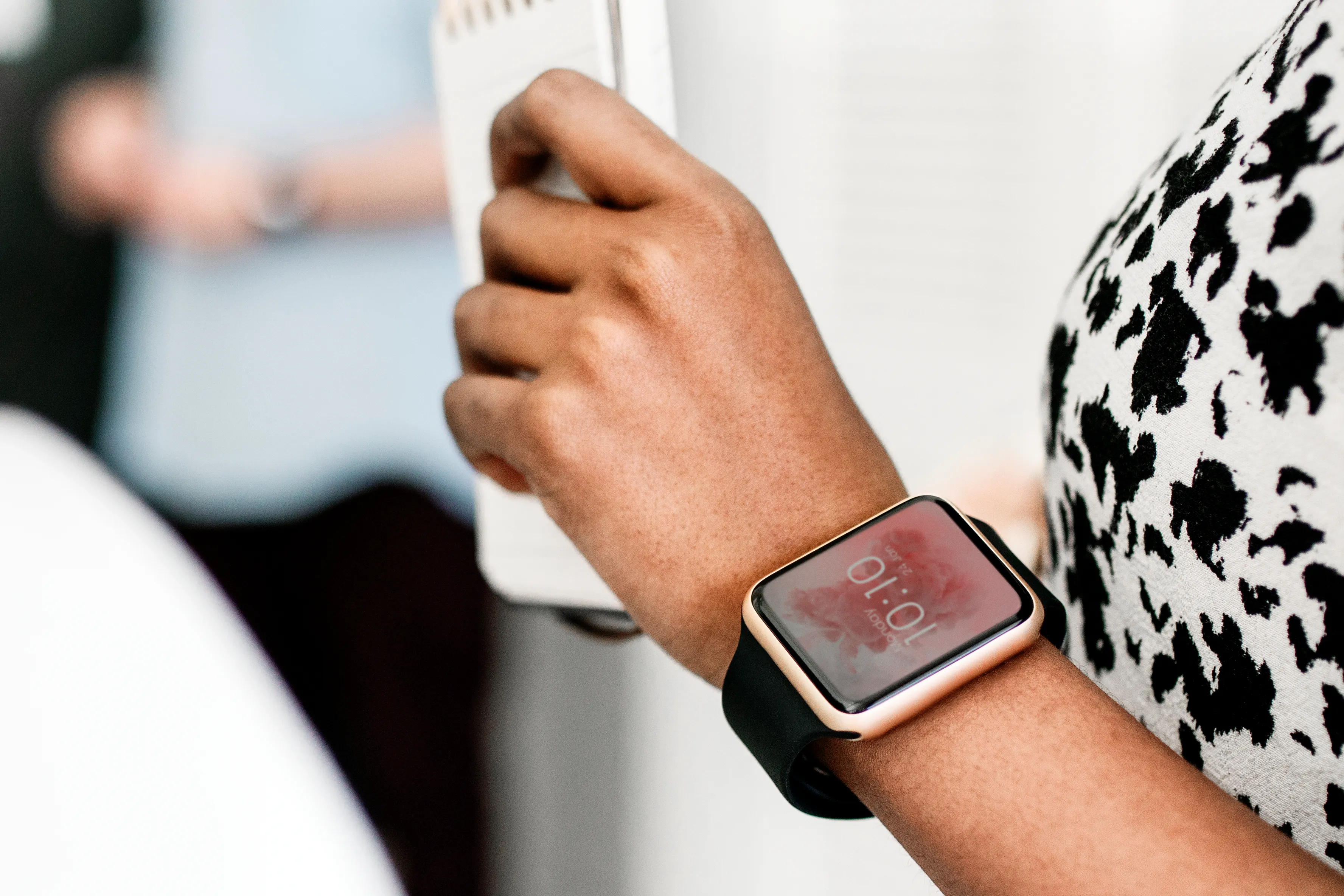
Siri Recap and Live Rewind, the two new Apple Watch audio features, work only on Apple Watch Series 12 and Apple Watch Ultra 4, according to Cult of Mac. The available reports list those two models as the only supported hardware; they do not report support for older Apple Watches.
iPad's new Siri Camera Mode needs an iPad with an M1 chip or later, or an iPad mini with an A17 Pro chip or newer, Cult of Mac reports. iPadOS 27.3 also adds Apple Pencil-enabled Visual Intelligence, but available reporting doesn't say whether that tool shares the same chip floor, so Pencil owners on older iPads should check their device after installing rather than assume support, per 9to5Mac.
Fitness+'s new Gym Strength workouts require an active Fitness+ subscription, and the feature works on iPhone, iPad, or Apple Watch once each device is running the matching 27.3 build, according to Cult of Mac.
Apple is beginning a limited Apple Intelligence rollout in China with this release, but it's restricted to iPhone and doesn't include the full feature set. Regulatory restrictions keep Siri AI and the enhanced Siri app out of this expansion, and support for other Apple platforms in the region won't arrive until separate approvals come through, according to Cult of Mac and 9to5Mac.
Siri AI can complete tasks, but third-party adoption depends on developers
Testers have gotten Siri AI to build and save a Music playlist, schedule an iMessage, and create a Journal entry, according to 9to5Mac. The new actions extend across several of Apple's own apps, including Music, Messages, Photos, and Safari, per Cult of Mac.
Apple also opened the underlying system, App Intents, to outside developers. Any app can now expose its own content and actions to Siri AI, including multi-step "skills" that chain several actions into a single request, Apple said in comments reported by Cult of Mac. Third-party availability depends on developers adding App Intents support, and the available reports don't provide a rollout timetable. The practical limitation is that this expansion only works where each developer has built it in; Apple's own apps already ship with it.
Siri AI also picks up four new languages in this beta: Traditional Chinese, Norwegian, Turkish, and Vietnamese, per 9to5Mac. To see what's actually live in a given app during testing, 9to5Mac suggests simply asking Siri "what can you do in [app name]."
The Health app returns with an AI-driven Insights and Longevity view
The redesigned Health app is back after Apple pulled it from iOS 27.2 betas earlier this year, 9to5Mac and Cult of Mac report. This time it ships with two new tabs: Insights and Longevity.
Insights requires an Apple Intelligence-capable iPhone and pulls together trends from sleep, activity, and other metrics, according to 9to5Mac. Longevity's headline feature, Health Age, uses Apple Watch data specifically, comparing a user's metrics against typical ranges for their age across heart health, sleep, mental wellbeing, movement, metabolic health, hearing, and nutrition, per 9to5Mac and Cult of Mac.
Apple and the reports reviewed here don't explain the calculation in enough detail to assess how the score should be interpreted. The redesigned app also adds language support for simplified and traditional Chinese, French, Japanese, Korean, Norwegian, Portuguese, Spanish, Turkish, and Vietnamese, Cult of Mac notes.
Apple Watch audio tools need new hardware
Siri Recap can automatically detect conversations throughout the day and generate a summary inside the Siri app, triggered either manually or automatically by a set time or location, according to Cult of Mac.
Live Rewind works differently: a double-press of the Digital Crown pulls up a text transcript of whatever was said in the previous 15 seconds, per the same report.
Both features require explicit opt-in, don't store audio recordings or identifiable information, and automatically delete unsaved Siri Recap summaries after seven days, according to Cult of Mac. Neither works without the right hardware: both tools are limited to Apple Watch Series 12 and Ultra 4, with no path to older models regardless of software version.
Safari, iPad, and other iOS 27.3 public beta features worth testing
Safari adds Vertical Tabs, toggled on in Settings > Apps > Safari, along with Adaptive Dark Mode for sites that don't have their own dark theme and Siri-driven tab organization. The same set lands in macOS Golden Gate 27.3, according to Cult of Mac and 9to5Mac.
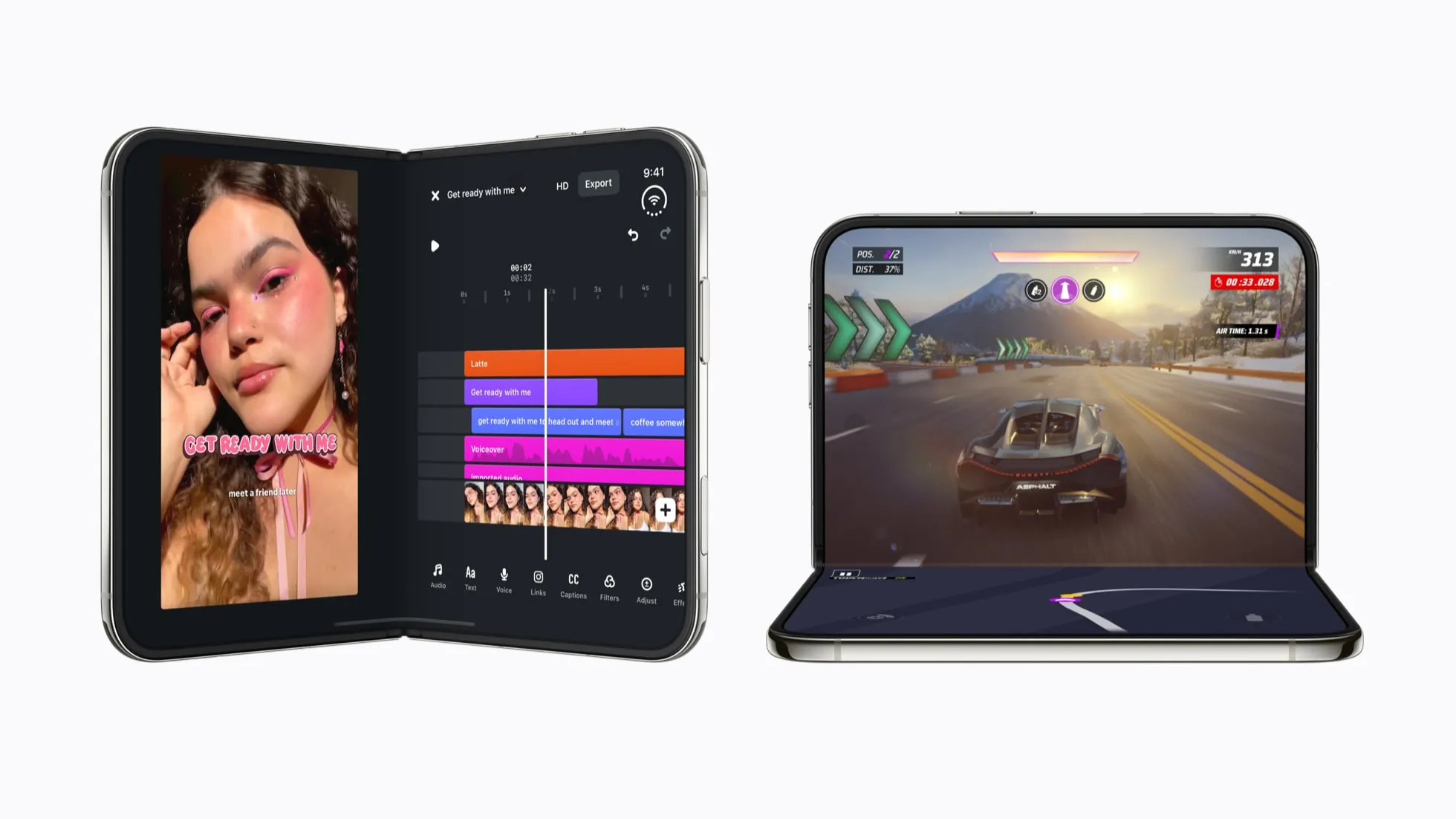
iPhone Duo picks up a Reachability variant that shifts content toward either side of its unfolded display for one-handed use, while standard iPhones starting with the iPhone 11 get more customizable StandBy clock faces with new color and complication options, per 9to5Mac and Cult of Mac.
A new Control Center VPN tile lets iPhone and iPad users switch between installed VPN providers, Cult of Mac reports. Apple Music also gets a Selfie Sing video feature built on the existing Apple Music Sing karaoke tool, plus updates to Auto Mix and Artist Pages, according to Cult of Mac and 9to5Mac. These are the most notable iOS 27.3 public beta features reported so far, not a complete list of everything buried in the build.
How to install the iOS 27.3 public beta
Back up the iPhone or iPad first. Then sign up for the free Apple Beta Software Program using the same Apple Account tied to the device, per 9to5Mac.
- Go to Settings > General > Software Update > Beta Updates
- Select iOS 27 Public Beta, or iPadOS 27 Public Beta on a tablet
- Return to Software Update and tap Update Now once iOS 27.3 appears
Anyone already enrolled in the public beta track can skip enrollment entirely and just check Software Update directly, 9to5Mac notes.
Installing the macOS Golden Gate 27.3 public beta should follow a similar process on a Mac: back up first, open System Settings > General > Software Update, click the small "i" icon next to Beta Updates, and choose the beta option from the dropdown menu. Reported steps for the developer track list that option as "macOS Developer Golden Gate Beta," per 9to5Mac; the exact wording for the public beta wasn't detailed in that reporting, so check the dropdown against the label shown after enrolling through Apple's Beta Software Program rather than assuming it matches.
What to check before installing
- Install on a secondary device: readers testing Safari's Vertical Tabs, the Health redesign, or Apple's own Siri actions.
- Wait: anyone dependent on a primary iPhone or Mac for work or critical communication, since this is the first public build and Apple hasn't established its real-world stability yet.
- Don't expect these features: owners of Apple Watches older than Series 12 or Ultra 4, iPads below the M1/A17 Pro chip floor, or iPhone users in China looking for Siri AI and the broader Apple Intelligence set.
Readers who want to test the features should use a secondary device where possible and keep a current backup regardless of which device they choose.
What happens next
Apple hasn't confirmed a release date, but outlets expect iOS 27.3, iPadOS 27.3, and macOS 27.3 to reach a full public release next month, according to Cult of Mac and MacRumors. Cult of Mac's reporting suggests Apple may add more features in a second beta before later builds shift toward bug fixes and stability work, per Cult of Mac.
Watch Series 12 and Ultra 4 owners get the most exclusive new features once they update and enable Audio Intelligence. Everyone else should treat the official release notes, not this first build, as the confirmation that a given feature has stabilized before it reaches a primary device.






Comments
Be the first, drop a comment!