



Apple Creator Studio Update Preorder: None Exists, Subscribe Instead
Searching for an Apple Creator Studio update preorder page won't get you anywhere, because Apple isn't running one. The company announced sweeping new features for its creative app bundle today, including AI assistants built on its own models and OpenAI technology, but access runs through an existing subscription and a free app update, not a reservation system (Apple Newsroom, today).
Creator Studio is already live on the App Store. Apple says the new features will arrive as a free update for existing subscribers sometime in November, with no specific day announced (Apple Newsroom, today; 9to5Mac, today). The update was announced alongside Apple's new M6 iMacs and 14-inch MacBook Pro (9to5Mac, today).
Not every app in the bundle is getting the same treatment. Logic Pro and the iWork trio of Keynote, Pages, and Numbers are set to receive beta AI assistants. Pixelmator Pro is picking up a prompt-based editing tool, which is a different thing. Final Cut Pro's listed additions are different again, and sorting out which apps touch your workflow matters more right now than chasing a release date Apple hasn't set.
How to preorder Apple Creator Studio: you can't, but you can subscribe now
Creator Studio runs through Apple's current subscription model, not a one-time unlock. New U.S. subscribers can sign up today for $12.99 a month or $129 a year, with a one-month free trial (Apple Newsroom, today).
Buying a new Mac or qualifying iPad extends that trial to three months, but only if the signup uses the same Apple Account used to set up the device (Apple Support, earlier this month). Verified college students and educators get a discounted $2.99-a-month or $29.99-a-year tier, though that plan excludes Family Sharing (Apple Support, earlier this month).
Up to six family members can share one standard subscription, which changes the math for households running multiple creative apps (Apple Newsroom, today). Apple's announcement confirms the November features ship through the App Store, but it hasn't explained how automatic installation will work or whether it depends on each subscriber's own update settings.
Apple Creator Studio release date: no exact day yet
Apple has committed to "this November" and nothing more specific (9to5Mac, today). With no firmer date to track, checking whether your installed apps meet the version requirements for the features you actually want is the more productive use of time.
Apple's macOS 27, iPadOS 27, and iOS 27 benchmark covers full Creator Studio functionality across the whole suite, not a floor for every individual app (Apple Support, earlier this month). Final Cut Pro for Mac needs only macOS 26.6. Logic Pro for Mac needs macOS 15.4 and a Mac with Apple silicon (Apple Support, earlier this month).
iPad versions carry their own chip floor. Final Cut Pro and Pixelmator Pro for iPad require an M-series iPad Pro or Air, an iPad with an A16 chip, or an iPad mini with A17 Pro (Apple Support, earlier this month). Check your specific app's listed requirement before assuming the headline OS number tells the whole story.
Apple Creator Studio Final Cut Pro and Logic Pro updates: who gets what
Final Cut Pro for Mac will integrate MotionVFX directly, adding templates, titles, transitions, rotoscoping, tracking, and color grading tools, along with seamless editing handoff to Pixelmator Pro and access to Content Hub's new stock video library (Apple Newsroom, today).
"This is our most exciting update since the launch of Apple Creator Studio," said Brent Chiu-Watson, Apple's senior director of Worldwide Product Marketing for Apps and iCloud, adding that the MotionVFX content gives subscribers "rapid access to extensive professional video effects" (Apple Newsroom, today). That's a company executive's framing of the release, worth reading as marketing language rather than independent review. Apple's announcement lists MotionVFX, Pixelmator Pro integration, and Content Hub assets as the features Final Cut Pro is getting this cycle; no AI assistant appears on that list, unlike Logic Pro and the productivity apps.
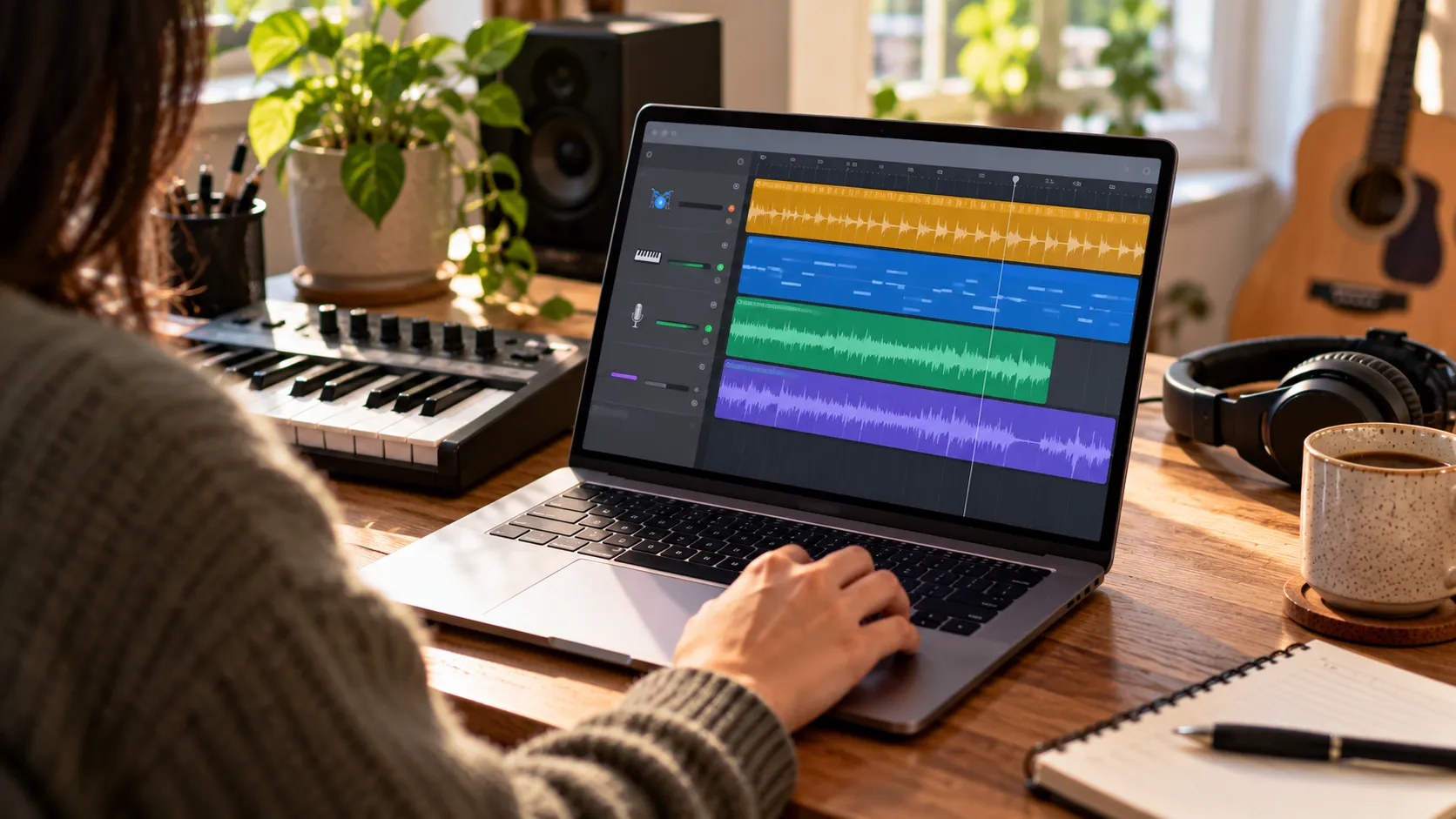
Logic Pro for Mac will gain a beta assistant built on Apple's own models and OpenAI, capable of starting a new song, building a vocal track from a single prompt, or adjusting an existing project. It's set to arrive alongside a Stem Splitter update that adds drum isolation and a redesigned Browser with a Splice sound library (9to5Mac, today).
Pixelmator Pro will add Generate Fill, a tool that rewrites selected parts of an image from a natural-language prompt (Apple Newsroom, today). That's a prompt-based editing feature, not an assistant in the sense Logic Pro and the iWork apps are getting. Keynote, Pages, and Numbers will each gain their own beta assistants for slide design, drafting, and chart recommendations, plus new Model Context Protocol support that will let external AI tools read, edit, and execute actions inside documents (9to5Mac, today). Apple hasn't explained the permissions model behind that access, how data will be handled, or whether processing happens on-device, through Apple's servers, or via OpenAI.
Subscription vs. one-time purchase: what Apple hasn't confirmed
A Creator Studio subscription unlocks premium content and intelligence features in Keynote, Pages, Numbers, and Freeform. The free versions of those four apps remain available and come included with every new iPhone, Mac, and iPad, subscription or not (Apple Support, earlier this month).
Final Cut Pro, Logic Pro, Pixelmator Pro, Motion, Compressor, and MainStage are also sold as one-time Mac purchases, ranging from $29.99 to $299.99 (Apple Newsroom, today). Apple's announcement doesn't say whether MotionVFX, Generate Fill, or the new assistants will reach those standalone versions. Because Apple hasn't announced parity for the one-time versions, buyers should check app-specific release notes before assuming they'll receive the same features once the update ships.
After the billing period ends, Apple says users retain the free iWork apps without the subscription intelligence features. Apple also says users can continue working on projects if they resubscribe or buy an app available as a one-time purchase (Apple Support, earlier this month).
What to check before subscribing
November's timing is still unspecific, and the Logic Pro assistant and the Keynote, Pages, and Numbers assistants are explicitly labeled beta rather than finished features (9to5Mac, today). Apple's announcement also stays quiet on whether one-time-purchase apps will match the subscription version's new features, and OS and chip requirements vary enough by app that the three-month device offer or the one-month trial period only pays off if your hardware actually runs the app you need (Apple Support, earlier this month).
The reporting behind this story comes primarily from Apple's own announcement and 9to5Mac's coverage of it; no hands-on testing of the assistants, Generate Fill, or MCP automation has been published yet.
Current subscribers don't need to do anything beyond confirming their app versions meet the per-app minimums above; the update arrives free in November at an unannounced date. Readers weighing a new subscription should use the trial only if the apps gaining real features, Logic Pro, Pixelmator Pro, or the iWork suite, match their actual workflow, since Final Cut Pro's gains are content and integrations rather than an assistant. Anyone who already owns a one-time-purchase app should hold off on upgrading expectations until Apple publishes release notes specific to that app.














Comments
Be the first, drop a comment!