





YouTube not working on Apple TV 4K: how to fix the error
Owners of the new fourth-generation Apple TV 4K started running into YouTube playback failures almost immediately after the device went on sale on November 13, 2026. Instead of streaming video, the app showed either a black screen with a QR code reading "YouTube is not yet available on this device," or a working app pinned under a red warning bar reading "YouTube app is approved for device testing only and not for production use," according to The Verge.
Several outlets have since confirmed a working fix sequence: an update, a restart, and in some cases a full reinstall. If you just unboxed a new Apple TV 4K and YouTube won't play, the steps below are what's been reported to clear the Apple TV 4K YouTube unsupported device error.
What owners are seeing: "YouTube is not yet available on this device"
The two error states aren't variations of the same message. One blocks playback entirely with a QR code and the "not yet available" text. The other lets the app open, but pins a persistent red bar across the bottom of the screen warning that the build is approved for testing only, not production use.
The Verge's Tom Warren documented both error types hitting brand-new units as soon as they were unboxed and set up on launch day, The Verge reported. The fourth-generation Apple TV 4K began arriving to customers that same day.
All three outlets tracking the story, The Verge, 9to5Mac, and MacRumors, describe the error as showing up specifically on newly purchased fourth-generation units, not on Apple TV hardware broadly, per SwitchingToMac. None of the coverage reviewed documents the same failure on older Apple TV 4K models already in circulation. That only means no equivalent reports have surfaced yet, not that older units are confirmed immune.
How to fix YouTube not working on Apple TV 4K
Three steps show up across the reporting, in roughly the same order.
-
Check for tvOS 27.2. Go to Settings → System → Software Updates and install it if your Apple TV hasn't already picked it up, MacRumors reported. This establishes whether the device is even running the build that's supposed to resolve the error, since affected units were reportedly running whatever tvOS version shipped in the box.
-
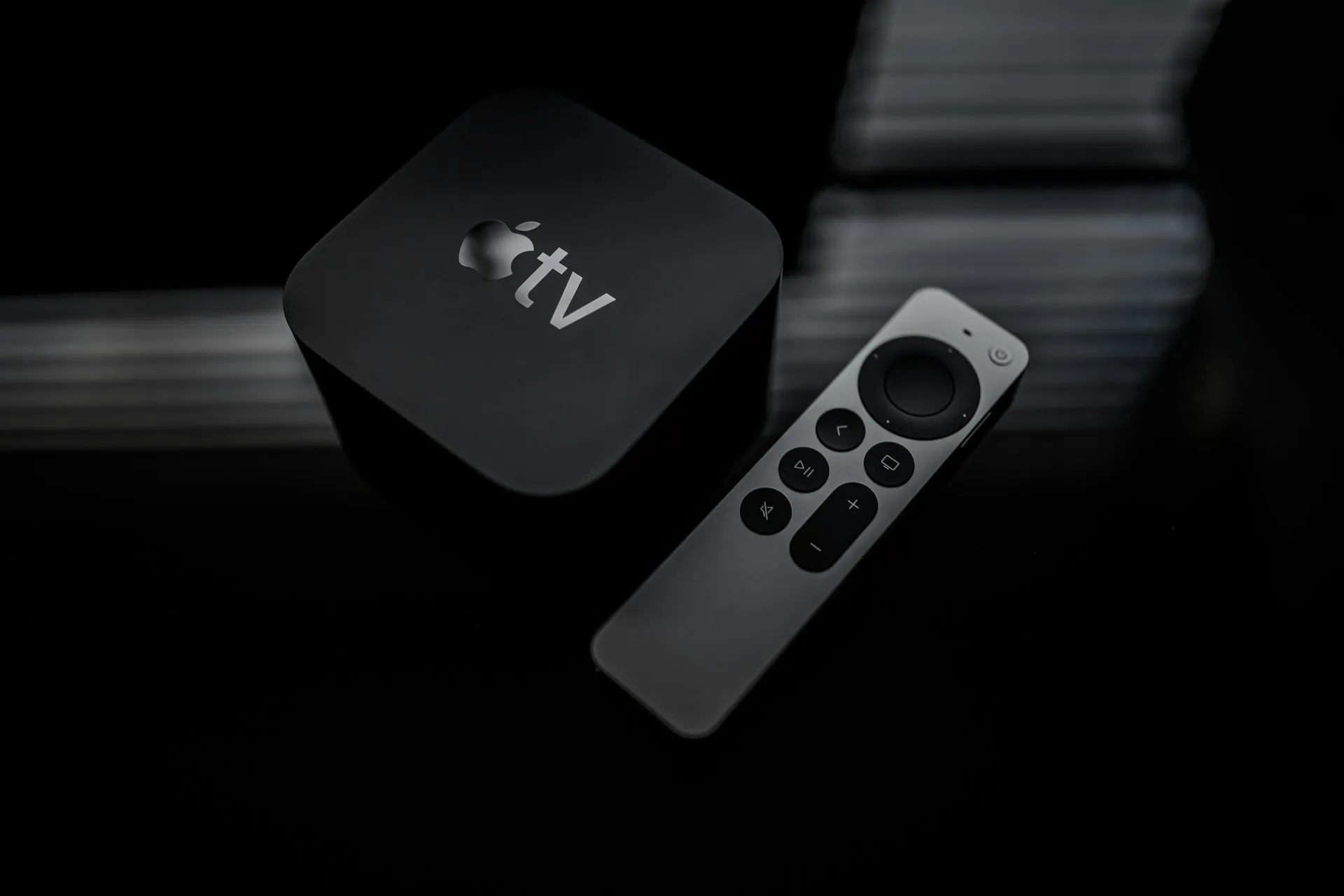
Restart the Apple TV. MacRumors describes doing this through Settings → System → Restart. Tom Warren's original post, which is what started this whole fix sequence circulating, used a manual force restart instead, holding the TV button and the Back button on the remote for five seconds, a method 9to5Mac also quoted in its coverage of his post. Either restart method is described in the reporting; a restart after the update establishes whether the device actually applied the new tvOS build rather than leaving it half-installed.
-
Delete and reinstall YouTube if the error is still there. Remove the app from the Home Screen and reinstall it from the App Store, a step 9to5Mac also outlined in its writeup of Warren's fix. This establishes whether the app's local files, rather than the tvOS version, were the actual problem.
That full sequence matters because the update-and-restart combination didn't always resolve things on its own. The Verge's own test showed Warren needed the complete reinstall step before YouTube started working properly on his unit, The Verge reported.
A newer tvOS 27.2.1 release has also become available, though none of the reporting confirms it specifically targets this YouTube issue, per SwitchingToMac. The reports simply advise installing whatever update Software Updates offers rather than treating 27.2.1 as a guaranteed patch for this particular bug.
The reviewed reports do not identify an official Apple or YouTube fix here. This is a sequence reported by several outlets after Warren posted it on X, not something either company has independently verified or published a support document for.
What's confirmed and what's still unknown about the error
YouTube appeared to be rolling out a server-side fix of its own around the same time these reports surfaced, meaning some owners may find the app starts working again without touching a single setting, 9to5Mac and MacRumors reported. MacRumors later updated its original report to note the same apparent correction, per MacRumors, which suggests the issue may clear up for some units over time rather than requiring any manual steps at all.
The reviewed coverage does not identify an official explanation for what caused the error in the first place. No statement from Apple or YouTube about the root cause has surfaced so far, according to SwitchingToMac, which also recommends treating the fix sequence as reported rather than guaranteed.
The error text itself hints at something. "Not yet available" and "device testing only" both sound like a device-approval or backend configuration problem, possibly involving YouTube's device-approval or backend systems. But that's an inference drawn from the wording owners are seeing on their screens, not a diagnosis either company has confirmed. The fix sequence has been reported by several outlets, not independently verified by Apple or YouTube, so it's worth treating as a working theory rather than a settled explanation.
What to do if YouTube is not yet available on this device
Try reopening YouTube before changing anything. A server-side fix has reportedly been rolling out, so some units may already be clear of the error without any local steps.
If the error is still there, work through the sequence above in order: install whatever tvOS update Settings offers, restart, and reinstall YouTube only if the first two steps don't clear it. In the meantime, SwitchingToMac recommends using AirPlay from another Apple device as a workaround.
Neither Apple nor YouTube has published anything confirming the cause or a permanent fix, and the reviewed coverage doesn't change that. Treat the update-restart-reinstall sequence as the best available workaround for now, not an official resolution, until one of the two companies says otherwise.


Comments
Be the first, drop a comment!