





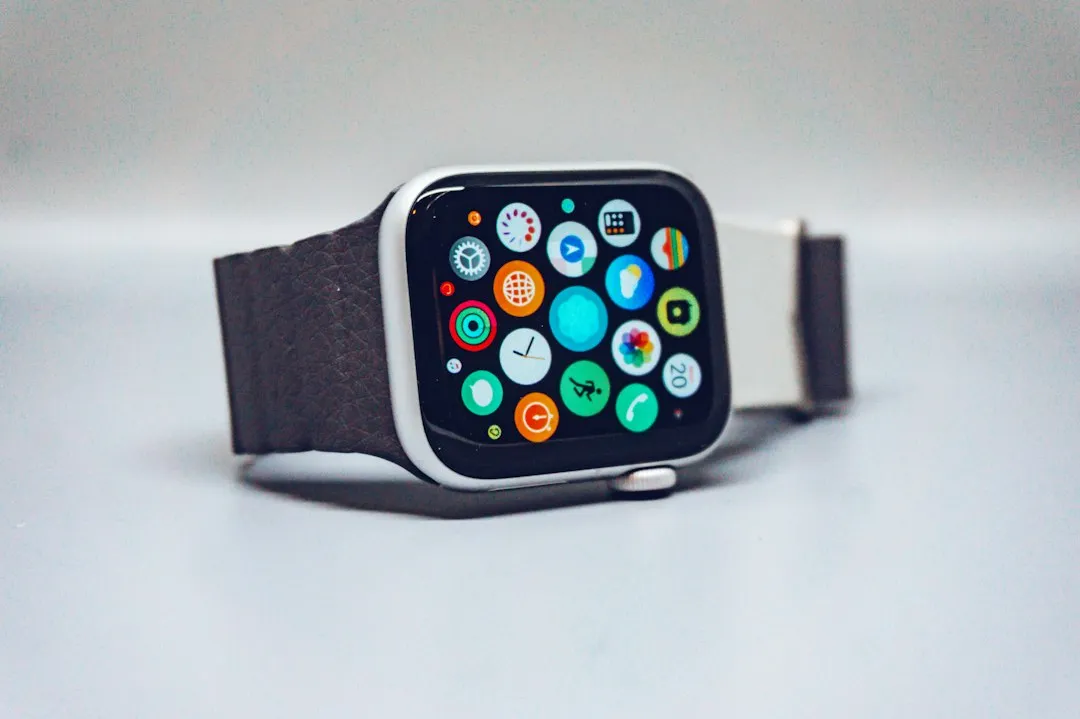
Apple Watch Series 12 and Ultra 4 reached store shelves on Friday, September 18, but the feature drawing the most scrutiny didn't arrive with them. Siri Recap, the new opt-in conversation summarizer, arrives in beta later this year with no confirmed date attached, The Next Web reported. Once enabled, it's designed to listen to conversations throughout the day and quietly summarize them, and Apple says the raw audio behind those summaries is inaccessible to the operating systems, apps, the user, or Apple itself. That claim rests on a piece of hardware called the Secure Exclave, and it's already at the center of an Apple Watch Siri Recap privacy debate that reached state wiretapping law before the beta has even shipped.
Attorneys in California, Massachusetts, Pennsylvania, and Washington told Bloomberg that Siri Recap and its companion feature, Live Rewind, could run into all-party-consent and interception laws no matter how carefully Apple built the hardware, according to The Next Web. This piece breaks down what the features actually do, what's confirmed about Apple's privacy architecture versus what's still an Apple claim, and what current and prospective owners should check before turning anything on.
What Siri Recap and Live Rewind Actually Do
Apple groups four new listening features under one name, Audio Intelligence, all enabled by the S11 chip inside Apple Watch Series 12 and Ultra 4: Siri Recap, Live Rewind, automatic Shazam music recognition, and sound alerts for things like sirens and doorbells. Andrea Fortuna's review of Apple's privacy documentation details how the four features work.
Siri Recap builds short, high-level summaries of conversations the wearer had throughout the day, viewable later in the Siri app. Live Rewind works differently: a double-press of the Digital Crown surfaces the preceding 15 seconds of speech as on-screen text, meant for catching a name or detail that got missed.
Both features are opt-in. Apple's Audio Intelligence support documentation says owners enable them through the Watch app on the paired iPhone. Siri Recap can be restricted to specific hours or locations and switched on or off manually from Control Center. That gives the wearer real control over when the feature runs. It says nothing about the person standing across the table.
Hardware matters here too. Siri Recap and Live Rewind require an Apple Watch Series 12 or Ultra 4 paired with one of Apple's specifically supported iPhones, starting with the iPhone 16 generation but excluding the iPhone 16e. Apple Intelligence support by itself isn't enough; Apple publishes a specific compatibility list for these two features.
They also require Apple Intelligence and Siri AI, will initially support English, and won't initially be available in the EU. Anyone weighing a purchase should confirm their iPhone and region qualify before assuming Siri Recap will show up when the beta arrives.
Does Apple Watch Siri Recap Record Conversations? Apple's Secure Exclave Explained
The short answer, according to Apple, is no. The longer answer involves hardware that is new to Apple Watch. The S11 chip's Secure Exclave is a hardware-isolated compartment that processes audio separately from watchOS, iOS, installed apps, the user, and Apple itself.
Think of it as a locked room inside the watch that briefly holds a note before shredding it, then passes a shorter version to a matching locked room on the iPhone.
Apple's privacy documentation describes the pipeline step by step. A lightweight on-device model first checks whether nearby speech is happening at all, without transcribing or storing anything. Only once that model recognizes a conversation does audio flow into a protected buffer inside the Secure Exclave.
From there, the watch encrypts the detected audio and sends it to the Secure Exclave on the paired iPhone. The watch deletes its copy after the transfer completes, according to the technical descriptions reviewed by Fortuna and The Next Web.
On the iPhone, on-device speech recognition converts the audio to text, an on-device model compresses that transcript to less than half its original length, and the raw audio is deleted. Only that condensed, stripped-down text, plus limited context such as calendar information, Now Playing data, or coarse location labels like "home" or "grocery store," gets encrypted and sent to Private Cloud Compute for summarization. Apple says the system does not send precise coordinates or identify a specific point of interest.
That's the strongest piece of Apple's case, but it's still Apple's own description of its own system, not independent proof of how every component will behave at scale. Apple published an 11-page Audio Intelligence privacy overview alongside the announcement, while its Private Cloud Compute architecture is designed so independent security researchers can inspect its security claims.
Whether the entire Audio Intelligence pipeline behaves exactly as described once millions of watches are using it in daily life hasn't been independently verified end to end.
Live Rewind runs a shorter version of the same idea, using the protected buffer as short-term memory rather than an all-day summarizer. A double-press sends the previous 15 seconds through the paired-device processing path, where speech recognition turns it into text and the raw audio is discarded.
Apple Watch Siri Recap Privacy for Bystanders: What's Missing
Apple's hardware answers whether Apple itself can access the raw audio. It says much less about whether the people around the wearer ever agreed to any of this.
Live Rewind at least announces itself. Activating it triggers a chime, even in silent mode or with headphones connected, along with a full-screen animation and microphone indicator, according to Apple's documentation.
Siri Recap has no equivalent signal. It can run silently through the day, and Apple's stated reasoning emphasizes that the feature keeps no raw audio, produces no verbatim transcript, and never attributes statements directly to a specific speaker.
That reasoning protects the wearer's own data well. It does nothing to give the other person in the room a consent mechanism or visible indicator that a summary is being built. The wearer decides whether Siri Recap runs, when, and where.
Apple does tell users to "consider those around you where conversations might be private or sensitive," but its support documentation stops short of prescribing a specific consent process.
For owners planning to use the feature, saved Siri Recap summaries auto-delete after seven days unless manually saved or exported, and saved summaries sync through iCloud with end-to-end encryption when the required account protections are enabled. That's a reasonable retention window for the wearer's own records. It doesn't change who was in the room when the summary got created.
Is Apple Watch's Always-Listening Feature Legal? What Lawyers Are Saying
This is the question that has moved fastest since Apple's September 9 announcement, and it's still unresolved. Attorneys in the four states named by Bloomberg say Siri Recap and Live Rewind may test laws that generally require every participant's consent before certain private or confidential conversations are intercepted, not merely before a recording gets saved somewhere.
One attorney cited in the reporting expects the issue to become a "case of first impression," meaning existing statutes may never have been tested against a system like this one: audio is processed and discarded without a conventional recording being created.
The legal concern is that interception laws may not depend solely on whether someone can later play back an audio file. Whether Siri Recap's real-time processing meets a particular state's legal definition is something courts have not yet settled.
Colin Zick, who chairs the privacy and data security practice at Foley Hoag, offered a comparison: Zoom no longer lets users save or download closed captions from a meeting, a similar attempt to limit what persists from a conversation, The Next Web reports. His practical advice is to treat Siri Recap and Live Rewind as an interception under wiretapping law and get permission from anyone nearby before using them.
Purpose-built recording devices handle this differently. Plaud tells its customers to obtain legally required consent before recording, according to reporting cited by The Next Web. Apple's own Audio Intelligence materials instead emphasize that no audio recording is created or stored and advise users to be mindful around private or sensitive conversations.
Apple does not say that the absence of a conventional recording eliminates any legal consent requirement. That's the unresolved legal question.
The reporting reviewed here identifies no court ruling that settles how these features fit the cited state laws, and no lawsuit testing Siri Recap or Live Rewind has yet established an answer.
What to Do Before You Buy or Enable Siri Recap
Apple has built something more careful than a typical always-on microphone feature: hardware isolation, encrypted device-to-device transfer, rapid audio deletion, and a cloud pipeline that receives condensed text rather than recordings. That's real engineering.
It's also still Apple's description of its own system, not something outside researchers or courts have independently confirmed end to end.
If you're buying Series 12 or Ultra 4 specifically for Siri Recap, keep in mind that the hardware is already on sale but the feature isn't available yet, and Apple hasn't given a firm beta date beyond later this year.
Also check compatibility before buying for this feature. Siri Recap and Live Rewind require one of Apple's supported iPhones, Apple Intelligence, Siri AI, and initially an English-language setup, and they won't initially be available in the EU.
Once the beta arrives, use the time and location controls to limit when Siri Recap runs. And until courts clarify how this type of processing fits existing interception laws, the cautious approach matches Zick's advice: ask the people around you before enabling it for their conversations rather than assuming Apple's privacy engineering has already settled the legal question.















Comments
Be the first, drop a comment!