



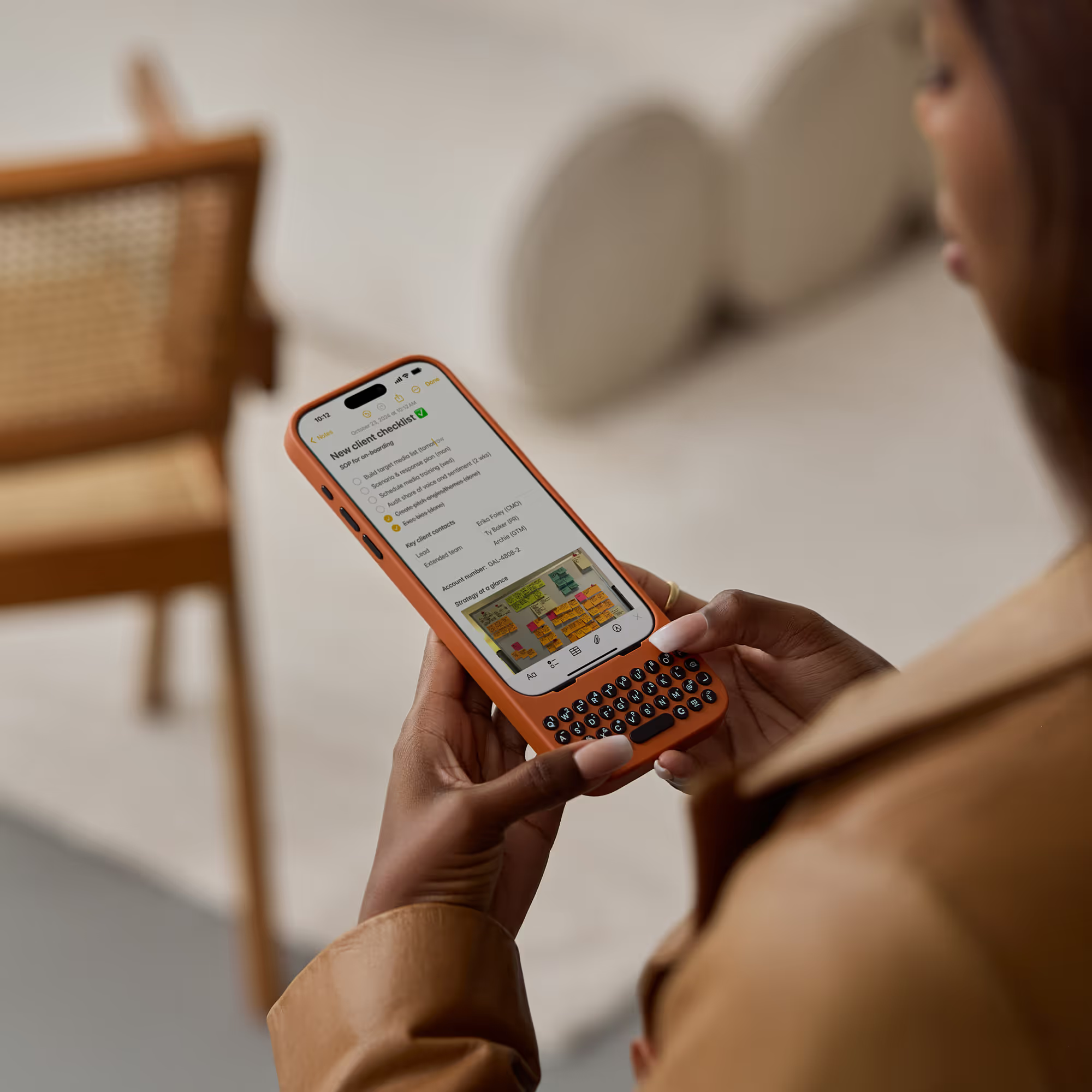
Physical keyboards on smartphones seemed like a relic of the BlackBerry era, but Clicks is proving there's still life in tactile typing. The company has made a significant pivot from its original iPhone keyboard cases to introduce something entirely different: a magnetic, detachable keyboard battery that works with virtually any device. This evolution is a complete reimagining of how we might interact with our mobile devices in the future.
The Clicks Power moves away from device-specific cases to universal magnetic compatibility. This new accessory uses MagSafe-style magnets for attachment and supports MagSafe and Qi2 wireless charging standards, extending outward to reveal the keyboard when needed. Unlike their previous cases that required specific models, this magnetic approach means compatibility with any device that supports the magnetic standard, or even those with adhesive magnet rings.
What makes this magnetic approach revolutionary?
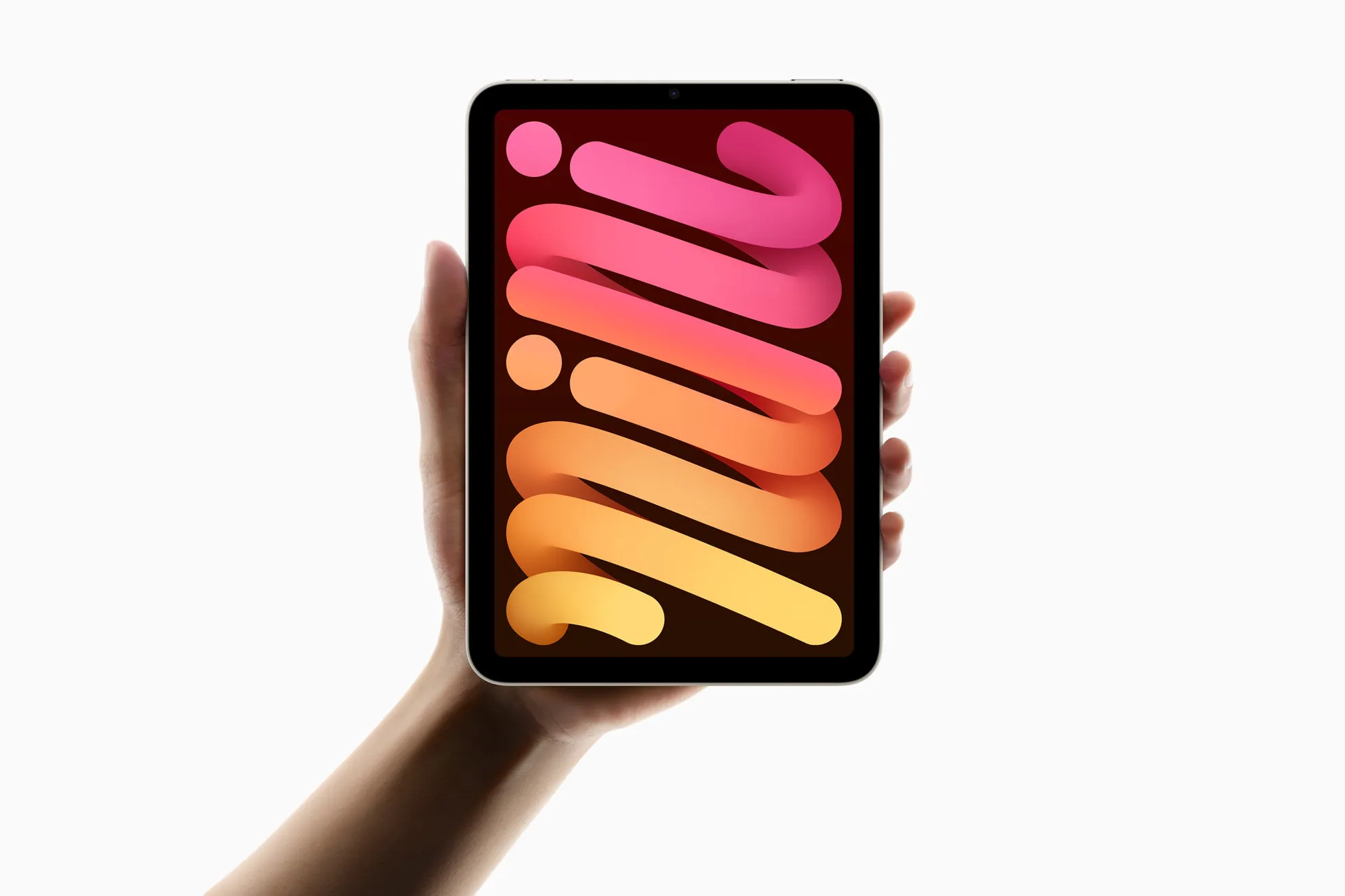
The genius of Clicks Power lies in its versatility and wireless connectivity. Rather than connecting through USB-C or Lightning ports like traditional keyboard cases, this new device operates entirely over Bluetooth. This wireless approach means users can employ the keyboard with phones, tablets, TVs, or virtually any Bluetooth-enabled device—imagine using the same physical keyboard for texting on your iPhone, editing documents on your iPad, and typing on your Apple TV without any additional setup.
The device also addresses a common concern with extended typing sessions by incorporating a 2,150 mAh battery pack. This dual-purpose design means users get both enhanced typing capabilities and extended battery life in a single accessory. The sliding mechanism is reportedly customizable, though specific details about these customization options haven't been fully revealed.
Here's what's fascinating about this approach: it completely eliminates the compatibility headaches that plagued traditional keyboard cases. Instead of needing separate versions for iPhone 16, Pixel 10, or Galaxy S25, one device works with everything. That's a game-changer for users who switch between devices or want to seamlessly transition from mobile typing to desktop-style productivity workflows throughout their day.
How does this fit into Apple's MagSafe ecosystem?
Apple's MagSafe technology has created a thriving ecosystem of magnetic accessories, with the company regularly updating firmware for various components. Recent updates have targeted specialized accessories like the MagSafe Battery for iPhone Air, though Apple pulled one firmware update shortly after release. These updates typically install automatically in the background while devices are in use, with no manual installation method available.
This continuous firmware refinement demonstrates how Apple is building a mature magnetic accessory platform that third-party manufacturers like Clicks can leverage. Apple's own MagSafe Battery for iPhone Air shows the potential: the device fits precisely beneath the camera plateau and features a soft-touch plastic construction with a cushioned front plate. At just 6.5mm thin, it covers nearly the entire width and height of the iPhone Air up to the camera region. Apple's official MagSafe battery reports charge level in iOS's Batteries widget; Clicks has not (yet) documented identical OS-level integration for the Power Keyboard.
This level of integration suggests that Clicks Power could benefit from similar ecosystem advantages, potentially including battery level monitoring and optimized power management when attached to Apple devices.
Why the shift from cases to magnetic accessories matters
The transition from device-specific cases to universal magnetic accessories reflects broader trends in mobile accessory design. MagSafe uses hidden magnets embedded in phones to align with charging components in compatible accessories. True MagSafe supports wireless charging speeds up to 15 watts—the fastest wireless charging speed available for iPhones—while non-MagSafe magnetic accessories are limited to 7.5 watts.
This magnetic approach makes device interaction more convenient and foolproof, even for simple tasks like charging. While magnetic systems don't enable anything impossible without magnets, they significantly streamline common interactions. For Clicks, this means their keyboard technology can now serve users who might switch from iPhone to Android throughout the day, or professionals who use multiple devices for different workflows—writers who draft on tablets but respond to messages on phones, or content creators who type on phones but edit on larger screens.
The move also addresses one of the biggest pain points of the original Clicks cases: the commitment factor. With the case-based approach, you were essentially married to that bulky form factor for the entire day. The magnetic system allows you to attach and detach as needed, giving you the best of both worlds.
The evolution of Clicks keyboard technology
Before this magnetic innovation, Clicks had already refined their keyboard case design significantly. The iPhone 16 version introduced MagSafe compatibility, larger keys with 35 percent more surface area, and improved materials, including a harder plastic back that attracts less dust. The cases gained CarPlay compatibility through pass-through mode and featured backlit keys for low-light typing.
These improvements addressed many first-generation limitations, including better key feel, improved durability, and microfiber lining to prevent iPhone scratches. However, the cases remained expensive, starting at $139 and reaching $159 for larger iPhone models. The learning curve remained significant, with Clicks estimating two hours to learn, two days to become proficient, and two weeks to build muscle memory.
What's interesting is how the magnetic approach might actually make the learning curve less daunting. Since you can easily remove the keyboard when you don't need it, there's less pressure to master it immediately. You can gradually incorporate it into your workflow rather than committing to a complete change in how you use your phone.
Where does mobile typing go from here?
The Clicks Power is a fascinating intersection of nostalgia and innovation, bringing physical keyboard benefits to an increasingly wireless world. The magnetic, battery-powered approach addresses several limitations of previous generations while opening new possibilities for cross-device productivity. As mobile devices become thinner and more focused on wireless connectivity, accessories like this may become essential tools for users who demand tactile feedback and extended battery life.
The success of this approach will likely depend on execution details not yet revealed, including pricing, actual battery performance, and the quality of the sliding mechanism. However, the concept demonstrates how established accessory categories can evolve to embrace new technologies while serving broader user needs. For Apple ecosystem users, this represents another compelling option in the growing MagSafe accessory landscape, potentially bridging the gap between mobile convenience and desktop productivity.
Bottom line: Clicks is betting that the future of mobile keyboards isn't about making everyone adapt to one form factor, but about making keyboards adapt to how we actually use our devices. Whether that bet pays off will depend on execution, but the concept itself feels like a natural evolution of where mobile accessories need to go—universal, wireless, and seamlessly integrated into our multi-device workflows.








Comments
Be the first, drop a comment!