





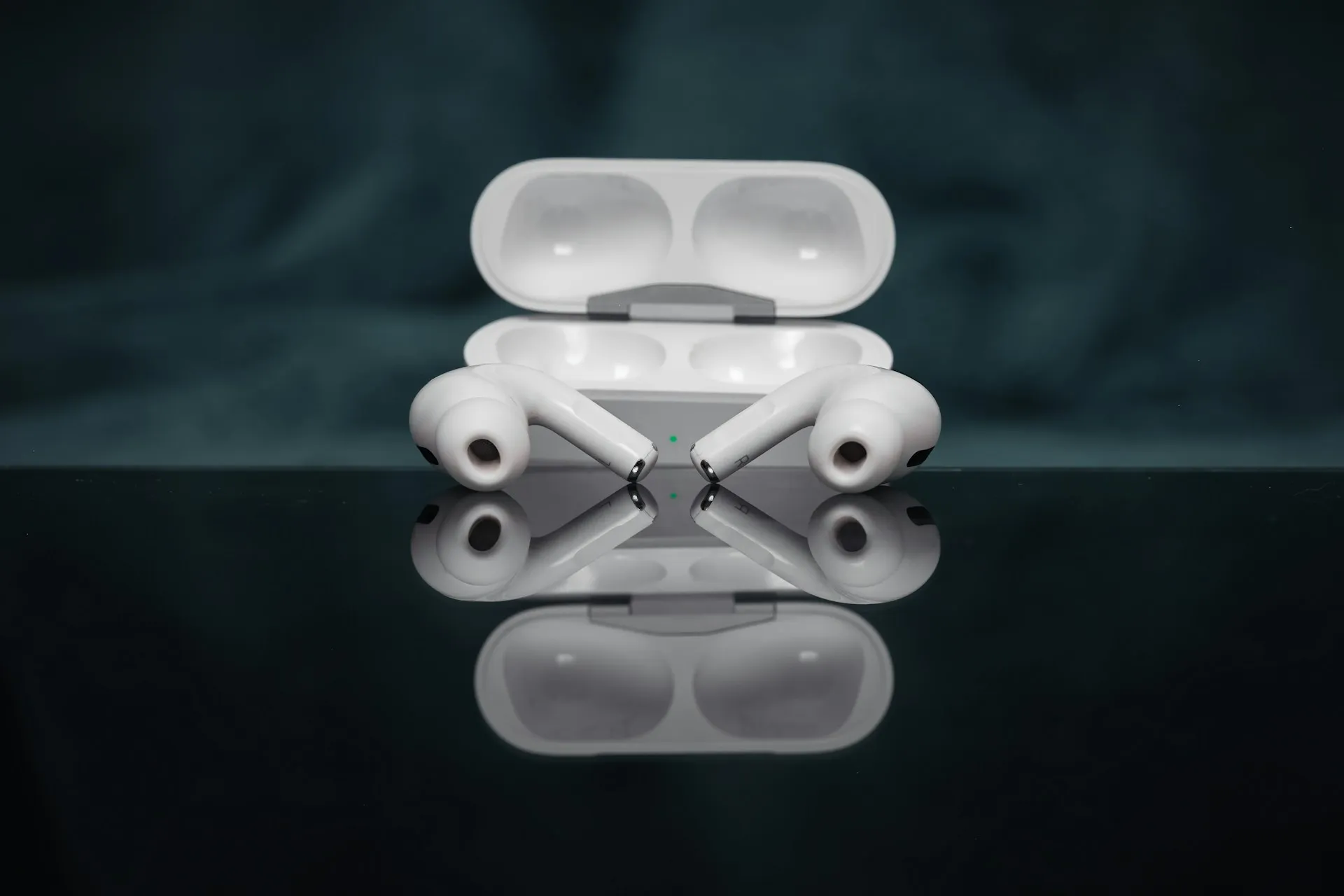
iOS 27 rolled out today, September 14, and buried inside it is something AirPods owners have asked for through several software cycles: a working iOS 27 AirPods customizable EQ that lets owners push lows, mids, and highs up or down instead of trusting Apple's automatic tuning alone. Apple Intelligence and a beta version of Siri AI ship the same day.
Apple's materials confirm custom EQ is real, quoting the company's line that AirPods owners can "enjoy custom EQ to further personalize how their AirPods sound." That statement doesn't name which models qualify or say whether every AirPods owner gets the option.
Apple "resisted custom EQ for the AirPods for years, preferring to require users to stick with Apple's sound profiles." The shift follows "years of user complaints" about Apple's closed sound profiles. Whether an individual reader can actually use the new control still comes down to hardware and software details that neither Apple nor these outlets have fully spelled out.
What iOS 27 AirPods customizable EQ supports
Coverage splits into three groups: models confirmed to work, one model left unaddressed, and models absent from every compatibility list.
Confirmed compatible: MacRumors lists AirPods Pro 2, AirPods Pro 3, AirPods 4, and AirPods Max 2, all H2-chip models, as supporting custom EQ. That's the most specific information available, though it comes from MacRumors' reporting rather than a published Apple compatibility page.
Unconfirmed: AirPods 5. Apple announced the model last week, with preorders open now and store availability starting this Friday, September 18, per Apple's announcement. That same release highlights a new multiport acoustic architecture and "next-generation Adaptive EQ," but it never mentions manual custom EQ either way. Silence on the point doesn't confirm support or rule it out, so once the earbuds are in hand, checking the Settings menu directly is the only way to know.
Not included in current listings: AirPods 2, AirPods 3, and the original AirPods Pro don't appear on MacRumors' roster of H2-based devices. Nothing in the reporting so far points to a software update planned for those models, so there's no confirmed support to check for on that hardware.
Owning a qualifying model isn't the whole story, either. The feature needs both iOS 27 on the connected iPhone and a matching AirPods firmware update, and having one without the other keeps the Equalizer option hidden, Macworld reports. Worth confirming before testing anything below: the exact AirPods model (Settings > Bluetooth, tap the info icon) and the iPhone's installed iOS version.
How to customize AirPods EQ in iOS 27
The settings path documented by both outlets runs: Settings > [AirPods Name] > Audio & Routing > Equalizer > Custom. The menu becomes accessible once AirPods are connected to an iPhone running iOS 27 with current firmware installed.
Once that menu populates, Macworld describes the control as "a very simple three-band adjustment that only lets you increase or decrease the lows, mids, and highs," not a multi-band or frequency-specific editor.
During the beta-testing period that preceded today's public launch, reaching custom EQ took extra steps: enabling AirPods Beta Updates in Settings, then placing the AirPods in the case near the iPhone to force a firmware push. That beta-era reporting specified firmware newer than version 8B41, with the first supporting beta build numbered 9A292e, Macworld noted.
Those version numbers describe the beta rollout specifically. On September 14, MacRumors reported that Apple released public firmware build 9A348 for AirPods Pro 2, AirPods Pro 3, AirPods 4, and AirPods Max 2, enabling new iOS 27 features including custom EQ.
During beta testing, Macworld reported that firmware could take hours or more to arrive. For the public release, Apple says AirPods firmware installs automatically while the AirPods are charging near a Wi-Fi-connected paired device. Apple recommends leaving them in the closed charging case, connected to power and within Bluetooth range, for at least 30 minutes."
During beta testing, Macworld reported that firmware could take hours or more to arrive. For the public release, Apple says AirPods firmware installs automatically while the AirPods are charging near a Wi-Fi-connected paired device. Apple recommends leaving them in the closed charging case, connected to power and within Bluetooth range, for at least 30 minutes."
What the three-band equalizer changes, and what's unconfirmed
General audio guidance applies to a three-band control like this one: raising the lows typically adds bass weight, raising the mids can bring vocals forward, and lowering the highs can soften harsh treble.
How custom EQ interacts with Apple's existing Adaptive EQ system remains an open question. Neither Apple's product pages nor the outlets covering the rollout say whether Adaptive EQ keeps adjusting underneath a custom profile or switches off once one is applied. Until Apple documents that interaction directly, treat it as unresolved rather than assuming one system simply replaces the other.
The reporting available also doesn't specify an adjustment range in decibels, whether settings save per AirPods pair or per iPhone, or how custom EQ behaves alongside Spatial Audio, Active Noise Cancellation, or Transparency mode. There are no listening tests or measurements yet showing how the three bands actually affect output, so there's no independent evidence on whether the feature meaningfully improves sound over Apple's default tuning.
What to check if AirPods equalizer settings don't appear
Start with the connection. The Equalizer menu is described as accessible when AirPods are connected to an iPhone running iOS 27 with current firmware, not simply within Bluetooth range, per MacRumors.
Next, check software on both ends. Confirm iOS 27 is installed (Settings > General > Software Update), and give the AirPods side time, since firmware updates took hours or more to arrive during the beta period, according to Macworld.
If both are current, revisit compatibility. Models missing from MacRumors' list of H2-based devices aren't expected to show the option regardless of software version.
If the model qualifies but its firmware isn't current, follow Apple's documented firmware-update process and wait at least 30 minutes. Apple says to reset the AirPods and retry if the firmware still won't update. Apple hasn't published troubleshooting guidance specifically for a missing Equalizer menu after both iOS and AirPods firmware are current.
What AirPods owners should do now
Owners of AirPods Pro 2, AirPods Pro 3, AirPods 4, or AirPods Max 2 can update to iOS 27, confirm their AirPods firmware is current, and check Settings > [AirPods Name] > Audio & Routing > Equalizer > Custom for the new control. AirPods 5 owners, including anyone buying one when stores open this Friday, should check that same menu directly rather than relying on Apple's press materials, since the announcement neither confirms nor rules out access. Owners of pre-H2 AirPods should hold off: nothing in the reporting so far shows a path to the feature on that hardware, and nothing suggests one is coming.















Comments
Be the first, drop a comment!