



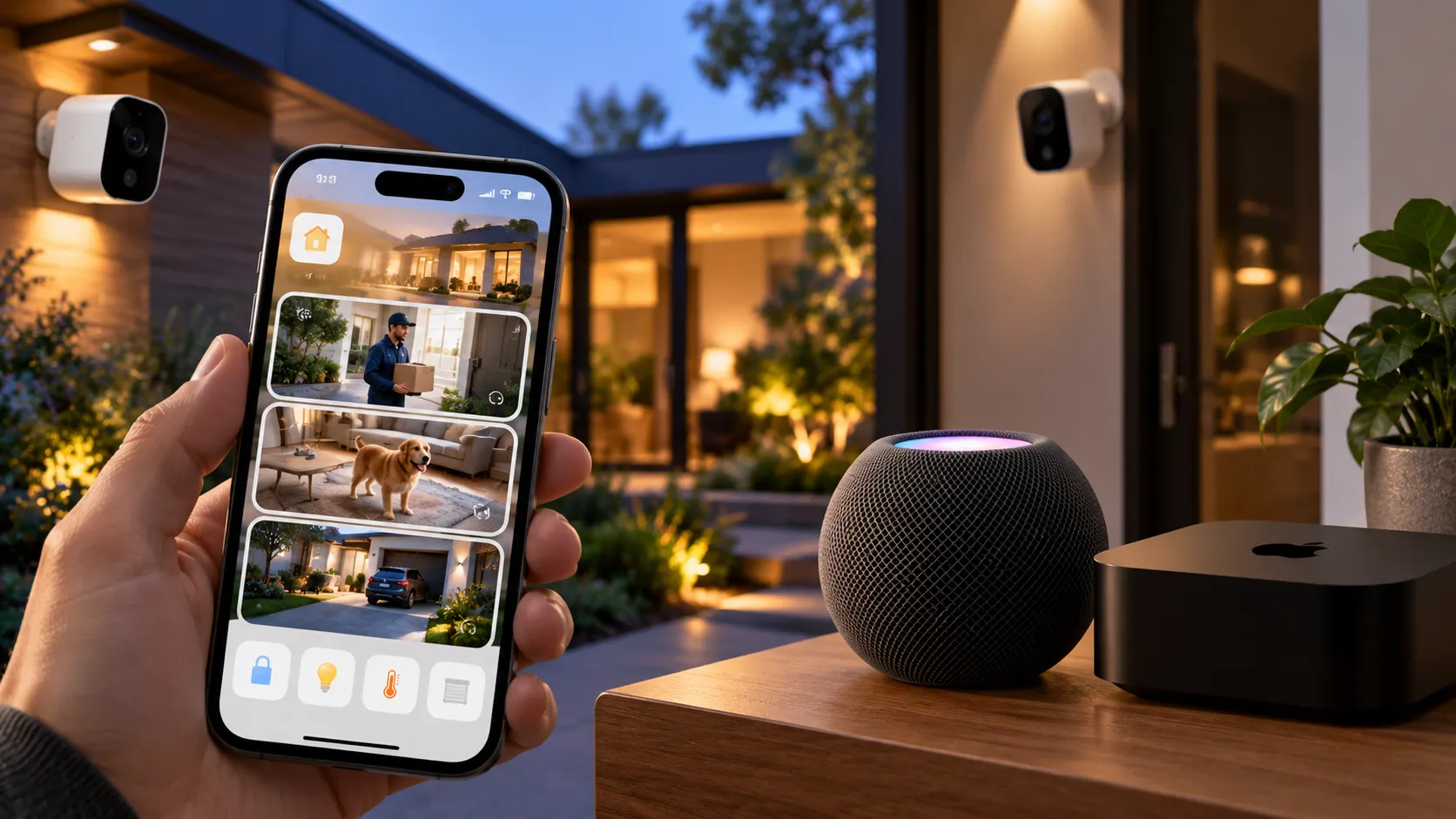
The most useful iOS 27 HomeKit changes have little to do with new hardware. Apple added several HomeKit Secure Video features powered by Apple Intelligence: plain-language descriptions of recorded activity, natural-language search across camera clips and a single notification that can combine related activity instead of sending separate alerts one after another.
iOS 27 became available Sept. 14, so these are no longer beta-only features. Apple now documents the final requirements as well, and there's an important catch: the new Apple Intelligence features in Home require a 2TB iCloud+ plan in addition to a compatible iPhone and home hub.
Supported HomeKit Secure Video cameras can also stream and record in 4K, while other changes include energy monitoring for compatible accessories and improvements to smart-home connectivity.
iOS 27 HomeKit changes: check compatibility first
The requirements differ depending on which feature you want.
For Apple Intelligence camera descriptions, natural-language search and reduced notifications, Apple's current support documentation requires:
An Apple Intelligence-compatible iPhone, meaning iPhone 15 Pro, iPhone 15 Pro Max or iPhone 16 or later
Apple Intelligence enabled
A supported home hub running current software: HomePod mini, HomePod (2nd generation) or Apple TV 4K
A 2TB iCloud+ plan
Apple Intelligence enabled inside the Home app
The owner of the Home must meet those requirements.
That 2TB requirement is stricter than ordinary HomeKit Secure Video storage. Standard HomeKit Secure Video still supports one camera on the 50GB iCloud+ tier, up to five cameras on 200GB and unlimited cameras on 2TB, 6TB and 12TB plans.
In other words, an existing HomeKit Secure Video setup can continue working on a smaller iCloud+ plan, but Apple's new AI camera features require 2TB.
The 4K upgrade is separate. Apple says supported HomeKit Secure Video cameras can now stream and record at up to 4K. Apple does not publish a simple model-by-model 4K compatibility list on its iOS 27 page, so check the camera manufacturer's current specifications before assuming an existing camera will gain 4K.
Apple Intelligence adds video descriptions and camera search
Apple Intelligence in Home handles three related jobs: describing recorded activity, searching camera footage and surfacing related events more intelligently.
Generated video descriptions summarize what happened across HomeKit Secure Video clips before you watch them. Rather than opening each recording and scrubbing through it manually, you can see a short description of the activity first.
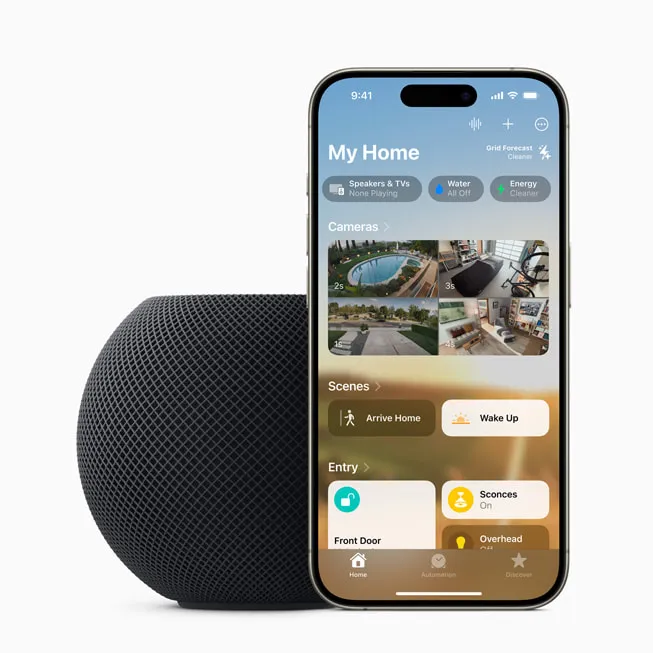
Apple also lets you search camera recordings in natural language. A search such as "package delivery" can retrieve relevant clips based on what happened in the footage.
Search works in the Home app, and Apple says eligible camera clips can also be found through Spotlight.
The Home app can also highlight noteworthy recordings at the top of its Search page.
Existing HomeKit Secure Video features continue alongside those additions. Face recognition, for example, can identify people you've named in Photos and use those identities in camera notifications. That feature predates iOS 27 and should not be confused with the new Apple Intelligence descriptions.
Video descriptions can be enabled for all HomeKit Secure Video cameras or individually by camera under Home Settings > Apple Intelligence.
Apple currently leaves video summarization off by default. Reduced Notifications is on by default once Apple Intelligence is enabled for Home.
Reduced Notifications combines related smart-home alerts
iOS 27 also targets notification overload.
Instead of treating every related accessory action as a separate event, Apple Intelligence can group activity into one evolving notification.
That isn't limited to cameras. Apple's support documentation describes Reduced Notifications as grouping related Home accessory alerts, such as a door repeatedly locking and unlocking.
To change it, open the Home app, go to Home Settings > Apple Intelligence and switch Reduced Notifications on or off.
The feature uses the same Apple Intelligence Home requirements as video descriptions and camera search, including the compatible iPhone, supported home hub and 2TB iCloud+ plan.
This is different from each camera's ordinary Activity Notifications. Those existing controls can still limit alerts by time, whether somebody is home and the type of motion detected.
How Apple handles Home camera footage with Apple Intelligence
Apple has now published more detail about what happens to footage used for generated descriptions.
For simpler processing, Apple Intelligence can work on-device. For more complex Home camera requests, Apple says it uses Private Cloud Compute.
When relevant camera activity such as a person, pet or package is detected, footage needed to generate a description can be sent to Private Cloud Compute. Apple says the system creates the caption, returns it to the user's devices and permanently deletes the data from Private Cloud Compute.
HomeKit Secure Video recordings themselves remain end-to-end encrypted.
Apple also lets homeowners generate an Apple Intelligence Report showing requests that were sent to Private Cloud Compute and control how long those request logs are retained.
Those are Apple's stated privacy protections. Generated descriptions should still be treated as summaries of the underlying footage rather than substitutes for reviewing an important security recording yourself.
HomeKit Secure Video now supports 4K
The biggest non-AI camera change is higher resolution.
Apple's iOS 27 page says supported HomeKit Secure Video cameras can now stream and record in 4K, raising the platform's previous resolution ceiling.
The camera itself has to support the feature. An iOS 27 update cannot turn a 1080p camera into a 4K one.
Recording also continues to require iCloud+, just as HomeKit Secure Video did before iOS 27.
Apple says HomeKit Secure Video capture and storage are more reliable in the new software, but it has not published independent performance figures showing how frequently activity was missed before and after the update.
Energy monitoring and other Home app changes
Compatible accessories that report power consumption, including supported smart plugs, can now surface that information in the Home app's Energy section.
At launch, the feature is primarily informational. Current reporting does not show a Home automation trigger based directly on an accessory reaching a particular energy-use threshold.
That is separate from Apple's existing Grid Forecast and utility-account features, which already let supported users view cleaner-energy periods and, in participating US utility regions, household electricity usage and rate information.
iOS 27 also improves support around newer Matter and Thread accessories. Apple recommends current Matter implementations based on Matter 1.4.2 and Thread accessories certified with OpenThread 1.4.
Those improvements work in the background rather than appearing as a single new Home setting.
Apple has also added remote Apple TV software updating through the Home app, similar to how HomePod updates can already be managed.
What happened to the HomePod and Apple Intelligence rumors
One beta-era detail is now easier to put in context.
An Apple Intelligence Report control appeared during testing on HomePod and Apple TV software, which prompted speculation that those devices might gain their own full Apple Intelligence experience.
The stable release clarifies what that setting is for in the Home context. Apple Intelligence Reports are part of the privacy controls for Home requests that use Private Cloud Compute.
That does not mean current HomePod or Apple TV hardware has become an independent Apple Intelligence device.
For the new Home camera features, Apple describes HomePod mini, HomePod (2nd generation) and Apple TV 4K as home hubs. The Apple Intelligence eligibility requirement sits with the owner of the Home and their compatible iPhone, iPad or Mac.
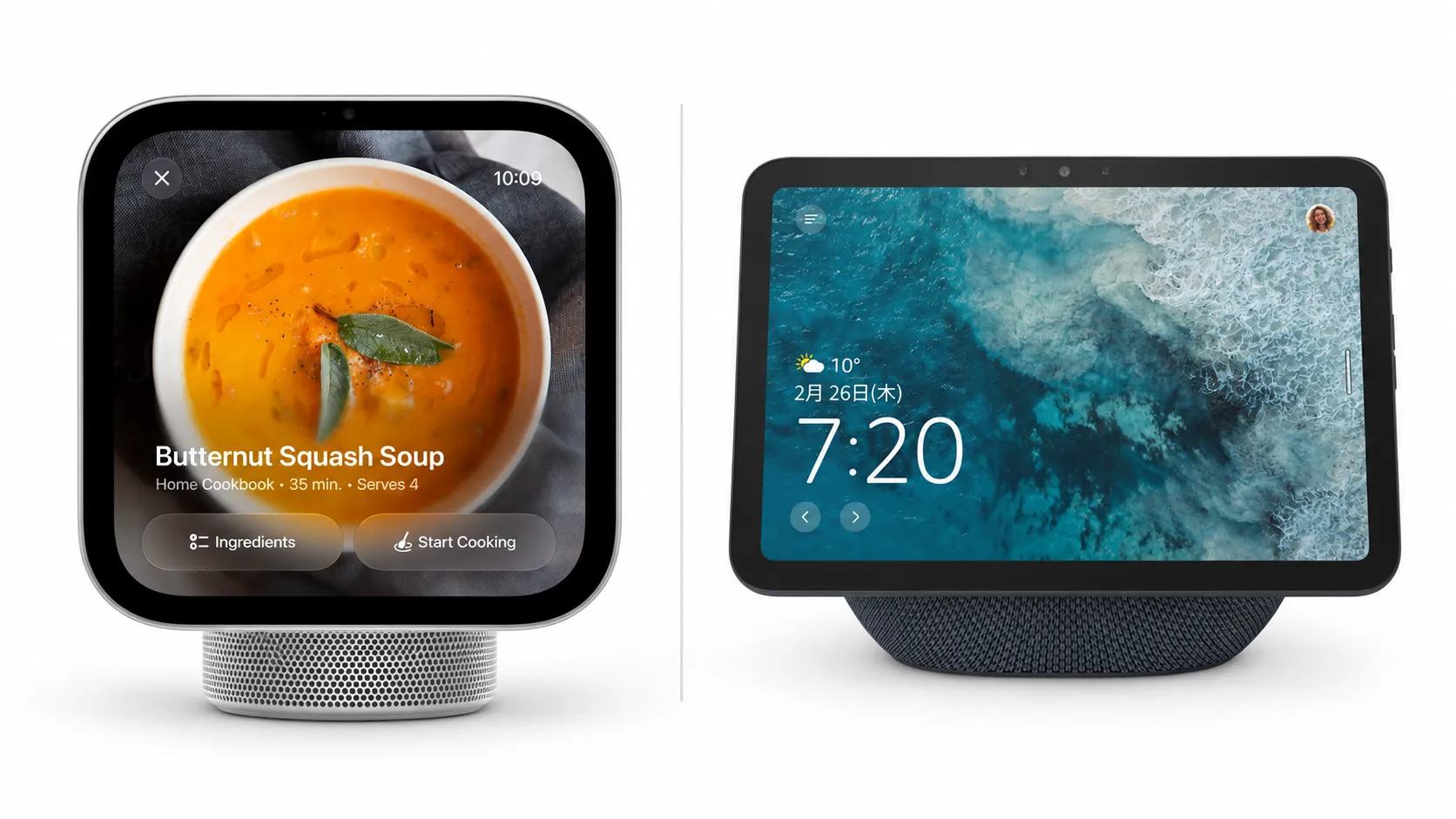
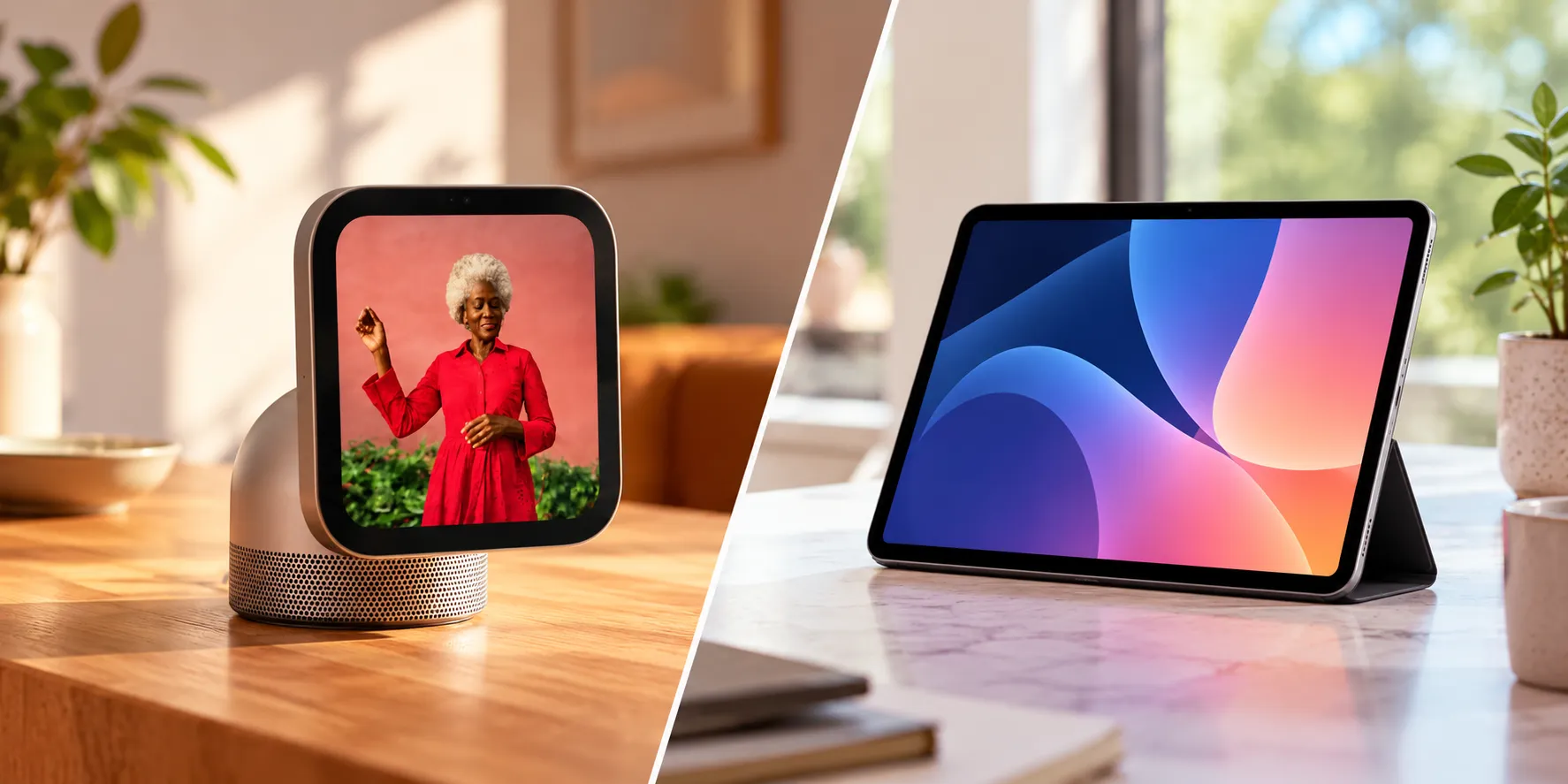
Rumored future products, including reports of an Apple smart-home display, remain separate from what Apple has shipped in iOS 27.
What to do now
If you have an Apple Intelligence-compatible iPhone and want the new camera summaries, search and reduced notifications, check the full setup rather than the phone alone.
Make sure the home hub is running its latest software, confirm the Home owner has a 2TB iCloud+ plan, then open Home Settings > Apple Intelligence.
Turn video summaries on for one camera first if you want to see how useful the descriptions are before enabling them across the entire home.
If your iPhone does not support Apple Intelligence, iOS 27 still brings non-AI Home improvements. Check whether your HomeKit Secure Video camera supports 4K and whether compatible energy-monitoring accessories expose their consumption data in Home.
The important dividing line is no longer beta versus stable software. It's feature eligibility: iOS 27 is out, but the new Home camera intelligence depends on the right Apple Intelligence device, hub and iCloud+ plan working together.







Comments
Be the first, drop a comment!