



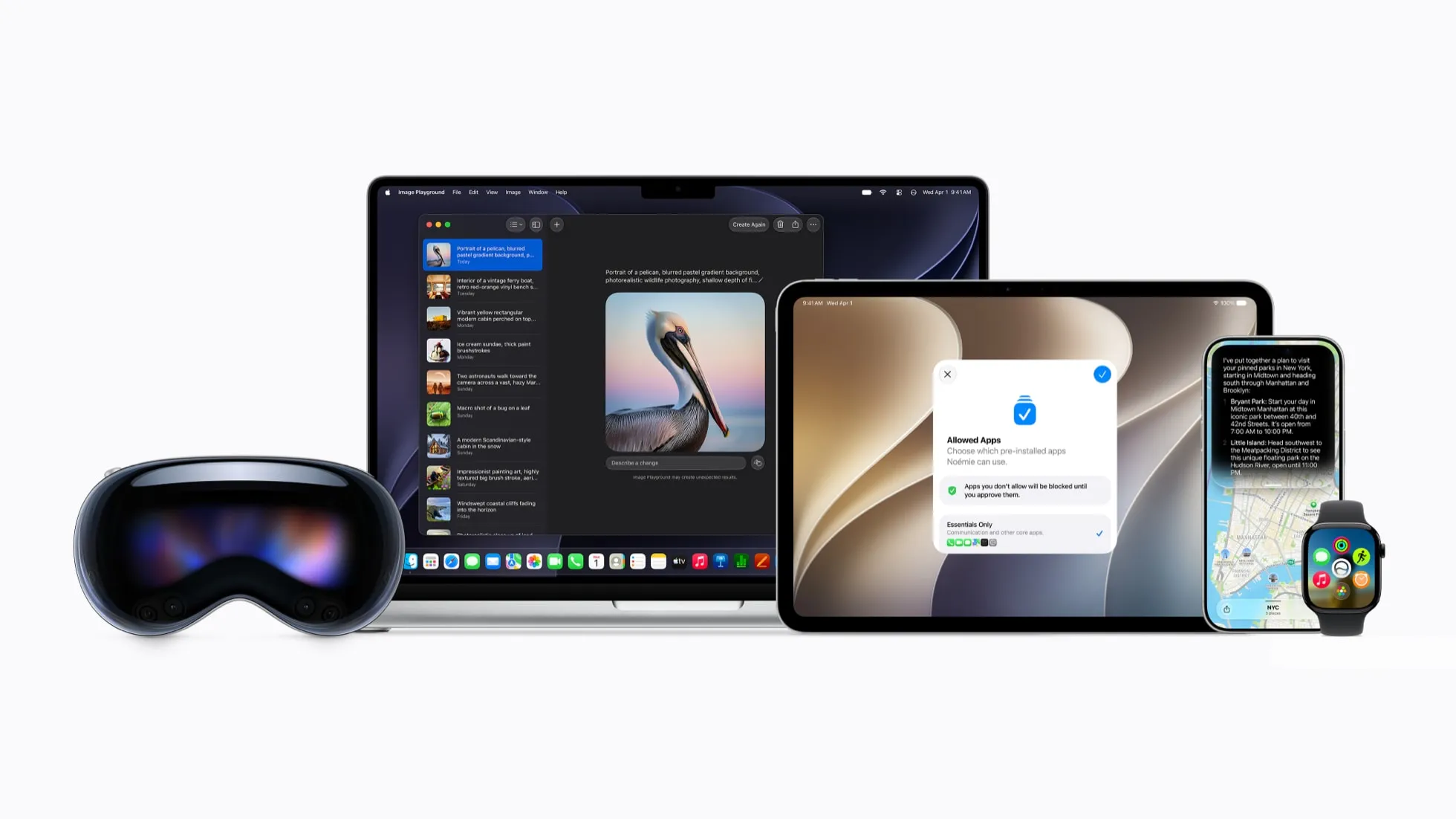
Apple released iOS 27 Public Beta 4 on Aug. 17, one week after Public Beta 3 and just hours after iOS 27 developer beta 6. Anyone with a compatible iPhone can get the update by enrolling in the Apple Beta Software Program.
The timing makes this beta more tempting than the first public releases of the summer. Apple is well into testing iOS 27, and Public Beta 4 brings mostly smaller refinements rather than another wave of major features. But it is still prerelease software, so installing it on an iPhone you rely on every day is a very different proposition from trying it on a spare.
What changed in iOS 27 Public Beta 4
Public Beta 4 corresponds to iOS 27 developer beta 6, build 24A5418b, which Apple released Aug. 17, according to its developer release listing.
There isn't a long list of flashy additions in this build. MacRumors reported a new Shortcuts introduction screen and an updated Game Center icon, with few other new features surfacing in the corresponding developer beta.
The modest visible changes suggest Apple is now concentrating more on refinement than on major additions. That doesn't make the beta risk-free. Apple warns that beta software can contain errors or inaccuracies and may not perform as reliably as commercially released software, and it recommends installing betas only on secondary or noncritical devices.
Back up before installing — rollback erases your iPhone
Before installing Public Beta 4, make a backup you can return to.
Going back from an iOS beta to the current public version isn't as simple as switching beta updates off. Apple's instructions for removing iOS beta software say an immediate downgrade requires erasing and restoring the iPhone.
A backup created while the phone is running beta software may also be incompatible with an earlier version of iOS. If you downgrade, you may need a backup made before installing the beta.
For the safest route, connect your iPhone to a Mac or Windows PC and make a fresh local backup before updating. Keep that pre-beta backup available in case you later decide to restore the current public version of iOS.
If you simply want to stop receiving future betas without downgrading, go to Settings > General > Software Update > Beta Updates and turn beta updates off. You can then return to the regular release track when a newer public version becomes available.
How to get iOS 27 Public Beta 4
Once your Apple Account is enrolled in Apple's public beta program, open Settings > General > Software Update > Beta Updates and select the iOS 27 public beta. Return to Software Update, and Public Beta 4 should appear if your iPhone is eligible.
Your phone will continue receiving subsequent beta builds until you turn beta updates off or move to the finished release.
Not every supported iPhone gets the same iOS 27 features. Apple's iOS 27 compatibility list runs from the iPhone 11 and second-generation iPhone SE through Apple's latest iPhones.
Apple Intelligence has stricter hardware requirements. Apple says its new AI features support the iPhone 15 Pro and iPhone 15 Pro Max, all iPhone 16 models, and later compatible iPhones. Siri AI is also still in beta and requires a supported device set to English, with availability varying by region. Apple details those requirements in its WWDC26 announcement.
That means an iPhone 11, 12, 13, 14, or standard iPhone 15 can run iOS 27 without getting every Apple Intelligence feature promoted alongside the update.
Should you install iOS 27 Public Beta 4?
If this is your only iPhone and reliability matters more than early access, waiting for the finished iOS 27 release is still the safer choice.
Public Beta 4 is farther along than the early summer builds, but bugs, battery drain, app compatibility problems, and other rough edges can still surface. Those risks matter more if your phone handles work, banking, authentication, navigation, or other tasks you can't easily shift elsewhere.
A spare iPhone changes the calculation. On a secondary device, Public Beta 4 is a much lower-risk way to explore iOS 27, try Siri AI on supported hardware, and experiment with Apple's other changes before the final release.
More adventurous users may also be comfortable installing it on a primary phone after making a proper backup. Just don't treat a later beta as finished software.
Install now or wait for iOS 27?
Public Beta 4 doesn't introduce a must-have feature that makes installing it an obvious choice. Its appeal is simpler: iOS 27 is much farther into testing than it was when the first public beta arrived, so jumping in now carries less uncertainty than it did earlier in the summer.
If you want early access, have a backup ready, and can tolerate occasional problems, Public Beta 4 is a reasonable point to try iOS 27. If your iPhone needs to work reliably every day, waiting for the finished release is the cleaner choice — and it avoids the trouble of wiping your phone if you decide to go back.










Comments
Be the first, drop a comment!