



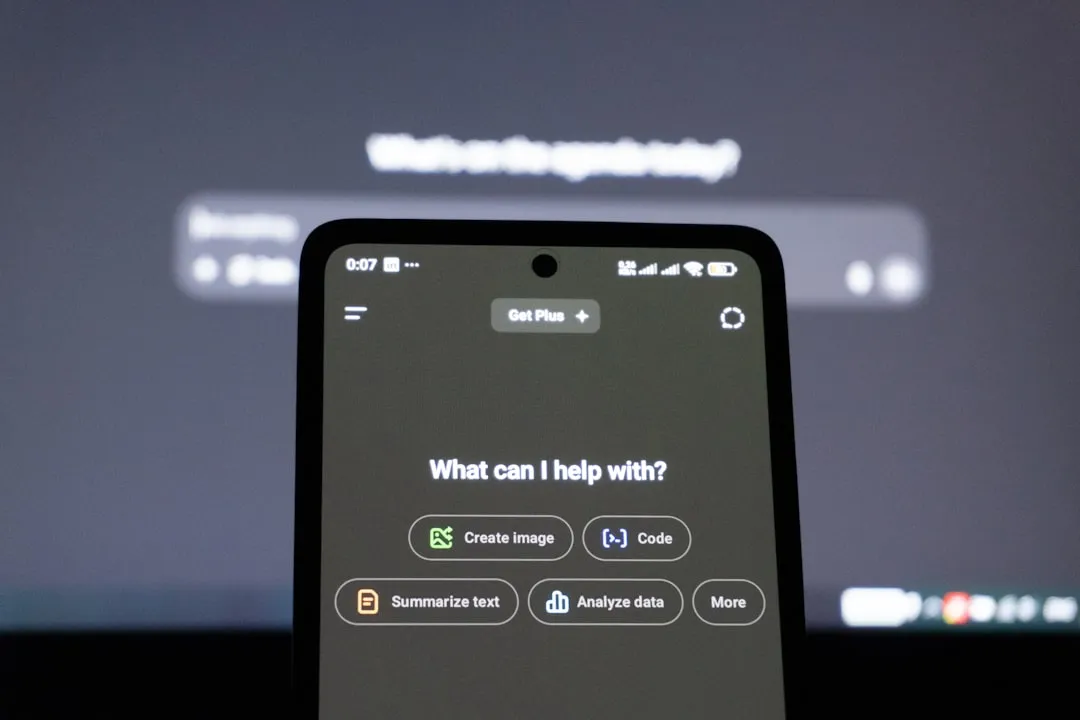
Apple shipped iOS 27 public beta 5 on August 24, alongside iPadOS 27 public beta 5, tvOS 27 public beta 5, and macOS Golden Gate public beta 5, making the latest builds available to anyone enrolled with a compatible device, according to MacRumors. Of the four, iOS 27 carries the bigger story: a rebuilt Siri that remains limited by hardware, language, region, and Apple's access waitlist.
The build landed a week after public beta 4 and just a few hours after developer beta 7, a gap 9to5Mac reads as evidence that Apple's summer testing cycle is closing in on a September release.
Public beta 5 corresponds to the August 24 developer build, and no notable new features have surfaced from this late-stage release. The bigger story remains Siri AI's actual reach and the bugs Apple has been fixing along the way.
The Siri AI overhaul behind iOS 27
The major Siri AI features predate public beta 5. iOS 27 leans harder into AI than most recent iPhone updates, built around Siri AI, a rebuilt assistant running on the next generation of Apple Intelligence and new Apple Foundation Models.
Siri AI is meant to hold richer conversations, draw on personal context and broader world knowledge, recognize what's currently on screen, and take action across apps rather than making users switch apps first, according to 9to5Mac. Apple is also giving Siri a new visual treatment tied to the Dynamic Island, plus a dedicated app for revisiting past conversations across devices.
Visual Intelligence folds in too, with a new Siri mode in the Camera app and changes affecting Camera Control.
Beyond Siri, iOS 27 brings AI-powered features to Photos, Safari, Passwords, Mail, Messages, Phone, Shortcuts, and Home. Mail, for instance, now surfaces up to five ranked Top Results, according to 9to5Mac coverage from earlier this month.
Communication Safety also expands in iOS 27 to intervene when it detects gore or violent content in shared images and videos for child accounts. That's a parental-safety feature, not something Siri AI itself does.
Apple has separately claimed broader performance gains this cycle: apps launching up to 30% faster, nearby AirDrop transfers finishing up to 80% faster, and new photos landing in the Photos app up to 70% faster, with CPU scheduler optimizations reaching back as far as the iPhone 11, according to 9to5Mac. Those numbers come from Apple, not independent testing, so treat them as company benchmarks rather than universal real-world results.
Two eligibility bars: installing the beta vs. using Siri AI
iOS 27 installs on every iPhone model supported by iOS 26, covering the iPhone 11 and later, including the second-generation iPhone SE and newer SE models, 9to5Mac reported.
Siri AI is a narrower story. It requires Apple Intelligence hardware: the iPhone 15 Pro and 15 Pro Max, or an iPhone 16 model or later. That leaves the iPhone 11 through the standard iPhone 15 and 15 Plus, plus older supported SE models, able to install the beta and get iOS 27's general changes but with no route to Siri AI on that hardware.
Even on qualifying phones, Siri AI initially requires the device to be set to English and won't launch on iPhone or iPad in the EU right away. Access isn't necessarily immediate either. Apple has used a waitlist throughout the beta, and developer beta 7 added infrastructure for server-controlled wait-time estimates, according to 9to5Mac.
An iPhone 12 owner can install iOS 27 today and use most of what changed this cycle without ever seeing Siri AI in action.
Other requirements
Two more caveats sit outside the Siri AI hardware rule. Apple's redesigned Family Sharing experience requires every participating device to run the OS 27 generation, according to 9to5Mac.
Apple Intelligence for Home, a separate feature from Siri AI, requires an iCloud+ subscription starting at 2TB. That requirement applies to the new AI-powered HomeKit Secure Video descriptions and search features.
What developer beta 5 fixed on August 10
Developer beta 5, officially build 24A5408d, arrived on August 10, two weeks before the current public build. Apple's release notes show that the company was already working through a long list of Siri, CarPlay, Photos, Wallet, and system-level problems at that stage.
That build fixed cases where Siri could pick the wrong contact for calls, messages, or emails, including situations involving duplicate names, ambiguous relationship labels, or group names with special characters.
CarPlay got attention too. Apple fixed broken steering-wheel track controls, stereo audio going silent after Spatial Audio playback, and a bug where asking ChatGPT something through Siri in the car produced no spoken response.
Smaller fixes included Mail messages showing content that didn't match the subject line and crashes when reopening Photos' Extend tool on an image that had already been extended.
Two fixes carried higher stakes. Apple's beta 5 notes say the company resolved an issue where certain ChatGPT responses used in follow-up Apple Intelligence conversations or resumed chats could be logged by Apple.
The same notes describe a separate bug where updating to beta 3 or 4 could cause a Digital ID credential to expire and become unusable for presentation across devices signed in to the same Apple Account. Both were marked resolved in beta 5.
Public beta 5 now corresponds to the newer developer beta 7 build, so these are earlier fixes in the same testing cycle rather than release notes for the August 24 update itself.
How to download iOS 27 public beta 5
Enrollment is free and doesn't require a developer account. Sign up through Apple's Beta Software Program, then open Settings, tap General, select Software Update, choose Beta Updates, and select iOS 27 Public Beta, according to MacRumors and 9to5Mac.
Apple recommends installing beta software on a secondary device rather than a primary iPhone, which is worth heeding given how much this cycle's fixes have touched Siri, CarPlay, and identity credentials.
Anyone testing across multiple devices should also know that Siri AI conversation history no longer syncs to devices running an earlier iOS 27 beta. Syncing works between devices already updated to beta 5 or later, and existing conversations aren't deleted in the process.
What's confirmed, and what isn't
Five public betas in, with the gap between developer and public releases now down to hours, Apple looks on track for the September release 9to5Mac has been pointing toward all cycle.
Siri AI stays the headline feature, but a narrower one than the pitch suggests: Apple Intelligence-compatible iPhones only, English initially, no iPhone or iPad launch in the EU yet, and a waitlist that can delay access even on qualifying hardware.
The August 10 developer build fixed real problems touching CarPlay, contact accuracy, ChatGPT data handling, and Digital ID. The August 24 public beta is already based on the newer developer beta 7, and Apple's late-stage testing has shifted increasingly toward stability rather than major feature additions.
What remains worth watching is how much of that polish holds through the final September release, and how long eligible users will actually wait for Siri AI access once the finished software ships.















Comments
Be the first, drop a comment!