





MacBook Pro Touchscreen Features Explained: What Works
Apple's first touchscreen Mac is shipping today, built into the new MacBook Pro with PROLED XDR Display, with the 14-inch model starting at $2,899, according to Apple. It's a reversal from Apple's own history on the subject: Steve Jobs once dismissed touch laptops as a bad idea, The Verge recalls. Now that the hardware has reached reviewers, the first independent hands-on coverage of MacBook Pro touchscreen features is available, and it adds nuance Apple's launch materials left out.
Set expectations early: this isn't a touch-first redesign of macOS. Apple's own materials say the system automatically translates taps into clicks, and The Verge's reviewer describes the touchscreen as "a mouse emulator and nothing more," layered onto the same desktop interface Mac users already know.
Macworld's testing paints a more generous picture, reporting that touch-only navigation worked "almost all of the time," thanks to larger tap targets and gesture support macOS adds automatically once it detects a finger on the glass. Both reviews agree on what Touch does. They disagree on how often an owner will actually reach for the screen instead of the trackpad.
Who gets MacBook Pro touch controls, and how they work
Touch ships on the new 14- and 16-inch MacBook Pro with PROLED XDR Display, running M5 Pro or M5 Max chips, Apple's October announcement confirms. That same announcement lists Touch as a feature of the PROLED XDR models specifically; Apple's March announcement for the standard M5 MacBook Pro doesn't mention it at all. That's an absence from a press release, not independent testing of the standard model, so treat it as a strong signal rather than confirmed proof the feature is missing there.
Macworld tested Touch on macOS 27.2.
Apple built the touch sensor into the OLED panel itself rather than bonding a separate layer on top, which Apple says cuts latency. Macworld's testing backs that up: no noticeable lag tapping buttons, menus, or the Dock.
Mac conventions carry over largely unchanged. A single tap selects an app or file the same way a single click does; opening something still takes a double-tap, a deliberate departure from the single-tap-to-open behavior on iPhone and iPad, Macworld found.
macOS also makes small adjustments when Touch is active. Traffic-light window controls expand, menu items gain spacing, and checkbox labels become tappable, then everything shrinks back once you switch to a trackpad or mouse, Macworld reports.
What can you do with a touchscreen MacBook Pro?
Apple Support's gesture documentation confirms that on the PROLED XDR models, gestures can be performed directly on the screen surface rather than only on the trackpad. Macworld's hands-on testing fills in which MacBook Pro touchscreen gestures actually work on the display itself:
- Two-finger swipes scroll up, down, left, or right
- Three-finger swipes left or right switch desktops
- Four-finger swipe up opens Mission Control; swipe down opens App Exposé
- Pinch-to-zoom works similarly to the trackpad version
- Rotating two fingers against each other rotates a photo or item, though Macworld found this awkward on an upright screen
Macworld describes these as largely the same gestures already available on the trackpad and, for the most part, on iPhone and iPad.
Apple's own materials point to specific workflows these gestures enable: swiping to scroll a webpage, dragging slides between presentations, and double-tapping or flicking a window to fill the screen or snap into a tiled position.
One app-specific hiccup stood out in testing. Macworld found that double-tapping a video file sometimes triggers inline playback inside the icon rather than opening the file.
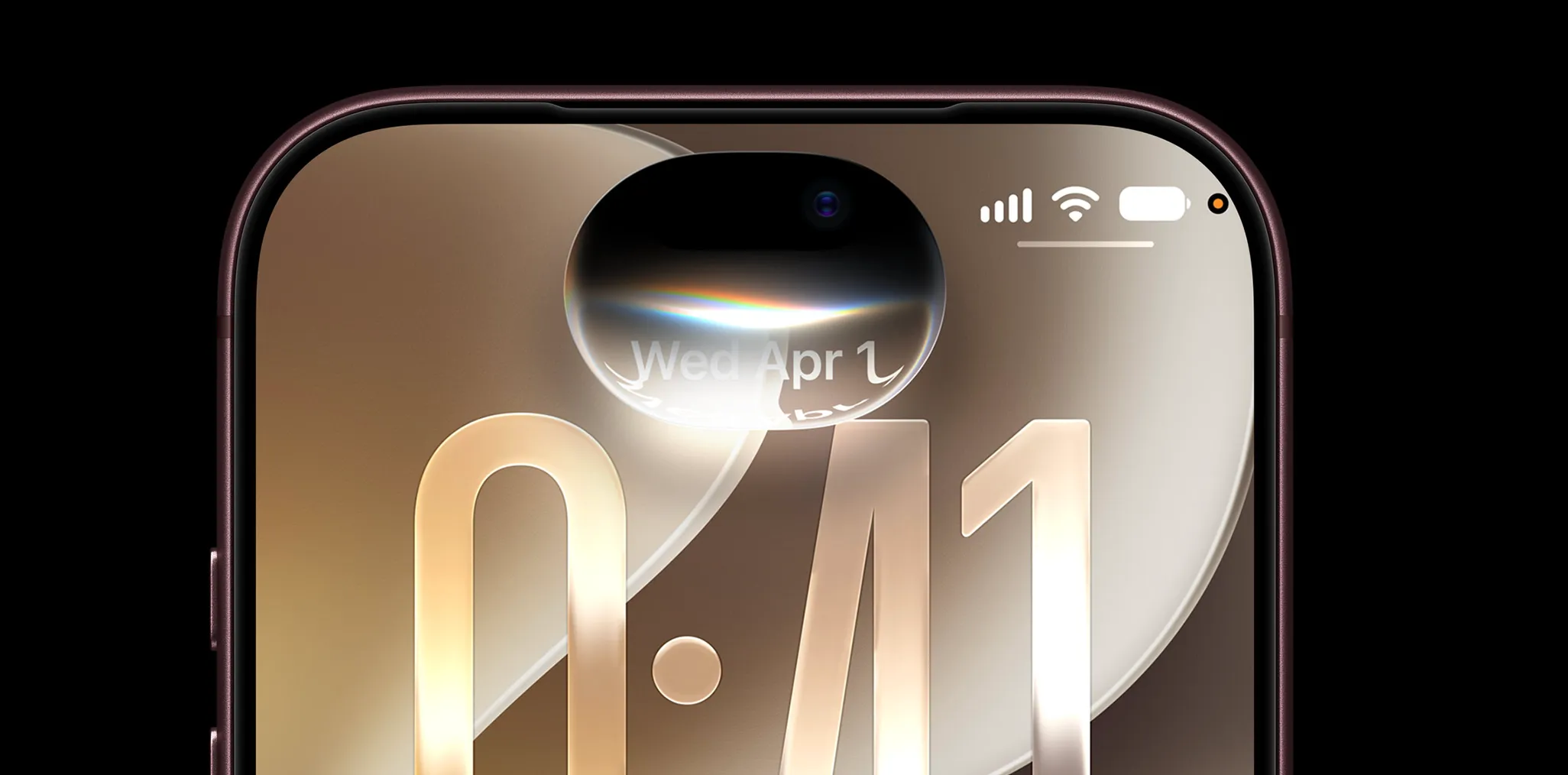
The Verge ran into its own rough edges, reporting unresponsive touch buttons in some games. Its reviewer singled out tapping the Dynamic Island for media controls and swiping in from the edge for Notification Center as the only moments on the whole machine that feel genuinely touch-native, rather than a finger standing in for a cursor.
What MacBook Pro touch controls still can't do
Those gestures don't turn the MacBook Pro into an iPad. Touch works with fingers only; Macworld confirms neither Apple Pencil nor any third-party stylus works at all, even though Apple markets the display as a canvas graphic designers can draw across without being boxed in by the trackpad's dimensions.
Apple's pitch for Touch goes further than drawing: the company says musicians can play software instruments directly onscreen and app developers can test how Touch behaves in their iOS and iPadOS apps on the display. The supplied reports don't document hands-on testing of those specific workflows, so treat them as Apple's claims, not independently tested in the cited coverage.
Touch does not currently replace the keyboard or trackpad for text-heavy tasks. The Verge found no keyboard appears when tapping into a text field, and no copy-paste bubble pops up when tapping on words.
Apple says it redesigned the hinge for added stability while using Touch, but Macworld still observed a wobble under normal tapping pressure, calling it "noticeable but bearable" and less pronounced than on a standard MacBook Pro. Whether that wobble, or the OLED panel underneath it, holds up over months of daily tapping remains unknown; neither review covers long-term use.
Fingerprints are the other unavoidable cost. Apple's oleophobic coating doesn't stop them from appearing, Macworld reports; they're invisible while the screen is lit and obvious the moment it goes dark. Macworld's reviewer recommends keeping a microfiber cloth handy, noting Apple sells one for $9, though it isn't included unless buyers pay extra for the nano-texture display option.
Is the touchscreen worth the price difference?
Apple currently offers Touch only on the PROLED configuration. The 14-inch model starts at $2,899 and the 16-inch at $3,399, per Apple's October announcement, compared with $2,199 and $2,699 for the M5 Pro models Apple introduced in March without the PROLED display. That's a $700 base-price gap at both screen sizes. The Verge calculated a smaller, roughly $400 premium, but only against a similarly configured non-PROLED model matching chip, RAM, and storage, not the entry-level list price.
The Verge's reviewer estimated using the touchscreen roughly "a half-dozen taps" a day, arguing it's inefficient to keep moving a hand between keyboard and screen for navigation a trackpad already handles just fine. By that account, Touch reads as an added input method on a laptop whose broader appeal comes from its display and performance, not the reason to buy one.
The same reviewer still recommended the PROLED model to anyone upgrading from an older MacBook Pro, calling the display and performance gains worth paying for "touchscreen or no touchscreen." The reviewer separately noted that owners who bought a MacBook Pro in the last couple of years don't need to replace it for this.
The cited coverage is early hands-on and review reporting. It establishes that finger-based navigation and several gestures work as advertised, but it doesn't establish how Touch holds up across a broad range of third-party apps over months of real use, or how the display and hinge wear with daily handling.
What MacBook Pro touchscreen features mean for buyers
Apple documents Touch for one configuration only: the 14- and 16-inch MacBook Pro with PROLED XDR Display, running M5 Pro or M5 Max. The supplied materials don't say whether Touch could reach the standard M5 MacBook Pro or older Macs through a future software update; Apple's announcements for those models simply don't address the question either way.
Reviewers have independently confirmed finger navigation, the shared gesture set, and the interface adjustments macOS makes when Touch is active. They haven't independently confirmed Apple's drawing, music, or developer-testing claims, which stay in company-claim territory until someone puts them through hands-on testing, and neither review covers how the OLED panel or hinge hold up after months of daily use.
Buyers upgrading from an older MacBook Pro have reviewer-verified reasons to choose the PROLED model: The Verge's testing credits the display and M5 Pro or M5 Max performance regardless of whether Touch gets used. Anyone who draws or paints professionally should wait for stylus support, since Apple Pencil and third-party pens don't work on this display at all. For everyone else, Touch is worth trying once the laptop is in hand, not a reason to buy one on its own.


Comments
Be the first, drop a comment!