



Screens iPhone Duo Laptop Mode: What the Update Adds
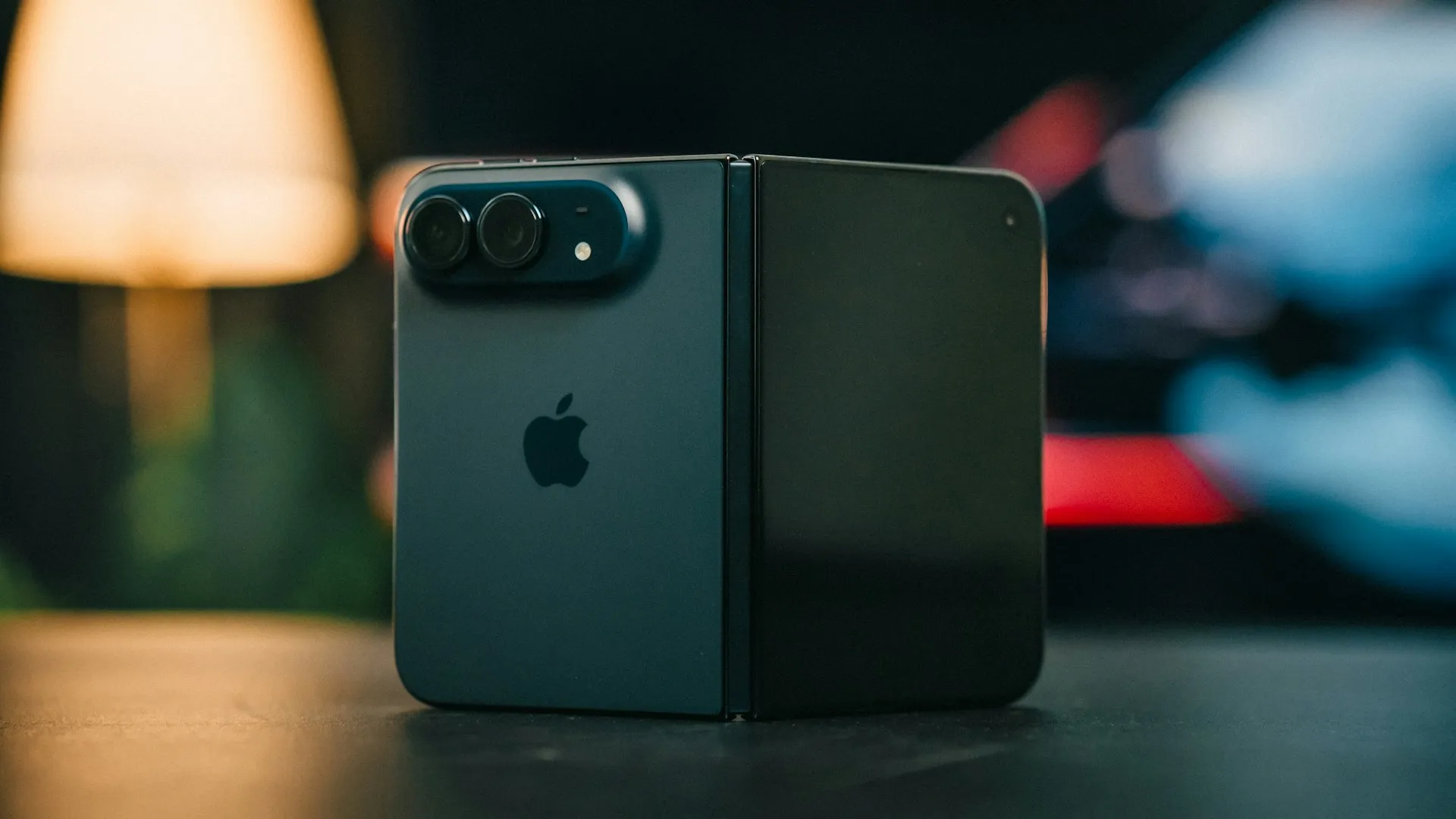
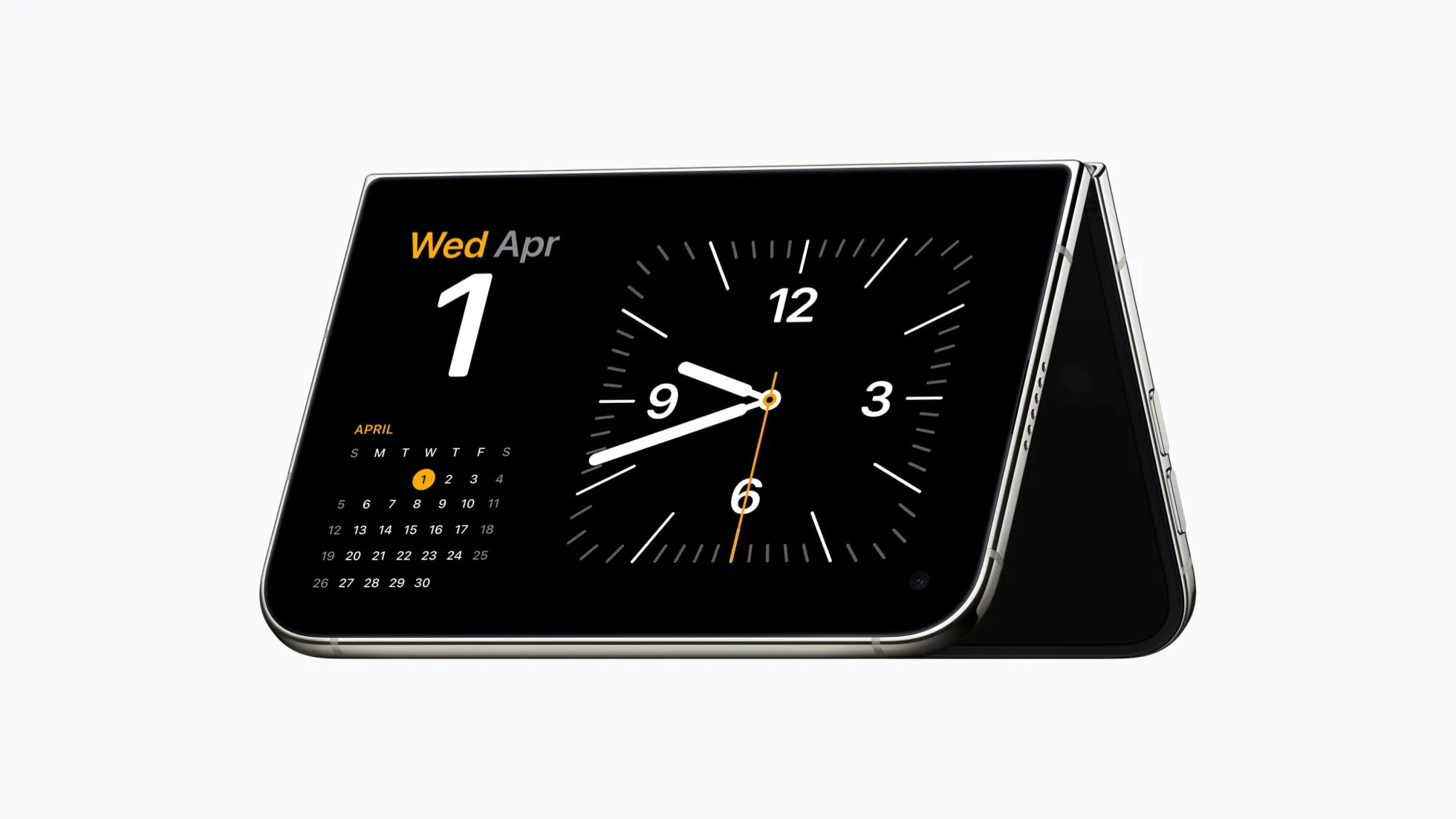
Edovia has rolled out the Screens iPhone Duo Laptop Mode update in version 5.10.6, letting owners fold the phone halfway to split the screen into a remote Mac desktop on top and a virtual keyboard and trackpad below, according to Edovia's announcement. Edovia pitches the result as a "pocket-sized workstation" built around the Duo's hinge.
The update is specific to iPhone Duo hardware. Edovia's announcement describes Laptop Mode as a feature built for that device, and nothing in the post suggests the split-screen layout is coming to standard iPhones or iPads. The company's own macOS app for Screens hadn't cleared App Store review as of the announcement, per Edovia's post.
Laptop Mode works by streaming and controlling a remote Mac through Apple's screen-sharing framework, the same connection technology Screens has relied on in prior releases, according to MacStories' testing of the app's remote-desktop engine. It's a session with a Mac running elsewhere, not macOS executing locally on the phone.
What follows separates what Edovia has confirmed about Laptop Mode, what independent testing of Screens' underlying connection already shows, and what remains untested about the folded interface itself.
Who can use Laptop Mode right now
Laptop Mode activates when an iPhone Duo is folded to a halfway position, using hinge-position detection that iOS 27 makes available to developers, according to 9to5Mac. iOS 27 lets apps respond to how far the Duo's hinge is open, and Edovia built Laptop Mode around that signal.
Screens 5.10.6 is live now for iOS, iPadOS, and visionOS, per Edovia's announcement. The macOS client was still pending App Store approval at the time of release.
Edovia's supplied release notes confirm support for iOS 27, iPadOS 27, macOS 27, and visionOS 27 alongside iPhone Duo compatibility, according to Edovia's release notes. Those notes don't spell out a separate minimum OS build specifically for Laptop Mode, so checking the in-app update log before relying on the feature is worth the extra step.
Edovia flagged iPhone Duo support as a goal two months ago, noting at the time that Apple hadn't yet released the iOS 27.1 SDK needed to build for the device, according to Edovia's September blog post. That establishes Edovia was waiting on Apple's tools before it could start building anything hinge-aware; it doesn't by itself explain why Laptop Mode specifically arrived in late November rather than sooner.
Anyone wanting to try this needs three things: an iPhone Duo, Screens updated to 5.10.6, and a Mac that's already set up and reachable for a remote connection.
How the iPhone Duo remote desktop keyboard and trackpad work
Folding the Duo halfway produces two zones on the device. The remote desktop view occupies the upper display, and a custom keyboard and trackpad fill the lower one, per Edovia's announcement.
According to Edovia, the trackpad uses the same gesture set Screens already relies on elsewhere in the app, so returning users shouldn't need to relearn navigation. The company also says the virtual keyboard supports multiple languages, follows the system keyboard's selected language, and lets users swipe down on keys to reach secondary characters, the same method iPad typists already know, according to both Edovia and 9to5Mac.
Those keyboard and trackpad details are Edovia's own product claims rather than independently verified behavior. Nothing in the available reporting describes a reviewer actually typing or navigating with the split layout yet.
One smaller wrinkle worth flagging: the release adds new options under Settings → Controls → Dictation, according to Edovia's announcement. The announcement doesn't explain what those options change or whether they tie specifically to Laptop Mode, so checking that settings page directly beats assuming new dictation behavior.
What Screens' remote-desktop engine has already proven
Before Laptop Mode existed, MacStories spent a week testing Screens 5.10's connection quality on the Duo's outer display and described the small remote view as "perfectly usable... for quick tasks (such as approving agent prompts)," according to MacStories' review. That's evidence about how well the underlying connection performs, not about the new split-control layout Laptop Mode introduces.
That same 5.10 release introduced HEVC video encoding and a Metal-based rendering pipeline, which MacStories says smooths animations and window transitions during a screen-sharing session. Audio also streams in real time from the remote Mac, and the app resizes automatically within a few seconds whenever the Duo is opened wider, according to the same MacStories testing.
Running Apple's own Screen Sharing app and Screens side by side for a week, the reviewer found no meaningful difference in image quality or performance between the two, per MacStories. That's one reviewer's result rather than a broad benchmark, but it suggests the connection Laptop Mode depends on already holds its own against Apple's native tool, separate from how the new interface arranges its on-screen controls.
Connecting still means picking between Standard and High Performance mode, the same choice Apple's own Screen Sharing app offers, according to MacStories.
What's still unverified about Laptop Mode
MacStories' review was published two weeks before Edovia's Laptop Mode release, so it tested the remote-desktop connection on the Duo's outer display rather than the new folded keyboard and trackpad interface. Nothing in the supplied reporting evaluates typing speed, trackpad accuracy, or comfort during extended use with the phone folded into its laptop posture.
The dictation settings mentioned in the release notes also remain unexplained in Edovia's own post. And while Edovia's September comments establish that hinge-aware development had to wait on Apple's SDK, they don't say why this particular feature landed in late November rather than at some other point after the Duo's launch, per Edovia's September blog post.
What to check before trying it
Confirming compatibility takes a few minutes: iPhone Duo ownership, Screens updated to version 5.10.6, and a Mac already reachable for a remote session. Fold the Duo halfway to trigger the split layout, then choose Standard or High Performance mode when connecting, the same decision MacStories describes in its testing of the underlying engine.
What isn't settled yet is how the folded keyboard and trackpad actually hold up during real work, since the only testing available so far covers the remote connection itself rather than Laptop Mode's layout. Anyone deciding whether this replaces a laptop for more than brief remote checks should wait for hands-on reviews of the folded interface before counting on it.




Comments
Be the first, drop a comment!