



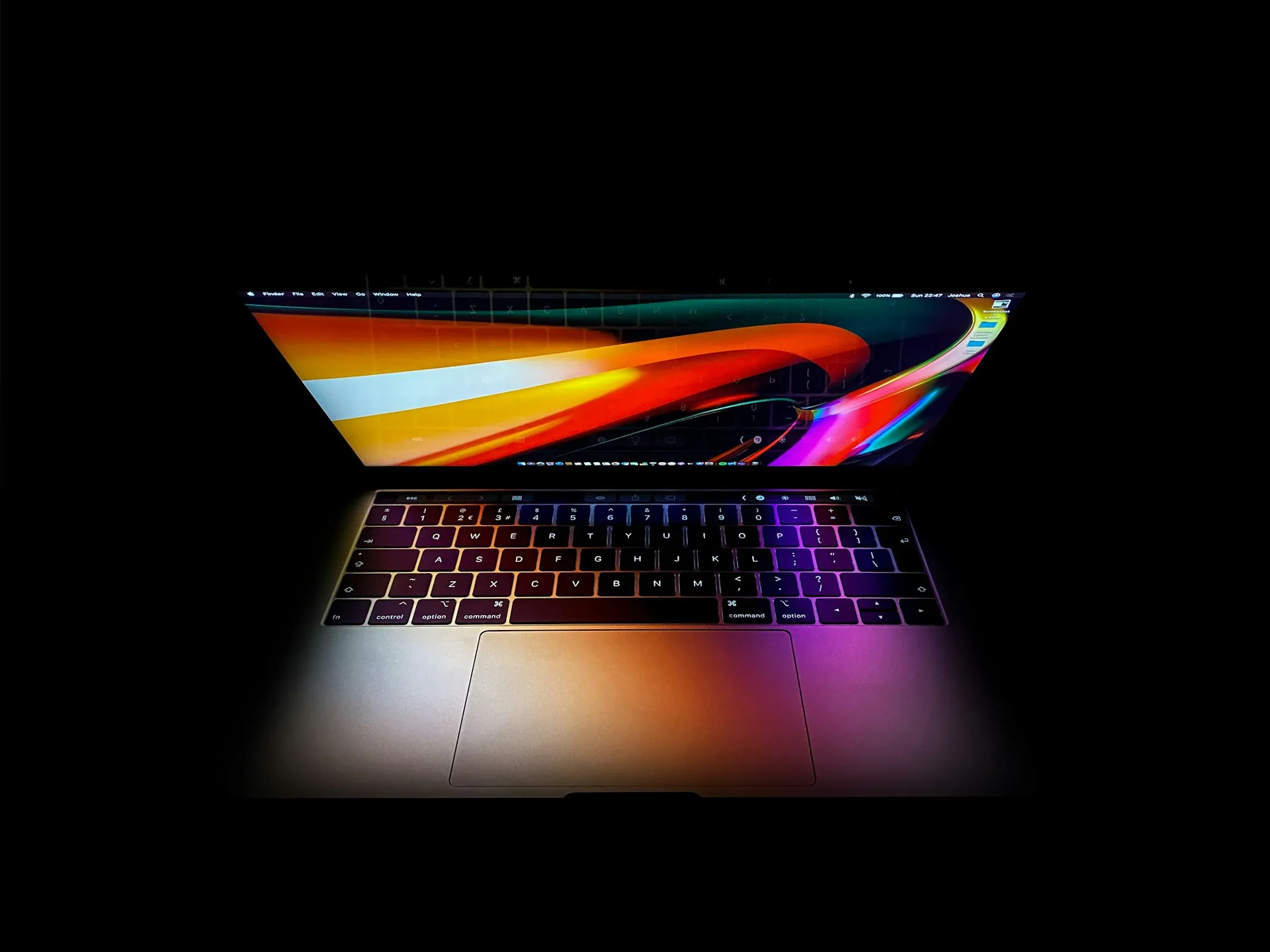
An Apple-commissioned Omdia study, based on 1,500 conversations with enterprise tech leaders and practitioners, found that 57% of enterprise AI models run under 10 billion parameters, small enough for a MacBook Air or entry-level MacBook Pro to handle. That number describes model size, not proof that most enterprise workloads are ready to leave the cloud. Concurrency, uptime, and integration requirements never entered the measurement. Still, it's the kind of stat fueling a real question for developers and small businesses using Macs for enterprise AI: should the specific task you're running today stay in the cloud, or can your own hardware handle it?
None of this requires a new toggle or a beta signup. Apple announced the M5 Ultra Mac Studio, with up to 512GB of unified memory, on August 25; availability begins September 22, and the tools readers can use today to load and run models locally already exist: apps like LM Studio, the open-source llama.cpp runtime, and Apple's own MLX framework. Apple's Core AI framework and Xcode 27 updates matter here too, but they're built for developers shipping AI features inside apps, not for someone testing a private chatbot on their own machine.
This isn't an enterprise IT strategy question. It's a practical one, aimed at developers, small-business owners, and Mac power users weighing whether to run a document-analysis tool, a coding assistant, or a private chat workflow locally instead of through a cloud API. Here's what the hardware, the independent testing, and Apple's own claims actually support, and where each one runs out.
On-device AI on Mac: what actually fits, tier by tier
The entry-level case is the easiest to make. Omdia's 57%-under-10-billion-parameters figure means a large share of typical enterprise models fit comfortably on a MacBook Air or entry-level MacBook Pro. Worth remembering the source, though: Apple paid for this study, and the figure measures model size alone. It says nothing about concurrent users, required uptime, or how a task integrates with existing systems, all of which decide whether a workload can actually leave a server.
For a harder test, an independent benchmark ran a quantized Llama 3.1 70B model on a 128GB M4 Max MacBook Pro and clocked roughly 20 tokens per second using Apple's MLX framework, with llama.cpp landing close behind at around 18 tokens per second on the same hardware. The same testing covered a range of model sizes:
Llama 3.1 8B (Q4): ~55-60 tokens/sec
Mistral 7B (Q4): ~58-63 tokens/sec
Mixtral 8x7B (Q4): ~28 tokens/sec
Qwen 2.5 72B (Q4): ~17 tokens/sec
Llama 3.1 70B (Q4): 18-20 tokens/sec
A 70B model at that quantization level needs roughly 40GB of memory, more than the 24GB available on an RTX 4090, which is why no single consumer Nvidia GPU can run it without a multi-card setup. The same testing found the M4 Max drew 60-90 watts total system power, compared to roughly 450 watts for a discrete RTX 4090 alone, a five-to-sevenfold efficiency gap worth caring about if inference runs for hours at a stretch.
At the top end, Apple says the M5 Ultra Mac Studio, with up to 512GB of unified memory and 1.2TB/s of memory bandwidth, is built to run massive models entirely on device. Apple also says linking four Mac Studio systems over Thunderbolt 5 and RDMA can deliver up to 3x the inference performance of a single machine. That's Apple's own performance claim for its Apple silicon enterprise AI hardware, not an independently tested result, and the announcement doesn't include cost, network setup, or performance-under-load details for that cluster configuration. Treat it as a number worth watching for third-party verification, not a benchmark to plan a purchase around yet.
What the benchmark does and doesn't prove
Tokens per second measures how fast a model generates text once it starts responding. It says nothing about how long the model takes to read a long document before it starts answering, how it handles a large context window packed with reference material, or whether the output is actually accurate. Two models running at the same tokens-per-second rate can feel very different in practice if one takes twice as long to process the input first.
Memory capacity works the same way. The 40GB figure for a 70B model at Q4 quantization covers the model weights alone. The same testing showed that loading an 8B model (5GB), a 14B model (9GB), and a 70B model (40GB) together consumes 54GB, and that's before accounting for the context window, macOS itself, and whatever else is open, like an IDE or a browser. Buying a 128GB Mac because a model "needs" 40GB leaves less headroom than it looks like on paper. Budget for the model, the context, and your actual workflow, not just the weights.
It's also worth being precise about what a 20-tokens-per-second result on one laptop actually demonstrates. It shows that a single user can get usable inference speed from a large model on Apple silicon. It does not show that the same Mac can serve multiple simultaneous users reliably, stay online the way a managed server does, or behave the same way under a different quantization level or framework. A fast single-user benchmark and a production-ready enterprise server are different claims, and only one of them has been tested here.
Cost, privacy, and capacity for secure local AI on Mac
Omdia frames on-device inference as having "near-zero marginal cost after initial investment, enabling unlimited experimentation without budget constraints." That's true in the narrow sense that there's no per-token bill once the hardware is bought. It skips the costs that actually show up on an invoice: the cost of choosing a 512GB unified memory configuration over a base model, electricity, hardware refresh cycles, and the time spent managing model files, updates, and access controls. None of that appears in a per-token cloud bill, but all of it is real spending that belongs in any comparison of Mac AI infrastructure against a cloud subscription.
The privacy argument is the strongest one in the report. Cloud-based AI carries transmission risk no matter how secure the provider is, since data has to leave the device to reach a server. Prompts and outputs can remain on the Mac when a workflow is configured for local inference, which cuts that transmission risk out of the equation entirely.
That's a genuine advantage for secure local AI for business use cases involving client files or internal documents, and it's worth testing for workflows subject to internal data-handling rules. Running a model locally doesn't automatically satisfy a formal compliance requirement on its own, though, and it's not a complete security story either.
A lost or compromised Mac, a model file downloaded from an unverified source, or weak local access controls can undo that advantage just as easily as a cloud breach would. Running a model locally moves the risk from the network to the device. It doesn't erase it, and it puts the responsibility for securing that device squarely on whoever owns it.
Omdia also flags cloud capacity limits as a real problem: workload needs change, and scaling up during peak demand can spike costs or run into availability limits when capacity isn't there. Local hardware has fixed capacity too. Moving a task to a Mac doesn't remove the scaling problem, it relocates it to procurement. If usage grows past what your current machine can handle, the fix is buying another Mac or more memory, not requesting another cloud instance.
Mac AI infrastructure vs. cloud: who should choose what
The pattern that emerges from the hardware tiers and the trade-offs above splits into three rough categories:
Small local models for experimentation. A MacBook Air or entry-level MacBook Pro running an 8B or 14B model is a reasonable way to test a coding assistant or a private chat tool without committing to new hardware.
A high-memory MacBook Pro or Mac Studio for single-user, large-model inference. The 128GB M4 Max benchmark and the M5 Ultra's 512GB ceiling both support this case, provided the workload is bounded to one person at a time.
Cloud or managed infrastructure for shared access, predictable uptime, or elastic demand. A team needing an always-on service, or a workload with unpredictable spikes, is better served by infrastructure built to scale on demand rather than a fixed number of Macs.
Two more checks belong in that decision. First, check the exact quantization level a model needs. The RTX 4090 still holds nearly double the raw memory bandwidth of the M4 Max, 1,008GB/s versus 546GB/s, and beats Apple silicon on small-model throughput, so a Mac isn't automatically the faster option for every model size. Second, know the difference between running a model and fine-tuning one. Apple says its Core AI framework and current chips let developers "run and fine-tune large AI models locally," which is a real, Apple-stated capability. Training a frontier-scale model from scratch is a different job entirely, and nothing in the available Apple or Omdia material demonstrates that at Mac scale.
Apple's developer materials position local and server models as complementary rather than treating local inference as a cloud replacement. Developers enrolled in the App Store Small Business Program, with fewer than 2 million total first-time App Store downloads, get no-cost access to Apple's newest Foundation Models running on Private Cloud Compute. Apple is building a cloud option into the same toolkit it's pitching for local inference, which says more about how the company views the split than any single benchmark does.
A five-step test before you buy
Running the same task on both sides before spending on hardware beats guessing from a spec sheet. Try this before upgrading:
Check your Mac's unified memory total under the Apple menu, About This Mac, and identify the exact model file and quantization level you want to run. A 70B model at Q4 needs about 40GB; an 8B model needs a fraction of that.
Pick one privacy-sensitive workflow — document analysis or a coding assistant are reasonable starting points — and run the same set of prompts through it both locally (using LM Studio or MLX) and through your current cloud provider.
Record response speed for each, but also note how each handles a long document or a large context window, not just how fast it generates a short answer.
Compare output quality side by side. A faster local response that gets more wrong isn't actually faster.
Note failure behavior. What happens if the local model runs out of memory mid-task versus what happens if the cloud API times out or throttles.
If the workflow is single-user, bounded in scope, and privacy-sensitive, that test should make local inference look like the better fit. If it needs shared access, guaranteed uptime, or the ability to scale up without buying new hardware, keep it on cloud infrastructure and treat Apple's four-Mac-Studio clustering claim as a company number to watch, not a spec to buy against, until independent throughput testing shows up.










Comments
Be the first, drop a comment!