





Apple TV video podcasts in iOS 27.3: who can watch now
Apple TV video podcasts are now testable in iOS 27.3, which adds a dedicated video podcasts section to the Apple TV app, giving video episodes from Apple Podcasts their own place inside the app rather than folding them into movie and show listings. The update lets people watch podcasts on Apple TV, iPhone, iPad, Mac, and other supported screens without switching into a separate app (9to5Mac, last week).
The same build adds a second feature: a vertical-clips feed built entirely from Apple Originals, swiped through the way short-form video works on social apps (9to5Mac, last week). Of the two, the video podcasts section carries the bigger practical impact for anyone who already watches or produces podcasts, since it reaches outside Apple's own catalog for the first time.
Both additions showed up first in developer beta 2 and have since carried into the public beta 2 build, meaning anyone enrolled in Apple's public beta program, not only registered developers, can test this now (9to5Mac, last week). A stable release for all users is still pending.
Two groups are affected differently here. Viewers want to know whether they can watch on a bigger screen today, and podcast creators are likely wondering whether their shows need any changes at all to show up. This piece checks both angles: what's testable right now, what beta reporting confirms versus what it leaves open, and what still isn't documented anywhere.
What's confirmed now: beta access, regions, and devices for video podcasts on Apple TV
Apple's own developer release listing confirms a beta 2 v2 build shipped last week, under the version number 24C5049f. That listing doesn't spell out the Apple TV app changes itself, so everything about how the feature actually behaves comes from third-party beta reporting, not an Apple feature guide (Apple Developer, last week). That distinction matters: a changelog entry from Apple would carry more weight than outside observation, and right now only the latter exists.
Region matters too. Video podcasts are reported to launch first in the U.S., Canada, Mexico, the U.K., and Australia, though that's reported rather than officially confirmed by Apple (Minchu, last week).
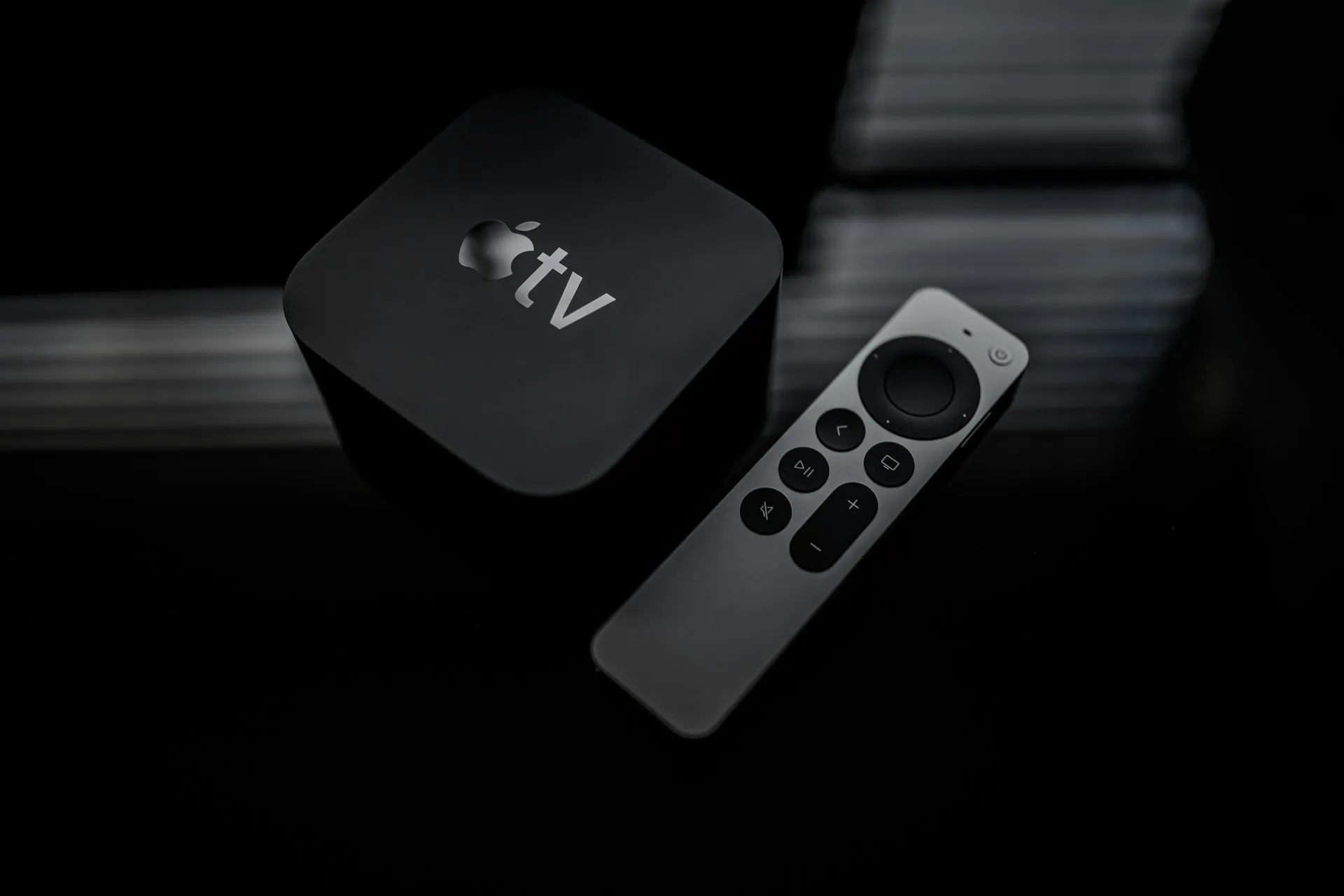
Device support is reported to span iPhone, iPad, Mac, Apple TV 4K, select smart TVs and streaming devices, and CarPlay (Minchu, last week).
On cost: the feature is free and doesn't require a subscription, but it only applies to shows that already publish video episodes through Apple Podcasts. Lacking a video feed, or needing a paid subscription, keeps a show out regardless of how popular it is (Minchu, last week). That free-and-already-has-video combination is the whole eligibility bar reporting describes right now, nothing about download numbers or category.
Where video podcasts appear and how playback sync works
In beta, video episodes from Apple Podcasts show up in their own section inside the Apple TV app instead of getting mixed into movie and show listings (9to5Mac, last week). Apple hasn't published a navigation guide for this, so exact placement could still shift before the stable release lands.
An opt-in toggle in Account Settings lets users sync playback between the TV app and the Podcasts app. Choosing that option means an episode started in one carries its queue position and watch history over to the other (9to5Mac, last week).
Apple services VP Oliver Schusser has reportedly said the goal is to make podcasts available on "screens of every size." That framing explains why this reaches past the iPhone into Apple TV 4K and smart TVs instead of staying a Podcasts-app-only feature (Minchu, last week, citing The New York Times).
Anyone who already tracks queue position and listening history inside the Podcasts app should test that sync toggle first. Skip it, and the TV app and Podcasts app treat viewing history as two separate lists.
What won't appear in the Apple TV app
Subscriber-only podcasts are not supported in the Apple TV app's video section, according to beta reporting. That's a narrower claim than saying paid shows are banned from every Apple surface entirely (Minchu, last week).
Before assuming a favorite show will appear, check two things: whether it's free, and whether it already publishes video episodes through Apple Podcasts. Being audio-only or ad-supported doesn't by itself determine eligibility; it's the existence of a video episode feed that decides it. A show can run ads and still qualify, as long as listening to it doesn't require a paid tier.
Apple TV vertical clips: the other new addition
A separate "Explore Clip Collections" section appears on the TV app's Home tab in beta, organized into themed groupings like Absolute Adrenaline, Animal Action, Close Calls, and Mind-Bending Moments (9to5Mac, last week).
Opening a collection starts a short clip from an Apple Original. Swiping up moves to the next one, and each clip includes a button to add the source movie or show to the Watchlist (9to5Mac, last week).
Clips stay inside Apple's own catalog, with no indication of third-party or creator content, and Apple hasn't said which countries will get the feature, unlike video podcasts, which already have named launch markets (Minchu, last week).
Clips function less like a user utility and more like a promotional discovery layer for Apple's own catalog, nudging viewers toward shows and movies they might not open otherwise. Video podcasts, by contrast, open the app to outside content for the first time, which is why that change carries more weight for anyone deciding whether iOS 27.3 is worth testing early.
What remains unconfirmed
A few questions sit outside what current reporting answers.
- Whether the TV app's eligibility rules go beyond "free and already has video" (technical formatting requirements, regional licensing, that kind of thing) isn't addressed anywhere in available reporting.
- Clips have no announced country rollout, while video podcasts already have five named launch markets, a gap suggesting the two features are moving on different timelines.
- How ad measurement works on TV screens specifically, and whether podcasts hosted through different providers get equal treatment, remain open questions that current beta reporting doesn't address.
Publisher-side questions are especially thin. Nothing in current beta coverage confirms whether eligible shows need to opt in or whether inclusion happens automatically once a show already publishes video through Apple Podcasts. Anyone producing a show that already offers video episodes should treat automatic placement as unconfirmed until Apple's documentation or the stable release clarifies it.
What to check if you're already testing iOS 27.3
Anyone enrolled in Apple's public beta program can look for the video podcasts section and the Explore Clip Collections group on the Home tab today. Testing both now means checking whether a specific show actually appears, rather than assuming inclusion based on reporting alone. Apple is expected to ship iOS 27.3 broadly in December 2026, though it hasn't confirmed an exact date (Minchu, last week).
For everyone else, the thing to verify before expecting a specific show to appear isn't whether the beta is installed. It's whether that show is free and already publishes video episodes through Apple Podcasts, since that status, not device or beta version, is what decides inclusion.


Comments
Be the first, drop a comment!