






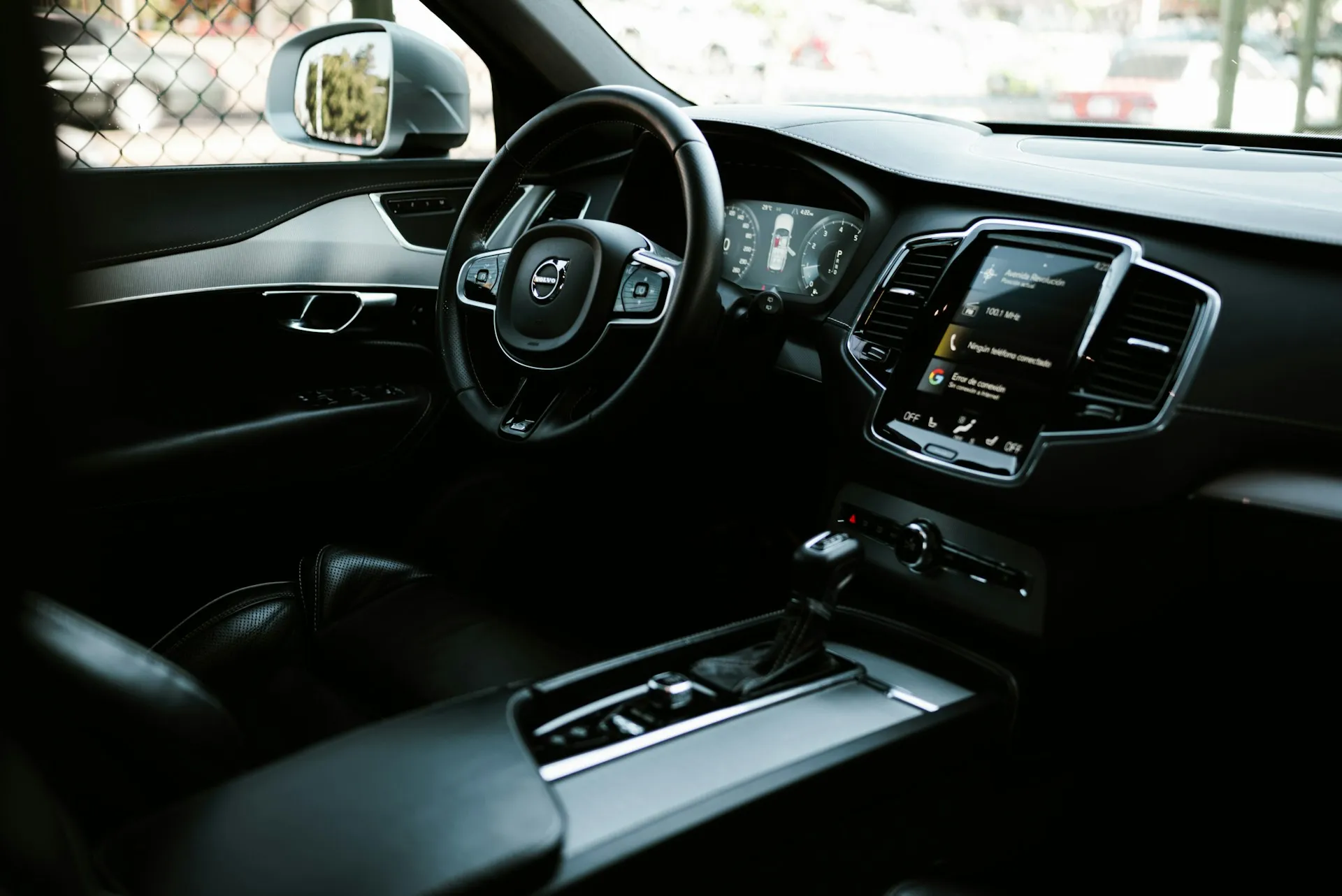
Apple added one of CarPlay's most significant upgrades to iOS 27: users with supported vehicles will be able to browse and play videos directly from the infotainment screen, without selecting the video on their iPhone, once compatible cars and apps become available. The feature, called "video in car," got no keynote time at WWDC 2026. Apple discussed it in a developer session and has said little publicly since.
That low-key treatment has a concrete explanation, and it has nothing to do with the feature's ambition.
How the iOS 27 CarPlay video streaming feature actually works
The core change is architectural. Under iOS 26, AirPlay video in CarPlay was passive: you found a video on your phone, chose the car display as an AirPlay destination, and streamed it to the car display. The dashboard did not provide a CarPlay interface for browsing the app's video catalog
iOS 27 changes that relationship entirely. Users can browse a streaming app's catalog and select what they want to watch directly from the dashboard, without picking up their phone.
The iPhone still does the heavy lifting. The handset runs the app and streams video over AirPlay; CarPlay provides the on-screen menus and controls. Think of it as the difference between casting from a phone and opening an app directly on a smart TV. The source is the same, but the second experience feels native.
Safety logic sits with the vehicle, not the app. The car determines when video playback is available, and content only plays while stationary. When motion is detected, video halts, and playback switches to audio-only mode. Apple's suggested use cases: waiting at an airport, or sitting at an EV charging station.
Why the iOS 27 CarPlay video in car feature is blocked for most drivers
Three dependencies stand between a driver and this feature. None are currently resolved.
Gate one: automaker enablement. Manufacturers must implement support on the vehicle side, both to handle the increased hardware demands for video and to supply the parked-vehicle detection the system relies on. Apple flagged this requirement at WWDC 2025, a full year before the feature ships. As of this week, not one automaker has publicly announced support. Owners of existing cars would need a manufacturer update, which may or may not materialize.
Gate two: vehicle compatibility. Apple says the feature works only in cars that support video in car, but it has not published a consumer-facing list of minimum display, codec, or memory specifications.
Gate three: app support. Streaming services can't flip a switch. They must build a dedicated video browsing interface using the CarPlay framework, separate from any existing AirPlay integration, according to Apple's developer session. Apple hasn't confirmed which apps will implement it, and hasn't revealed whether major services such as Netflix, YouTube, Disney+, or Apple TV plan to participate.
Taken together, those three unresolved dependencies explain the muted rollout. For a typical consumer-facing CarPlay upgrade, Apple would name supported auto brands and show the feature running on real hardware. Here it has done neither. A developer briefing, rather than a consumer headline, reflects where the feature actually stands.
What CarPlay users are more likely to notice first
Several iOS 27 CarPlay updates arrive without any automaker dependency and will reach most drivers when the software ships in September.
A persistent MiniPlayer lands in the top-right corner of the CarPlay dashboard, showing album art and basic playback controls. On larger displays, users can play, pause, or skip content without entering a separate now-playing screen. The Now Playing screen separately gains a proper scrubber, a horizontal progress bar for dragging to any point in a song or podcast.
Widgets and Live Activities from compatible apps, introduced in CarPlay with iOS 26, remain available on the CarPlay display, meaning a live sports score or a delivery tracker can surface on the dash without opening the app. Siri AI also arrives in CarPlay with multi-turn conversation support, so a driver can ask for a restaurant and then ask what time it closes without repeating the original request. That capability requires an iPhone 15 Pro or newer.
Wireless CarPlay connections get a reliability improvement, GPS heading accuracy tightens up, and 14 new Celosia-style wallpapers land across the interface. These are the changes most drivers will actually encounter this fall.
A real feature on an uncertain timeline
"Video in car" is a genuine architectural shift for CarPlay, not a cosmetic one. Moving from passive casting to dashboard-native browsing sets up a fundamentally different relationship between the phone and the car's display.
But the gap between what Apple has built and what drivers can use is substantial, and it closes only when all three gates open simultaneously: a compatible vehicle, manufacturer enablement, and at least one streaming app that has built the CarPlay browsing interface.
The sequence worth watching for: an automaker naming specific supported models, followed by streaming apps shipping CarPlay video updates, followed by Apple documentation listing compatible vehicles. Until that plays out, the MiniPlayer, Live Activities, and a more capable Siri are the iOS 27 CarPlay story for most drivers. The AirPlay video-in-car display capability is real. It's just not road-ready yet.


















Comments
Be the first, drop a comment!