



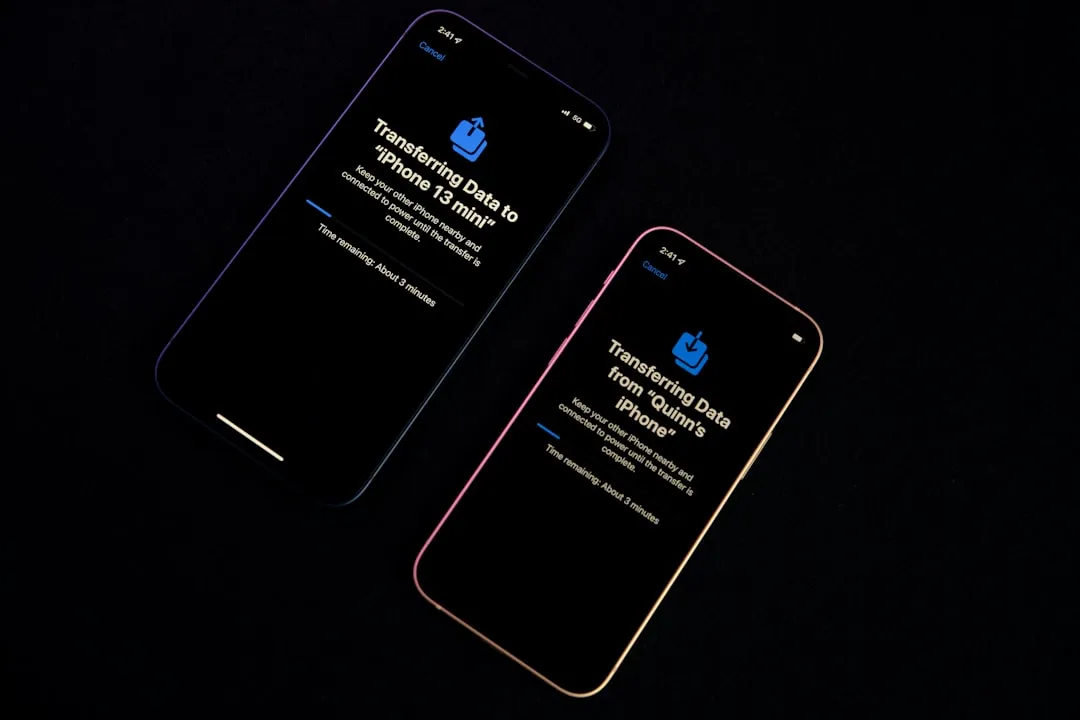
Apple released iOS 26.4.1 and iPadOS 26.4.1 this week with a changelog that reads: "This update provides bug fixes for your iPhone." No new features, no confirmed security updates. What that description undersells is the scope of the bug it actually fixes, a CloudKit sync failure that prevented all first and third-party apps using CloudKit from receiving iCloud data changes made on other devices, per Macworld.
Some outlets have gone further, reporting that 26.4.1 also enables Stolen Device Protection by default and delivers a "quiet security upgrade" for enterprise iPhones. Apple has documented the enterprise Stolen Device Protection change, but not broader security claims. Apple has documented the enterprise Stolen Device Protection change, but not broader security claims. Both things are worth understanding before you decide whether to update.
What's new in iOS 26.4.1 for iPhone
One confirmed bug fix. No confirmed new features. Disputed security claims Apple has not documented.
The primary verified fix is resolving a CloudKit sync regression that iOS 26.4 introduced. For users still on iOS 26.3.x or earlier, nothing in 26.4.1 itself changes the calculus on urgency, though the security work packed into iOS 26.4 remains a meaningful reason to get current.
The iCloud sync bug: what broke, who was affected, and what the fix does
The failure was specific and silent. iOS 26.4 devices stopped receiving the system-level notification that iCloud data had changed on another device. Not with a delay. Just not at all, according to developer forum reports cited by Macworld. An edit made on a Mac, a second iPhone, or an iPad simply never pulled through to the affected device, with no error and nothing flagging that the local data was stale.
The impact was wide because CloudKit is the sync infrastructure underneath a large portion of iOS apps, both Apple's own and third-party. Apps that rely on CloudKit were broadly affected, including Apple's Passwords app, per Macworld. Password managers, note-taking apps, task managers: anything routing data through CloudKit was a potential casualty.
The regression appears resolved in 26.4.1, according to Macworld. If you noticed stale data or cross-device changes that never appeared after updating to iOS 26.4, this patch is the documented fix. After updating, if data in a specific app still looks out of date, toggling that app off and back on under Settings > [Your Name] > iCloud can prompt a fresh pull from the server.
One further detail: users on the iOS 26.5 developer beta were reportedly unaffected. The bug doesn't appear in that build, per Macworld, which confirms this was a regression specific to 26.4, not a deeper infrastructure problem degrading sync across multiple versions.
iOS 26.4.1 security fix: what Apple confirmed
Some coverage characterized 26.4.1 as delivering a "quiet security upgrade" and stronger protections for enterprise iPhones. A reference in ZDNET's iOS 26.4 overview today also mentions 26.4.1, enabling Stolen Device Protection by default. Neither claim is tied to Apple's release notes or security documentation.
Apple's patch language, as Macworld reported this week, states there are no security updates in 26.4.1. For context on how Apple typically handles this: iOS 26.3.1 is listed on Apple's security releases page with "no published CVE entries," per Apple Support, which is how Apple documents point releases that address no discrete vulnerabilities. Apple has not published equivalent security notes for 26.4.1. The Stolen Device Protection and enterprise hardening claims may yet prove accurate, but without primary-source confirmation, they remain unverified.
The real security story in this release cycle belongs to iOS 26.4. Apple fixed 36 distinct vulnerabilities on iPhone in that update, covering the audio stack, iCloud, Mail, Siri, Printing, and the iOS kernel, two weeks ago. ZDNET today puts the figure at 34 patches across the same components, per their iOS 26.4 overview; the difference likely reflects platform-specific counts, since the same fixes were applied to iPadOS 26.4.
That release also addressed a flaw in Apple Intelligence's on-device language model. RSAC researchers found ways to bypass the guardrails of the local LLM, potentially exposing personal files accessible to LLM-enabled apps used by between 100,000 and more than 1 million people, per ZDNET. Apple hardened the affected systems through the iOS 26.4 update, with no reported in-the-wild exploitation at the time, per ZDNET.
Who should update, and what to expect
Already on iOS 26.4: The CloudKit sync bug is active on your device, and 26.4.1 is the documented fix. Apple has not published security notes for this update, consistent with a stabilization patch carrying no new vulnerability disclosures. To update, open Settings, tap General, then Software Update, and follow the on-screen instructions, per Macworld.
Still on iOS 26.3.x or earlier: No urgency specific to 26.4.1 itself, but the substantive reason to update is iOS 26.4, which closed 36 security vulnerabilities on iPhone, according to 9to5Mac. Updating directly to 26.4.1 captures both the security work from 26.4 and the sync fix in one step. iOS updates cannot be downgraded once installed, per Apple Support, so updating to the current stable release rather than waiting is the cleaner path.
On the iOS 26.5 developer beta: Skip it. The CloudKit bug never appeared in that build, according to Macworld, and 26.4.1 is a stable-channel patch that doesn't apply to beta users.
What would change this picture
iOS 26.4.1 is a stabilization patch. A significant sync regression shipped in iOS 26.4, which affected all first and third-party apps using CloudKit, and 26.4.1 appears to close it. That's the documented story, and it's enough reason to update.
The security framing is a separate matter. If Apple publishes security notes for 26.4.1, or independently confirms a change to Stolen Device Protection defaults, that would materially shift what this update is. Until that documentation exists, the iCloud sync fix is the confirmed change, and the security headlines are getting ahead of what Apple has actually said.












Comments
Be the first, drop a comment!