





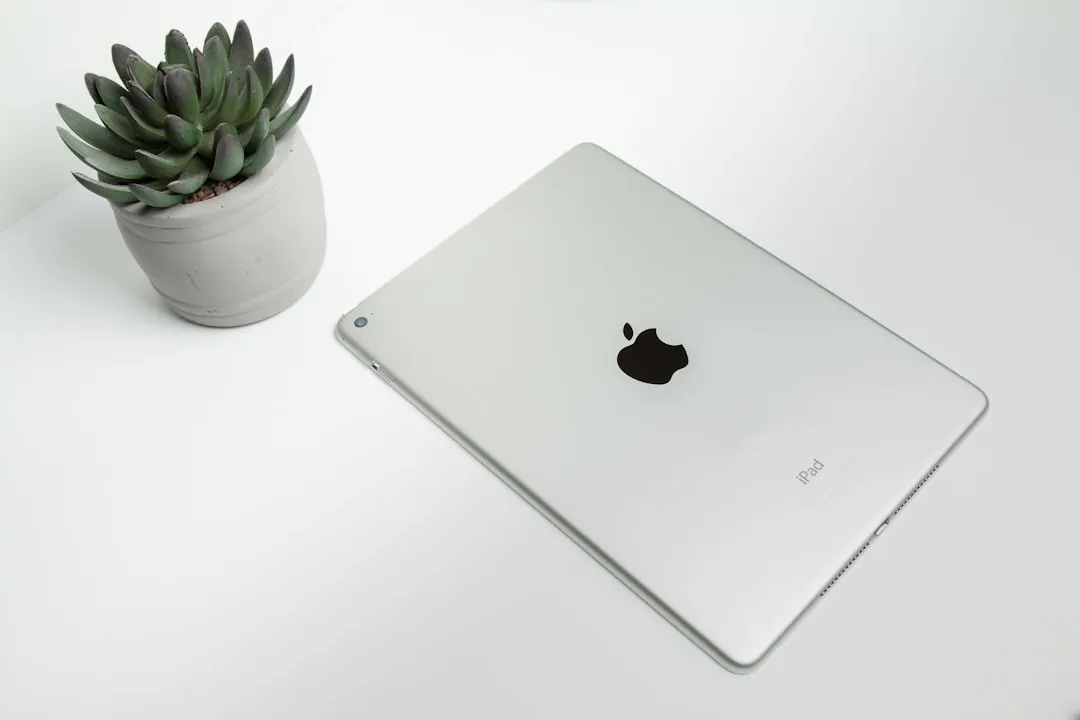
Apple has introduced what might be one of its most significant tablet updates in recent years, equipping the new iPad Air with the M4 chip alongside substantial connectivity and performance improvements that extend well beyond typical incremental upgrades.
This isn't just another spec bump—we're looking at a device that bridges the gap between casual tablet use and serious productivity work in ways that previous generations couldn't quite achieve. The combination of enhanced processing power, expanded memory, and next-generation wireless capabilities suggests Apple is positioning this iPad Air for users who need more than basic tablet functionality but aren't ready to jump to Pro-level pricing.
Let's break down what these changes actually mean for real-world use and whether this updated iPad Air delivers the kind of value that justifies its place in Apple's increasingly complex tablet lineup.
M4 Performance: Beyond the Marketing Hype
The jump from M3 to M4 is more than just the next number in Apple's silicon progression. You know how Apple loves to throw around performance metrics that sound impressive but don't always translate to noticeable differences in daily use? Well, this time the architectural improvements suggest more meaningful gains.
The M4's enhanced neural engine and improved graphics architecture deliver measurable improvements in machine learning tasks and GPU-intensive applications. This translates directly to faster rendering in creative apps like Procreate and LumaFusion, more responsive multitasking when juggling multiple demanding applications, and smoother performance in AR applications that rely heavily on real-time processing.
For creative professionals who've been pushing their current iPad Air to its limits with video editing workflows or complex design projects, this upgrade addresses the performance bottlenecks that have prevented the Air from serving as a true laptop replacement for intensive creative work.
What makes this particularly noteworthy is Apple's decision to debut the M4 in the Air alongside the Pro models—a departure from the typical trickle-down approach. This suggests a strategic repositioning of the Air line toward users who need serious computational power for professional workflows but don't require every premium feature the Pro models offer.
The real test comes in scenarios where previous generations would begin to stutter: maintaining multiple layers in design applications while streaming content and keeping research tabs open, or editing 4K footage while simultaneously running video calls. These demanding multitasking scenarios reveal where chip improvements actually impact daily productivity.
Memory Matters: Why 12GB RAM Changes Everything
The upgrade to 12GB of RAM represents one of the most consequential improvements in this release. Previous iPad Air models typically shipped with 8GB of RAM, creating memory pressure situations that forced apps to reload when switching between demanding tasks—a frustrating limitation for users attempting serious productivity work.
This memory increase directly eliminates the app refresh issues that have plagued iPad workflows. Professional scenarios like maintaining active video calls while working in presentation software, keeping multiple browser tabs with research materials open alongside note-taking apps, or running memory-intensive creative applications no longer trigger the aggressive app management that previously interrupted workflow continuity.
The additional RAM also provides headroom for iPadOS features that leverage background processing, such as Live Text analysis, Spotlight indexing, and the multitasking improvements Apple continues to develop. This forward-compatibility ensures the device won't become memory-constrained as software demands increase.
For business professionals who've experienced the frustration of losing presentation progress when switching to check email, or designers who've watched their creative applications restart mid-project, this memory upgrade removes a fundamental barrier to iPad adoption as a primary work device.
Wi-Fi 7 and Enhanced Wireless Performance
The inclusion of Wi-Fi 7 support positions this iPad Air ahead of most current devices in wireless connectivity capabilities. While Wi-Fi 7 infrastructure isn't yet widespread, early adoption provides immediate benefits in environments with compatible equipment and future-proofs the device for broader network upgrades.
Wi-Fi 7's multi-link operation allows simultaneous connections across different frequency bands, potentially delivering more consistent performance in congested wireless environments like conference centers, universities, and modern office buildings. The improved latency characteristics particularly benefit real-time applications such as video conferencing and cloud-based creative tools.
Apple's enhanced wireless implementation also seems addresses long-standing reliability issues with AirDrop transfers and Personal Hotspot connections. Users who've experienced mysterious AirDrop failures or unstable hotspot performance are likely to see more consistent behavior with the improved wireless stack.
The integration of Bluetooth 6 support brings enhanced connectivity stability for accessories, reduced power consumption for connected devices, and better performance in environments with multiple active wireless devices. Thread protocol support expands smart home integration capabilities, allowing the iPad Air to serve as a more effective hub for HomeKit and Matter-compatible devices.
These connectivity improvements collectively create a more seamless ecosystem experience where wireless features function as Apple intends rather than requiring workarounds or repeated connection attempts.
Cellular Connectivity: The C1X Modem Advantage
Users who depend on cellular connectivity will find significant improvements in the new C1X cellular modem implementation. Enhanced signal reception algorithms and improved power efficiency address two critical pain points: unreliable connections in fringe coverage areas and excessive battery drain during cellular use.
The improved signal processing particularly benefits users in challenging coverage environments—rural locations, dense urban areas with signal interference, or buildings with poor cellular penetration. More aggressive signal acquisition and better handoff management between cell towers should reduce connection drops and improve data throughput consistency.
Power efficiency improvements directly impact all-day productivity scenarios where cellular connectivity is essential. Previous iPad models often exhibited significant battery drain when maintaining cellular connections, forcing users to choose between connectivity and battery life. The C1X modem's optimization reduces this compromise.
These enhancements align with the evolving work landscape where reliable connectivity across diverse locations—client sites, co-working spaces, travel destinations—determines whether mobile devices can truly replace traditional laptop setups for professional use.
Strategic Positioning: Redefining the iPad Air Category
Apple faces a complex positioning challenge with this feature-rich iPad Air. The combination of M4 performance, increased memory, and advanced connectivity creates a device that approaches Pro-level capabilities while presumably maintaining Air-tier pricing—a balancing act that could reshape the entire iPad lineup.
This positioning targets the substantial user segment that requires robust performance for creative and productivity work but doesn't need Pro-specific features like the Liquid Retina XDR display, Thunderbolt connectivity, or Apple Pencil Pro compatibility. These users—ranging from business professionals managing complex presentations to content creators working with high-resolution media—have often found themselves choosing between an underpowered base iPad or an over-featured Pro model.
The pricing strategy will ultimately determine market success. Apple must balance delivering genuine value for users seeking laptop-replacement functionality while maintaining clear differentiation from both the base iPad and Pro models. Success requires demonstrating that these hardware improvements translate to meaningful productivity gains that justify the investment.
Future-Proofing the iPad Ecosystem
This iPad Air update signals Apple's broader strategy to position tablets as legitimate alternatives to traditional laptops across a wider range of professional use cases. The hardware foundation now supports the demanding applications and workflows that previously required desktop-class devices.
The emphasis on connectivity—Wi-Fi 7, enhanced cellular, improved ecosystem integration—reflects modern work realities where seamless device transitions and universal connectivity determine productivity. These aren't merely technical specifications; they're responses to specific user frustrations that have limited iPad adoption in professional environments.
The robust hardware foundation positions this iPad Air to fully leverage future iPadOS developments. As Apple continues expanding desktop-class functionality, professional app support, and workflow integration features, users won't encounter hardware limitations that force premature device upgrades.
Looking ahead, this hardware configuration suggests Apple's confidence in the iPad's expanding role within professional workflows. The combination of serious computational power, ample memory, and advanced connectivity creates a platform capable of handling whatever software innovations emerge in the tablet space.
PRO TIP: If you're currently using an older iPad Air for professional work and frequently encounter app reloading, slow processing with creative applications, or connectivity frustrations, this update addresses the core limitations that have likely been constraining your productivity.
Bottom line: This iPad Air represents Apple's most comprehensive attempt at creating a device that genuinely serves professional users without requiring Pro-level investment. The hardware improvements target real workflow pain points rather than just advancing specifications, suggesting a mature understanding of how tablets fit into modern professional environments.













Comments
Be the first, drop a comment!