



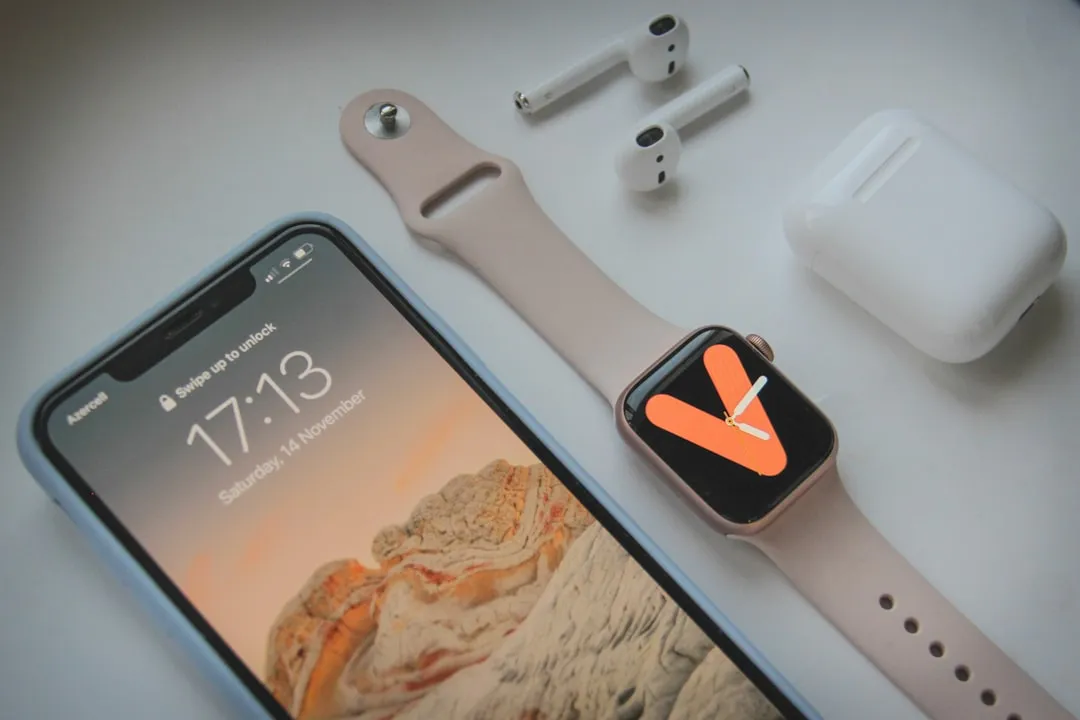
Before WWDC 2026, the consensus on watchOS 27 was polite and unexciting. Bloomberg's Mark Gurman told readers to expect AI features, stability work, and "not much, really" beyond that, and 9to5Mac summarized those expectations in March. What Apple announced today is still narrower than a typical platform release. It's also more targeted than the preview implied.
Two additions define this release: a substantially rebuilt Siri powered by Apple Intelligence, and Health app tools that notify users when logged cycle data shows changes consistent with perimenopause. Together, they push the Watch toward roles Apple hasn't fully committed to before: a wrist-based assistant capable of sustained conversation, and a health monitor that flags a specific, significant life-stage transition that consumer technology has largely sidestepped.
Apple moved through the announcement quickly. Engadget called it a "whistlestop tour" of its OS development. What follows covers what both features actually do, what you need to run them, and when they ship.
The new Siri on Apple Watch: what's confirmed and what isn't
Start with what's concrete. The rebuilt Siri can hold multi-turn conversations, answer open-ended questions, and retrieve personal data stored in your Apple ecosystem without requiring you to touch your phone. During the WWDC demo, Apple showed Siri pulling a saved driver's license number from Notes and surfacing the access code for an upcoming rental property. Both are retrieval tasks that previously meant unlocking an iPhone.
The home screen is getting a new dynamic app grid that puts Siri at the center of the menu, surrounded by frequently used shortcuts and apps the system thinks may be relevant in a given moment. You can return to a prior Siri conversation and switch between the Watch and another Apple device mid-session.
What Apple didn't specify: third-party app integration depth, and whether processing happens on-device or in the cloud. The second question matters in practice. On-device processing determines privacy exposure and whether the feature holds up without a connection. Apple has documented Apple Intelligence as using on-device processing and Private Cloud Compute, but it has not broken out exactly which Siri AI requests on Apple Watch run locally versus through cloud infrastructure.
Two timing points matter. The OS arrives this fall, developer beta available now, public beta expected in July, general availability likely in September, per MacRumors. Siri AI launches in English later in 2026. The OS and its headline feature ship on separate schedules. Oan hardware: Apple says watchOS 27 requires an iPhone 11 or later, or iPhone SE 2 or later, running iOS 27, plus Apple Watch Series 9 or later, Apple Watch Ultra 2 or later, or Apple Watch SE 3. Apple Intelligence on Apple Watch also requires a supported Apple Watch paired with an Apple Intelligence-enabled iPhone nearby.
watchOS 27 perimenopause features: how the Health app update works
The Health app expansion is the second headline addition. Users who actively log menstrual cycle data will receive notifications when their tracked patterns show irregularities consistent with perimenopause. When the system flags a shift, it surfaces educational content, describes related symptoms to watch for, and opens a logging interface where users can record what they're experiencing over time.
In practice, that means a notification flagging the cycle deviation, educational materials explaining what perimenopause involves, a prompt to log current symptoms, and language oriented toward a doctor conversation rather than a clinical result. Apple VP of OS management Stacy Ford described the intent directly: the feature exists so users can "understand more about what's going on with your body and be better prepared to talk to your doctor," TechCrunch reported. Health-awareness tooling, not a diagnostic instrument.
Two prerequisites are worth stating plainly. The detection system monitors deviations from an established cycle baseline, so it requires a meaningful logging history to function. Someone starting from scratch won't receive perimenopause notifications right away. Apple has offered cycle tracking since 2019 so users who have tracked consistently already have that foundation.
Apple says cycle deviation notifications, inclusive of perimenopause, are for users ages 40 and above and are based solely on logged cycle history, though it has not specified geographic availability or the thresholds that trigger a notification.
A Watch that does more on its own
Siri and perimenopause tracking are the headline story, but several smaller additions point in the same direction: Apple is adding more wrist-first interactions, though several Apple Intelligence features still depend on a paired Apple Intelligence-enabled iPhone.
Workout Buddy is getting new data insights and Spanish support, but Apple's watchOS 27 footnote says it requires a paired Apple Intelligence-enabled iPhone and Bluetooth headphones. Coaching is becoming more personalized, drawing on fitness history to deliver real-time feedback on pace, distance, and workout duration, with Spanish language support arriving alongside the update. Smart Stack is gaining more contextual suggestions throughout the day, and tapping your index finger and thumb together once now activates it one-handed. New running features bring better run tracking and additional workout insights.
One notable absence: Bloomberg's Gurman specifically flagged improved heart-rate tracking in pre-WWDC reporting, but it didn't surface in today's announcement coverage. It may still ship. It just wasn't featured.
The broader health AI picture explains some of this selectivity. Mulberry, Apple's internal AI health coaching project, was scaled back earlier this year after the company concluded its offering wasn't competitive enough to release, 9to5Mac reported. An Apple Health+ subscription tied to that project appears delayed, with no confirmed launch window. The perimenopause feature fits into that context: a narrower, lower-risk health tool that's ready now, shipping while the larger coaching platform gets another development cycle.
What to actually expect, and when
The practical split is fairly clean. Features arriving this fall: perimenopause tracking, Workout Buddy without an iPhone, the Smart Stack gesture, and improved run tracking are ready for eligible users at launch. The perimenopause alerts will be immediately useful to anyone with a consistent logging history; those without that baseline will need to build it before the detection system has enough data to act on.
Siri AI is the exception. Apple positioned it as the biggest addition in this release, and it arrives on a separate, later schedule: English only, sometime after the fall OS launch, with Apple Intelligence hardware requirements now published by Apple. For most Apple Watch owners, it's the feature to track rather than the one to plan around today.
What watchOS 27 signals, taken together, is a deliberate sequencing choice. Ship the well-scoped health tools that are ready; hold back the more ambitious coaching platform until it isn't a work in progress. The Mulberry project and Health+ subscription are not yet where Apple wants them. What arrived at WWDC is a real preview of the direction. The destination is still being built.












Comments
Be the first, drop a comment!