





Halide Fill Light for iPhone Duo Turns Screen Into Light
Halide 3.4 adds Fill Light, a feature that turns the iPhone Duo's outer display into a continuous light source for photos instead of relying on the phone's dedicated flash. The Verge and PetaPixel both covered Halide Fill Light for iPhone Duo last week.
The feature is live now for iPhone Duo owners running Halide 3.4, available on the App Store as of last week, according to 9to5Mac. Fill Light is built around the Duo's dual-screen hardware and only activates when the phone is unfolded, per Tekticia and MacRumors.
How Halide Fill Light for iPhone Duo turns the outer screen into a photo light
Fill Light uses the Duo's outer, or cover, display as a continuous light source rather than firing the phone's dedicated flash. It arrived in Halide 3.4 less than a month after the Duo itself launched on October 23, per PetaPixel. Lux Optics first added iPhone Duo support a month earlier, in Halide 3.3, so 3.4 builds on an existing foundation rather than introducing Duo compatibility from scratch, 9to5Mac notes.
Halide describes it as giving users "a softer alternative to the built-in flash" in low light, the company said. Mechanically, the screen stays lit through composition and capture instead of firing a brief burst the way a traditional flash does, per Tekticia.
Outlets use different names for the same feature. Tekticia and MacRumors call it "Fill Light" (Tekticia; MacRumors), while 9to5Mac and The Verge describe it as "fill flash" (9to5Mac; The Verge). Halide's own wording, quoted by PetaPixel, calls it "flash-fill." It's one continuous-light feature regardless of the label, built around the Duo's dual-display design rather than a flash replacement meant for every iPhone, Tekticia notes.
Halide Fill Light vs. iPhone flash: why the screen produces softer light
Halide states its goal as avoiding "the harsh lighting of the dedicated flash," per The Verge. The reasoning behind that, as described in the reporting, comes down to basic lighting principles rather than a measured comparison: a small, direct LED flash tends to create strong shadows and harsh highlights in portraits and close-up shots, while a larger, diffused source wraps light around a subject more gently, Tekticia explains.
Tekticia frames Fill Light as a fit for portrait photographers, content creators, and anyone shooting in low light who wants a softer option than the built-in flash, since the outer display is significantly larger than a flash panel. That's the outlet's characterization of who the feature suits, not an independently verified outcome.
None of the cited reports provide brightness measurements, a tested shooting range, or battery and heat data from sustained use at maximum screen brightness. Until that kind of independent testing shows up, Halide's framing should be read as stated design intent and photographic logic, not a proven result.
How to use the iPhone Duo outer display as a light panel
Setting it up follows a short sequence, based on current reporting:
- Unfold the iPhone Duo so the outer display is available.
- Position the device so the outer screen faces the subject.
- Set the display to maximum screen brightness for the strongest light output.
- Compose the shot using the inner-screen viewfinder.
- Take the photo while the outer display continues to illuminate the subject.
(Tekticia; 9to5Mac)
The feature requires the Duo to remain unfolded, per Tekticia and MacRumors. The cited reports describe Fill Light as a feature built specifically for the Duo's dual-display hardware, rather than something extended to other iPhone models.
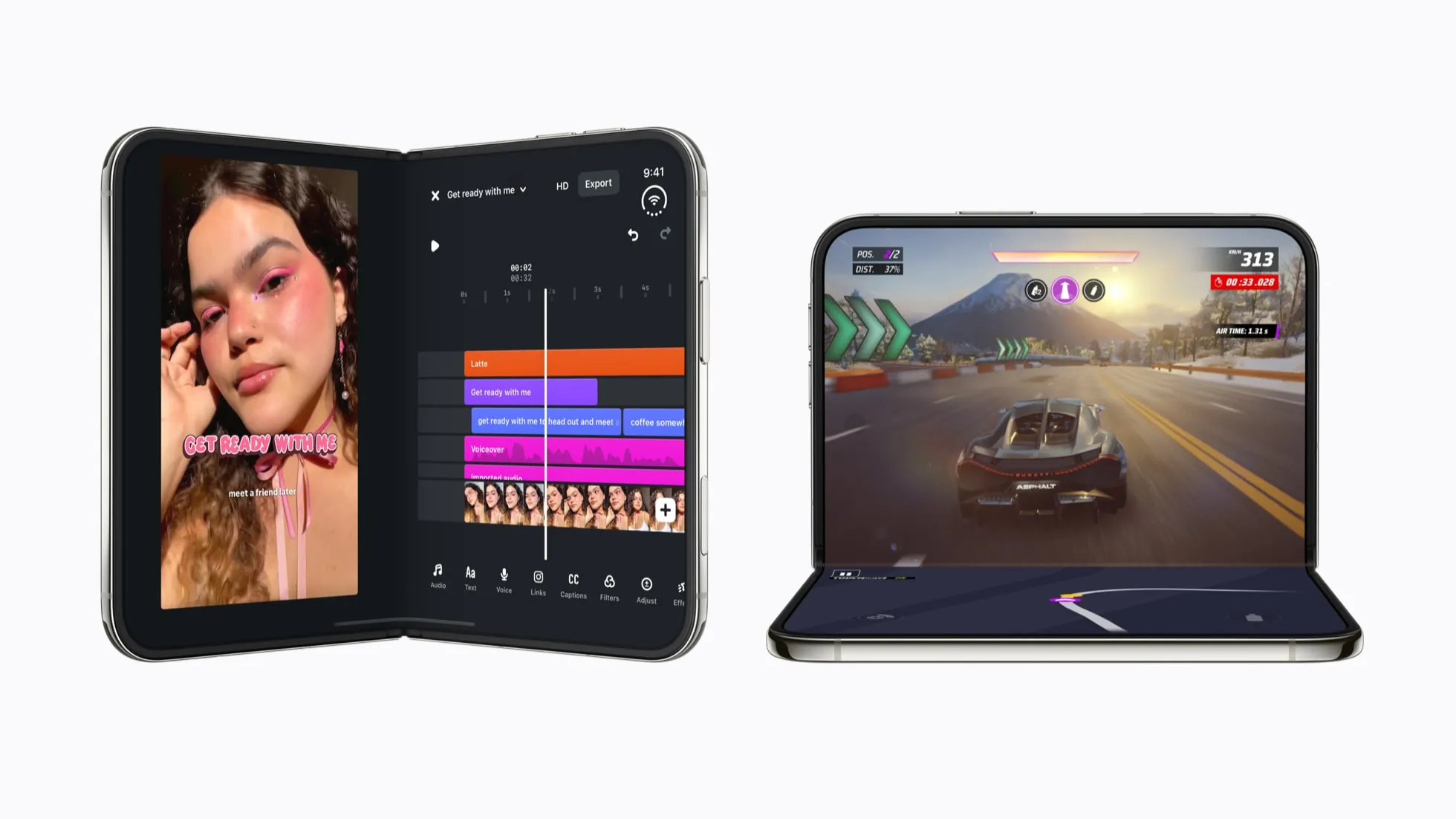
The outer screen isn't limited to lighting duty. While the Duo is open, it can also mirror Halide's camera controls or show a clean, full-screen viewfinder without controls, letting the person being photographed see how the shot is framed before it's taken, 9to5Mac reports.
What's new in Halide 3.4 for iPhone Duo, and everyone else
XL mode is the other headline addition, swapping the photo preview for a larger viewfinder and placing controls on both sides for two-handed shooting (9to5Mac; PetaPixel). Previously, the fully-open Duo layout let users review their most recent shot alongside the live viewfinder; XL mode replaces that preview with a bigger frame for composing the image itself, per 9to5Mac.
Halide also built an interface specifically for the Duo's half-folded position, placing the histogram along the display crease. The company compares this to how it handled the iPhone X notch back in 2017, saying it was first to "embrace the notch" then and believes it's now first to "embrace the crease," per PetaPixel. The update also revises the Photo Lab editing interface for use with the Duo half open, 9to5Mac notes.
Owners of standard iPhones aren't left out. Version 3.4 restores the shutter timer and the color and luminance histograms that shipped with Halide Mark II, on other iPhone models beyond the Duo (9to5Mac; MacRumors). The timer lets photographers delay the shutter after pressing the button, while the two histograms give a visual readout of exposure, one tracking color distribution across channels and the other focused purely on brightness, per Tekticia.
Halide 3.4 also continues a pattern of fast, incremental releases tied to new hardware. Version 3.1 added RAW-only capture, and 3.2 brought Aperture Priority support for the iPhone 18 Pro, arriving roughly three weeks after that phone launched, 9to5Mac reports. The Duo update follows the same cadence, landing just under a month after the device itself hit shelves.
On pricing: Halide Mark III launched earlier this year as a free upgrade for existing Mark II owners and subscribers, with new users paying $19.99 a year or $59.99 as a one-time purchase, per Lux Optics. That pricing dates to the Mark III launch, well before version 3.4, so current App Store pricing is worth checking before buying.
What to do now
Fill Light is confirmed and available now in Halide 3.4 for iPhone Duo owners running the current version from the App Store.
The cited coverage presents it as a low-light alternative to the dedicated flash; its practical range, brightness output, and battery or heat impact at sustained maximum screen brightness remain untested in the current reporting. Duo owners can try Fill Light directly and compare the results against their own flash shots before relying on it for anything that matters. Anyone without an existing Mark II or Mark III subscription should confirm current App Store pricing, since Lux Optics' free-upgrade terms date to the Mark III launch earlier this year, not to this update.






Comments
Be the first, drop a comment!